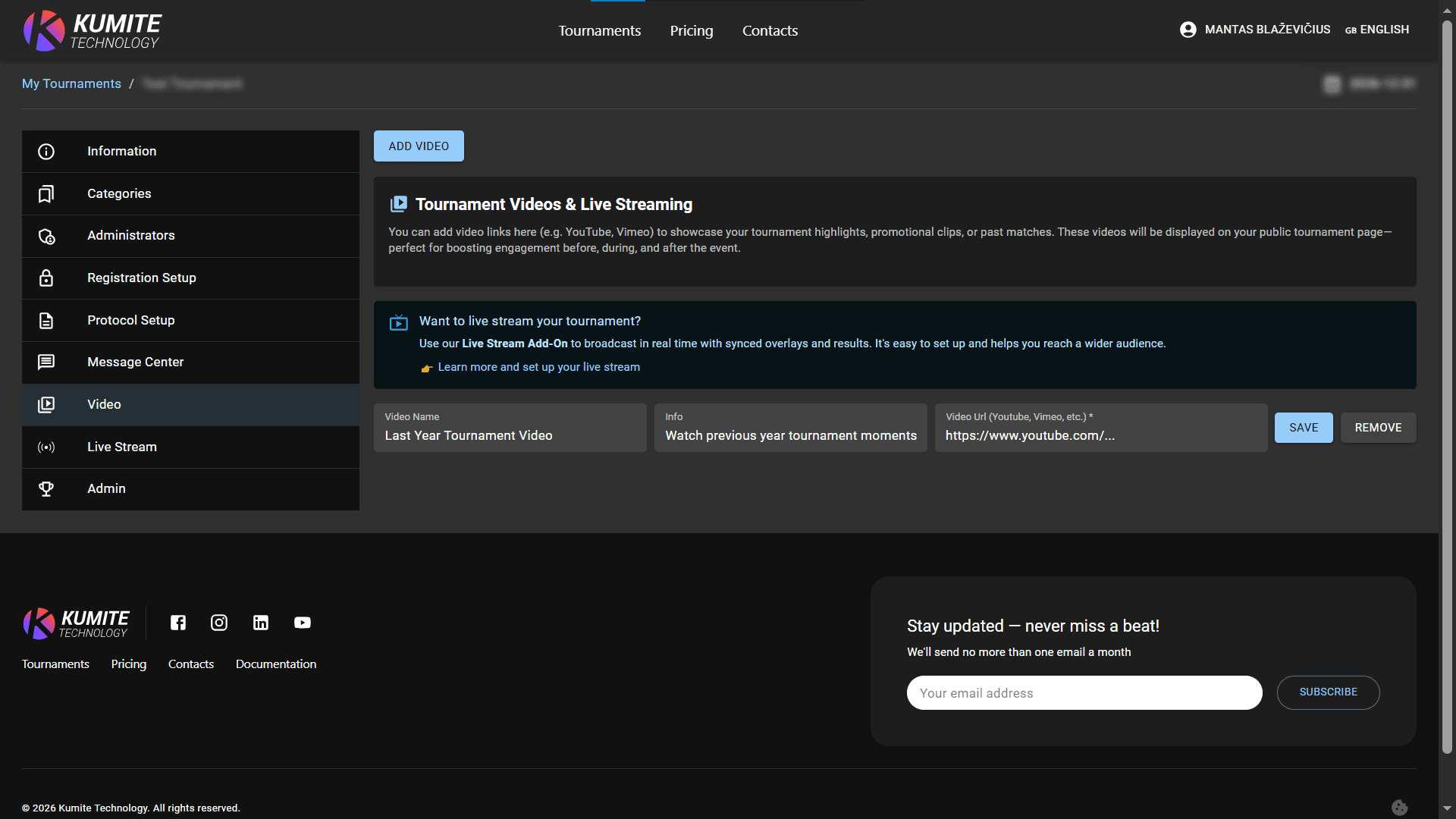

Video
Follow these steps to attach video in KumiteTechnology.
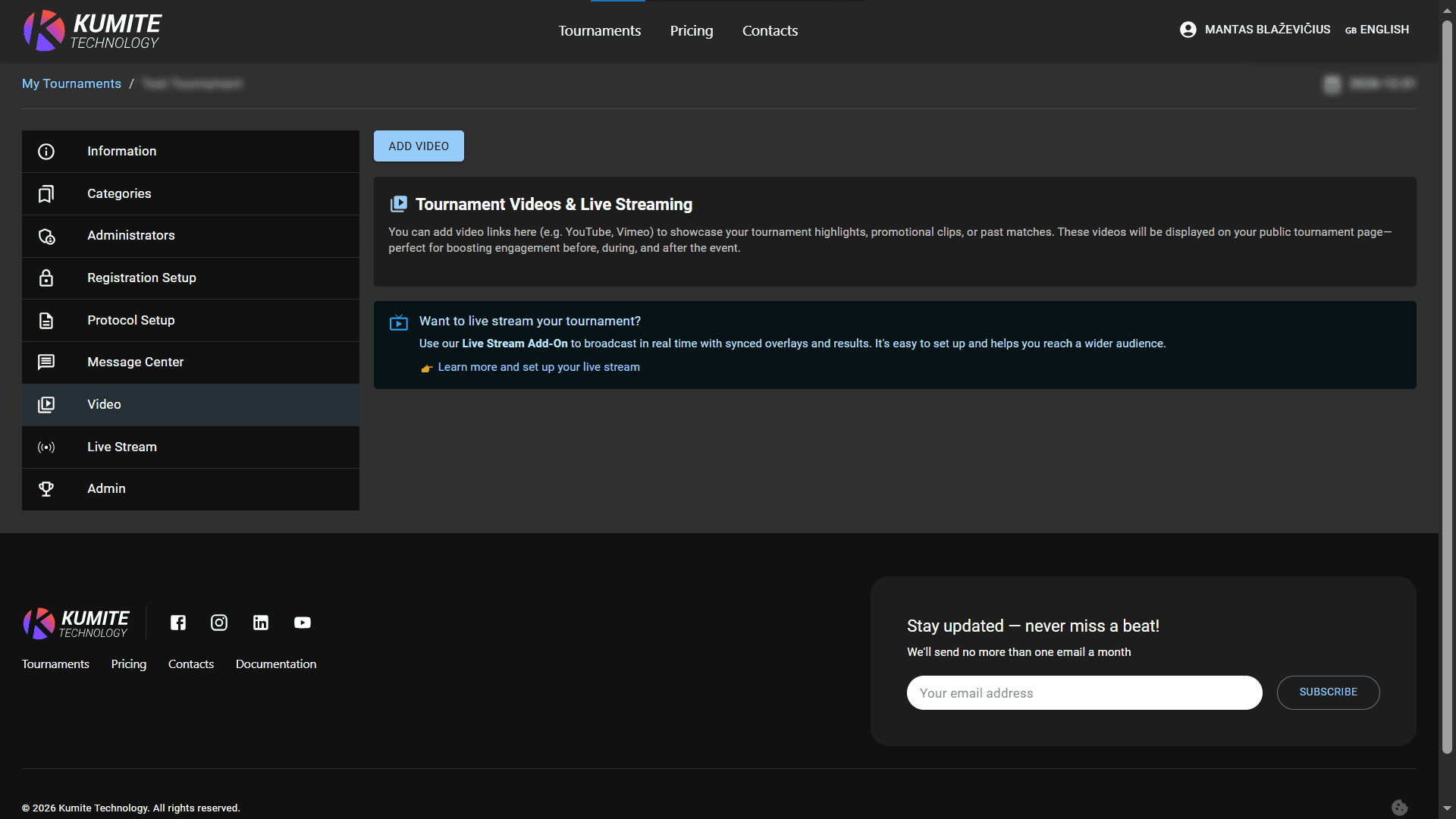
1. Go to Video
Open your tournament settings dashboard and select Video from the navigation menu.
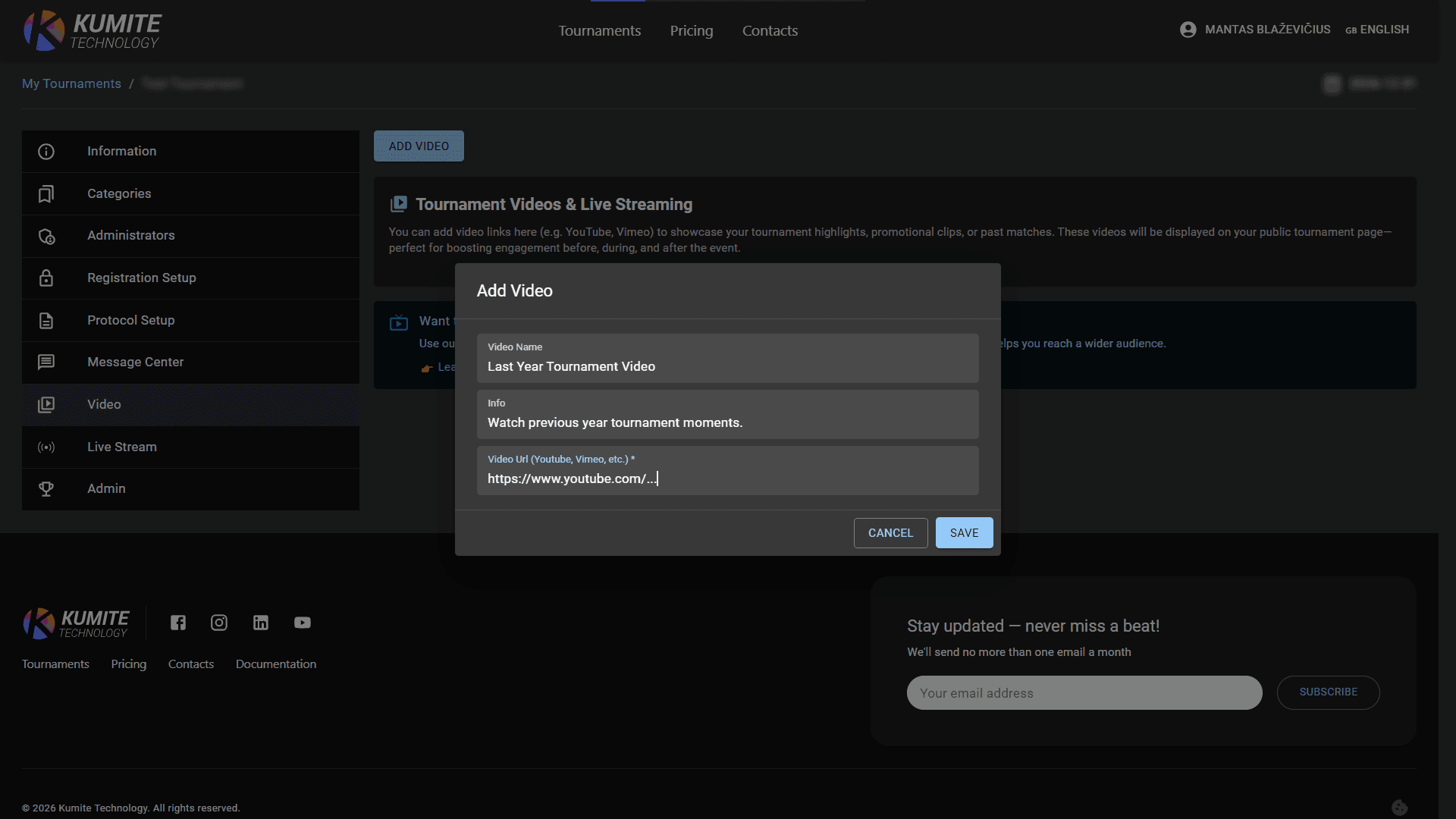
2. Add Video
Click Add video, enter video name and a short description, paste the URL from YouTube, Vimeo, or other supported platforms and click Save.
3. Edit Added Video
If necessary, change video name, info, URL and click Save. Click Remove if needed.