

Create Tournament
Follow these steps to set up a new tournament in KumiteTechnology.
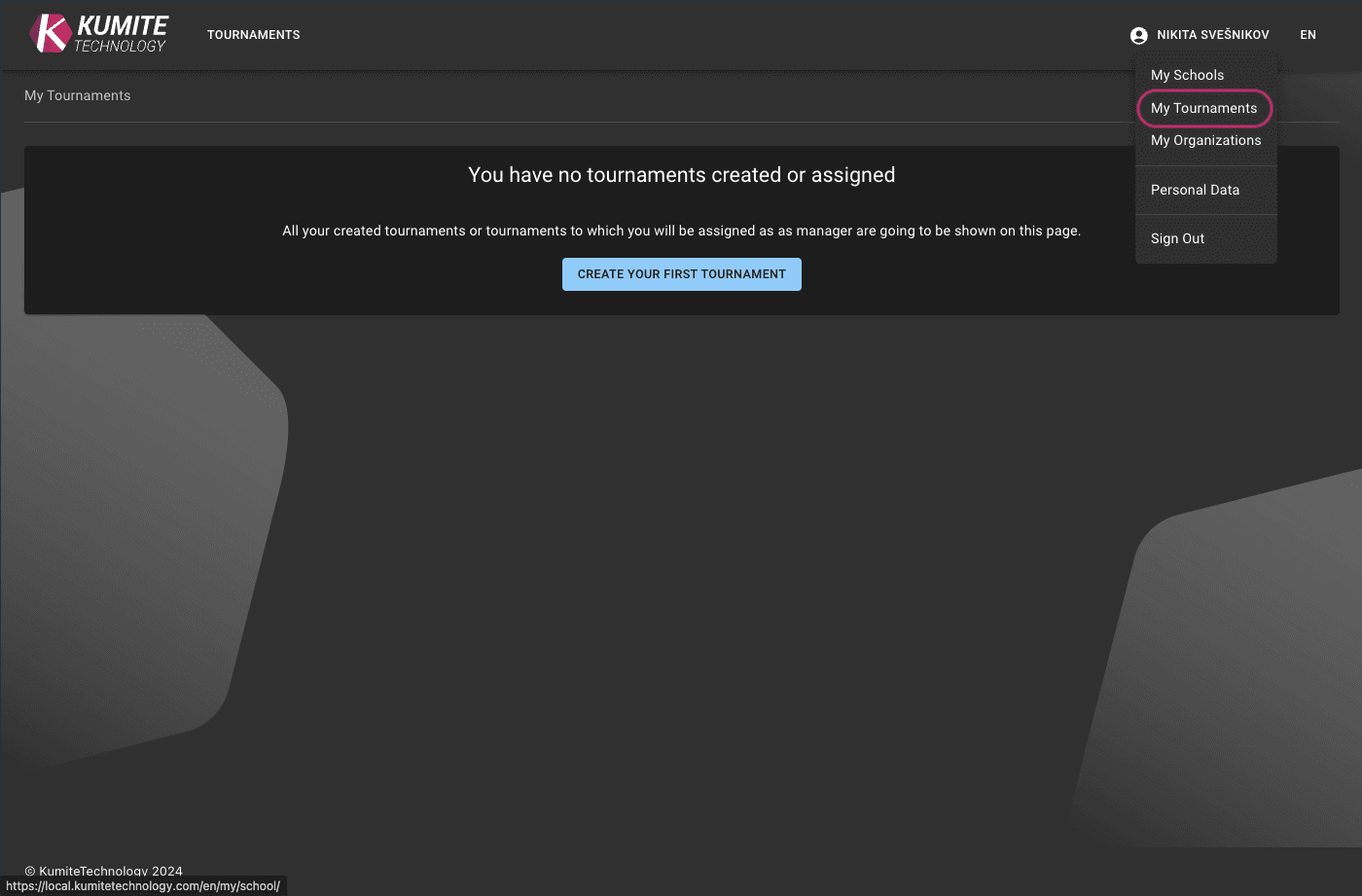
1. Go to My Tournaments
Open My Tournaments from your dashboard. If you have no active events, click the Create your first tournament.
2. Enter Tournament Details
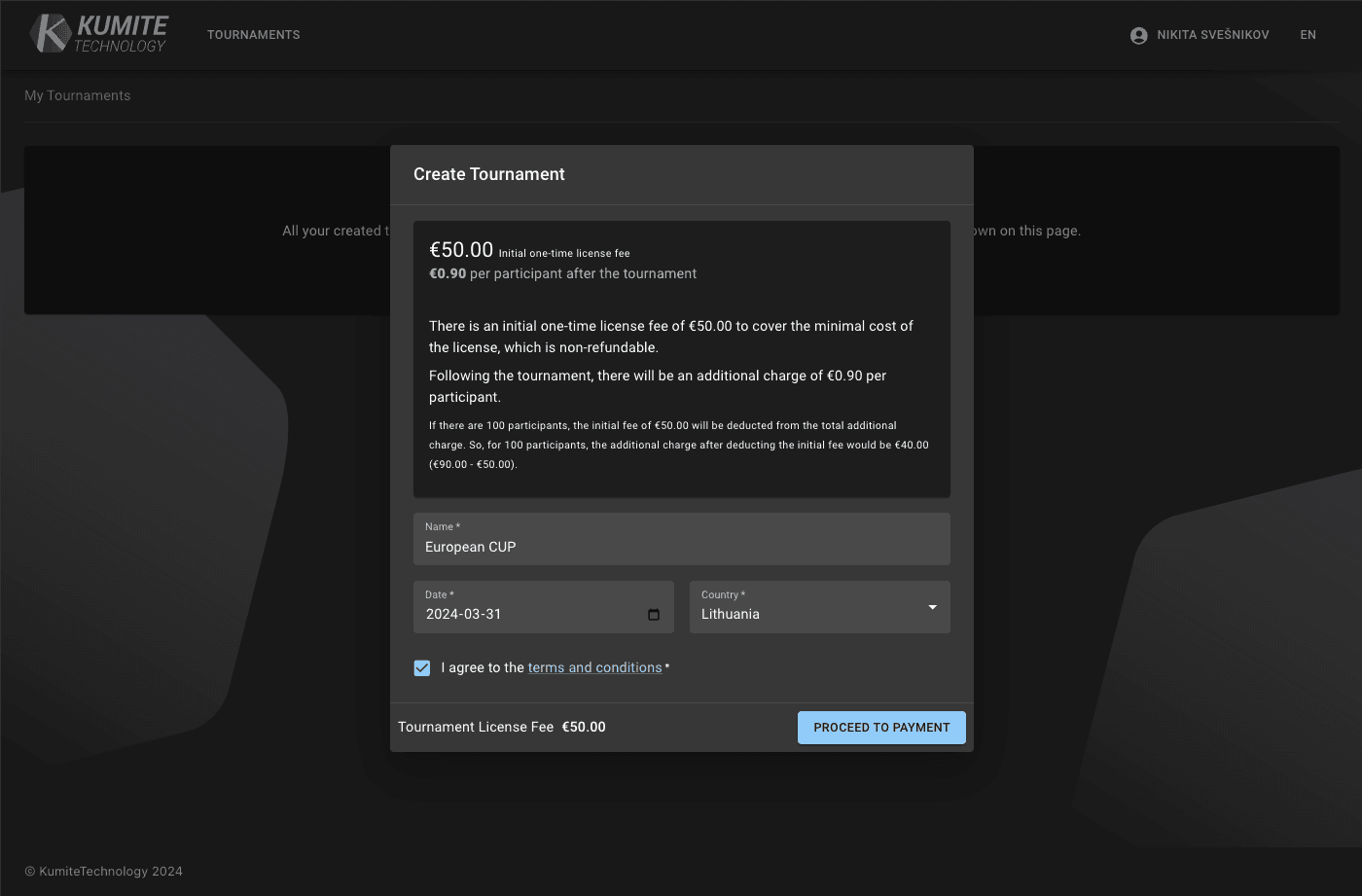
In the creation dialog, fill in the required fields: name, date, location, and discipline.
3. Finalize
Complete any required payment steps (if needed) to activate the tournament. Once finished, the event will appear in your tournament list, and you can proceed to further configuration.