
Teams
Follow these steps to manage teams in KumiteTechnology.
1. Go to Participants list
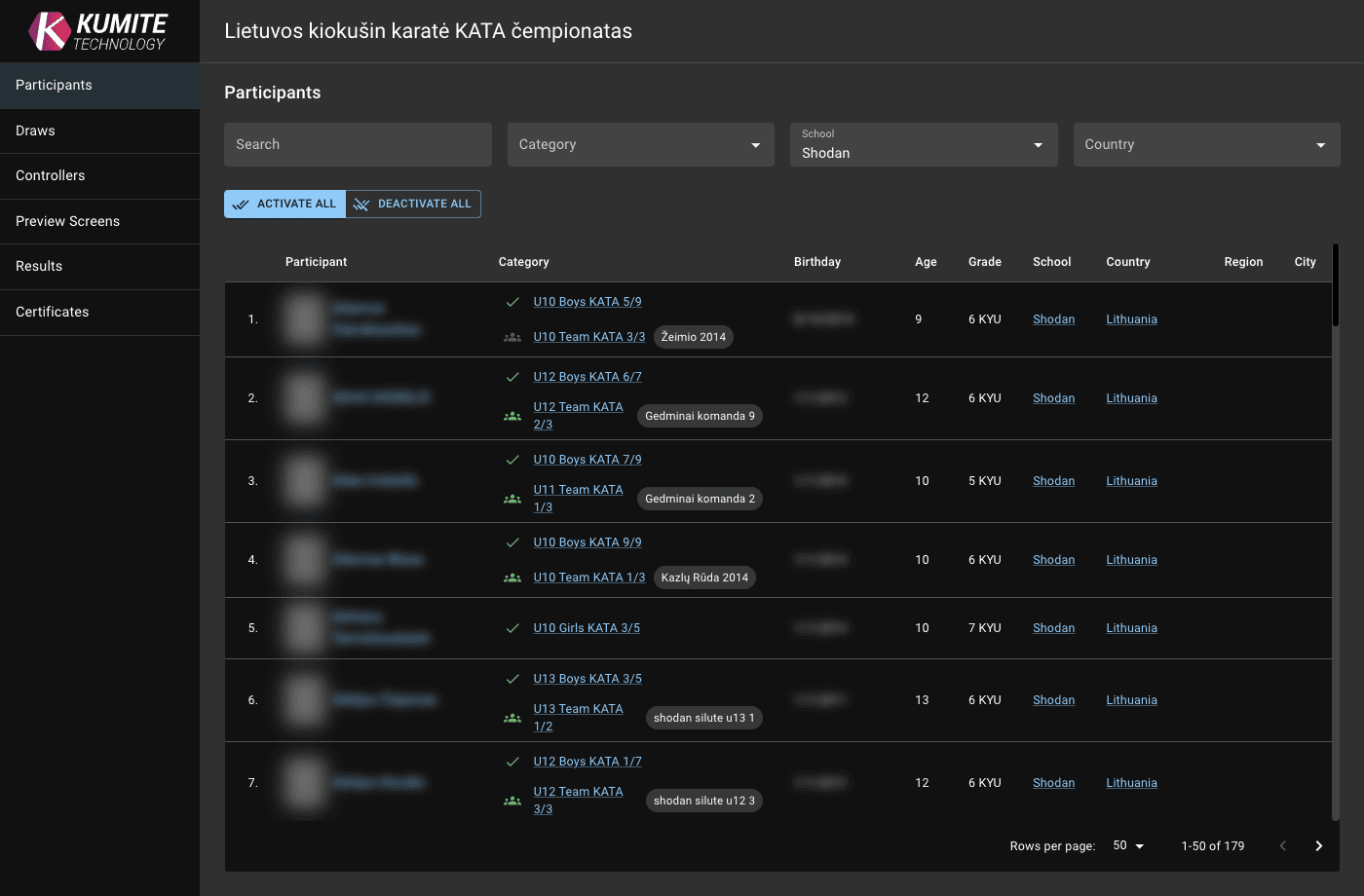
Open your tournament admin page and select Participants from the navigation menu. Click on a team name.
2. Activate Team
Click the team icon near the name to activate it.
3. Manage Team Members
-
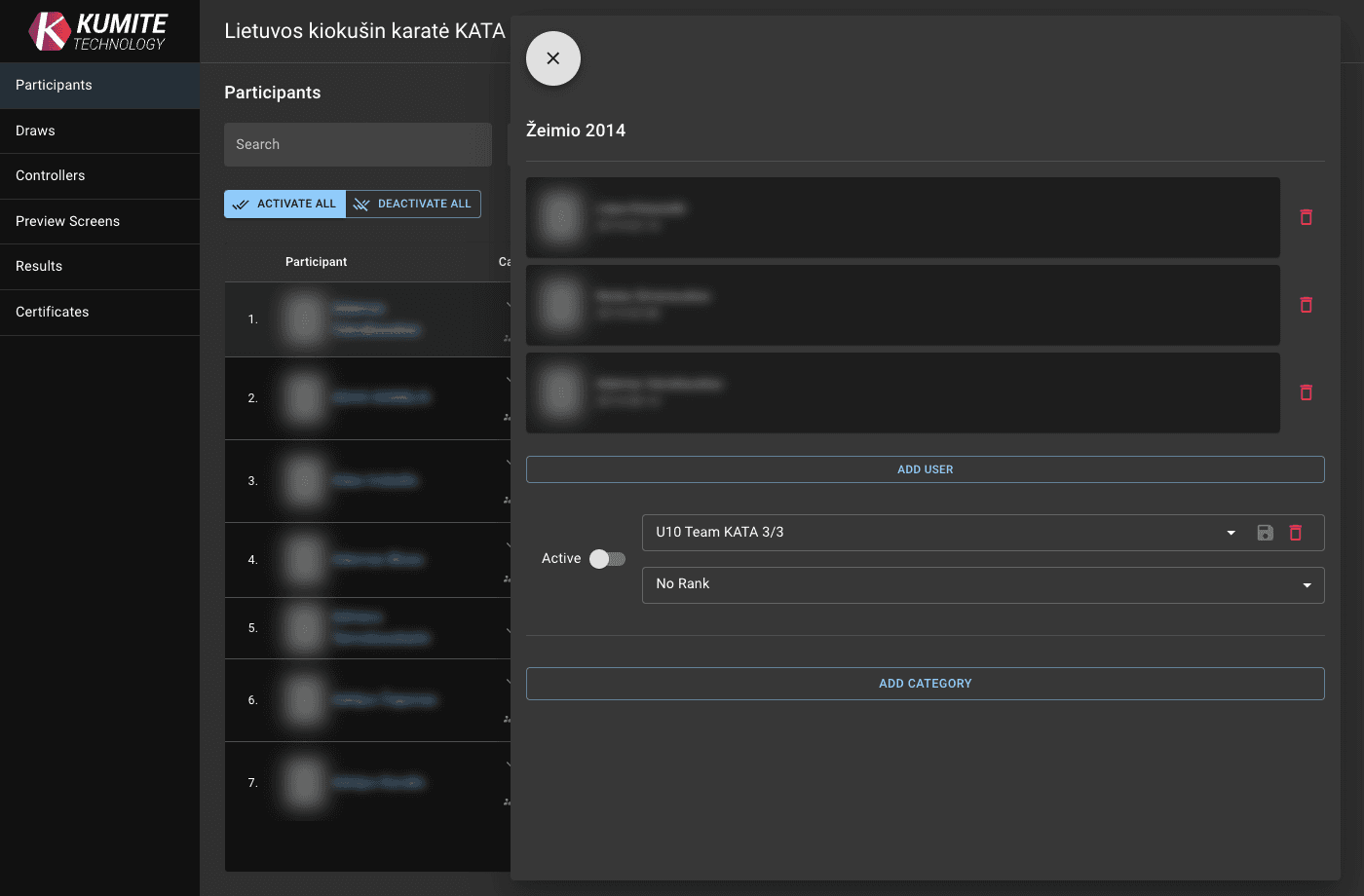
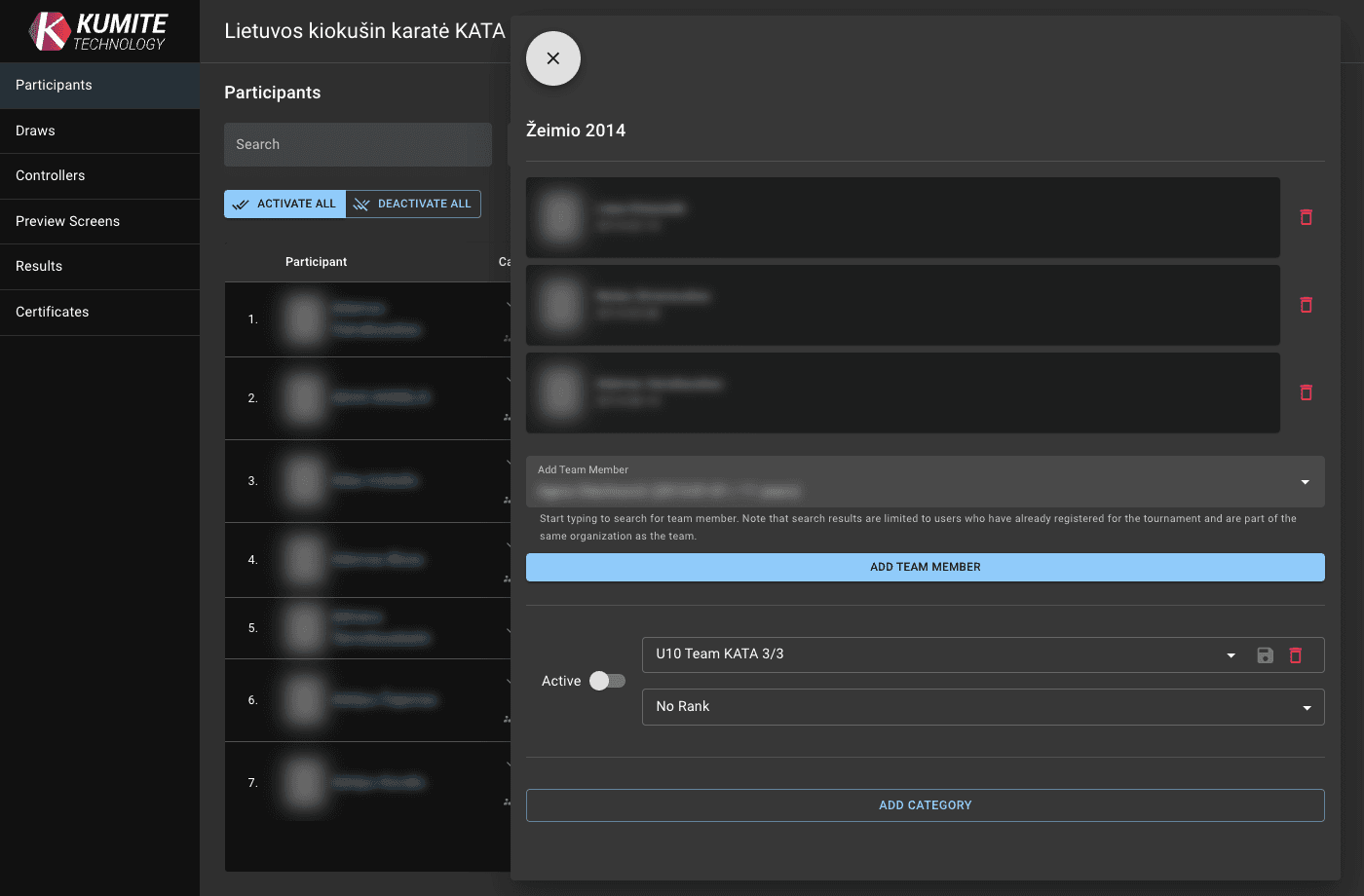
Click
Add Memberand search for registered participants for this tournament from the same school and clickAdd Team Member. -
Click the delete icon to remove team member.