

Participants
Follow these steps to manage participants in KumiteTechnology.
Manage Participants
1. Go to Participants List
Open your tournament admin page and select Participants from the navigation menu.
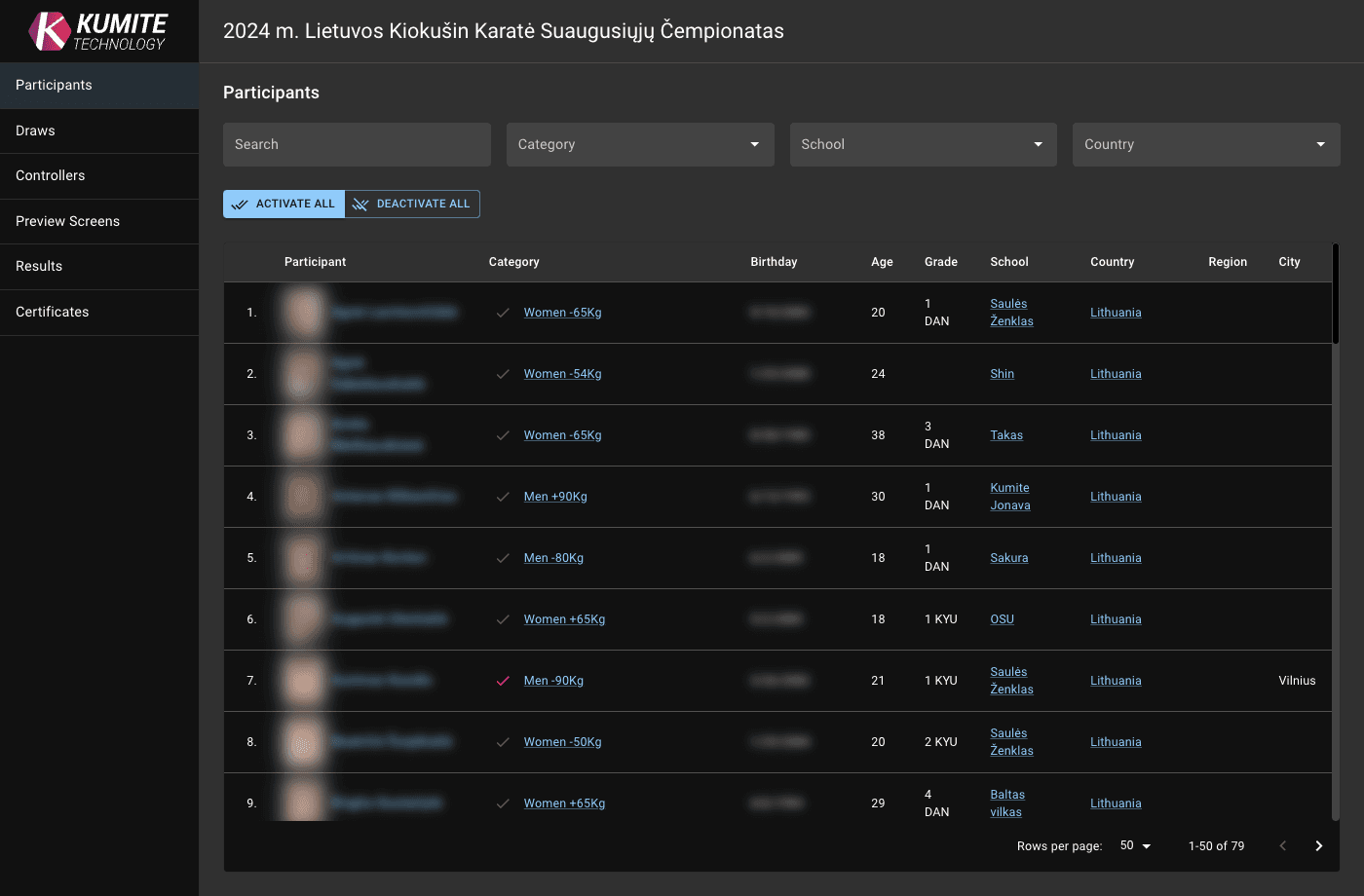
2. Weight-in and Activation
Click on a participant's name, weigh-in, and click save icon. Use filters to find specific participants or categories easier.
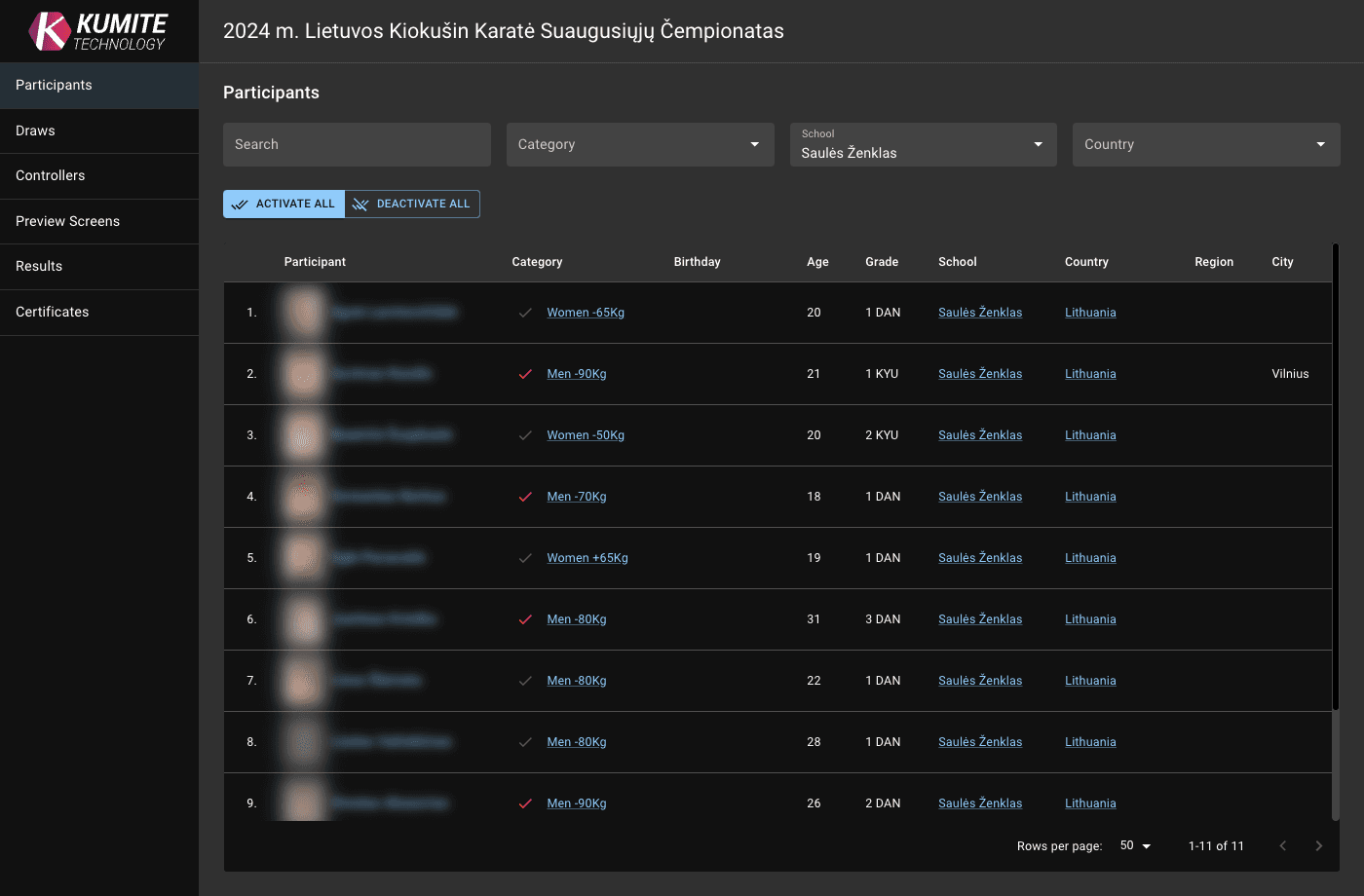
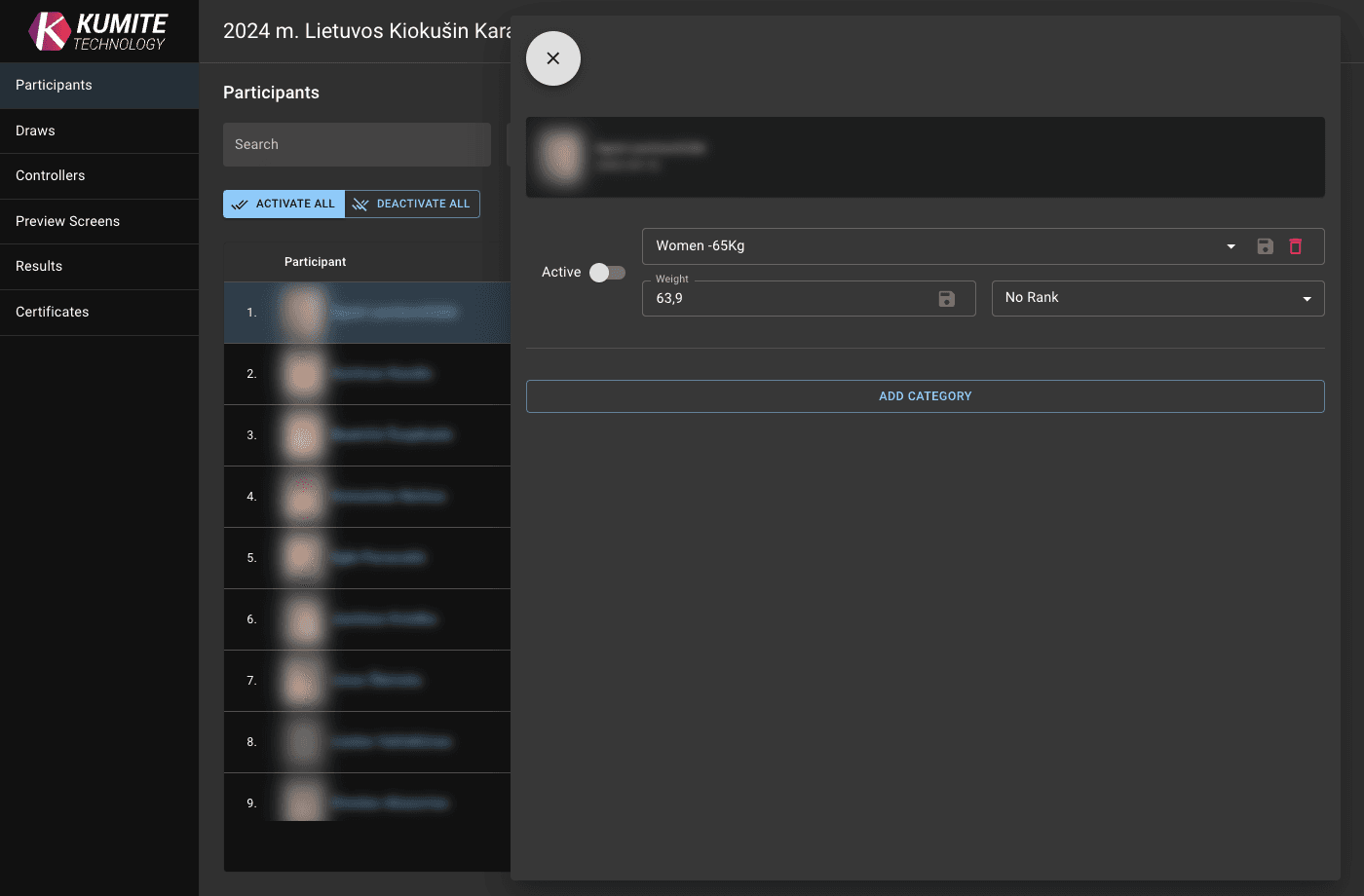
3. Change Category
Click on existing category and select another one if needed, click Save. (Only tournament Administrators can do that)
Adjust Categories
1. Split a Category
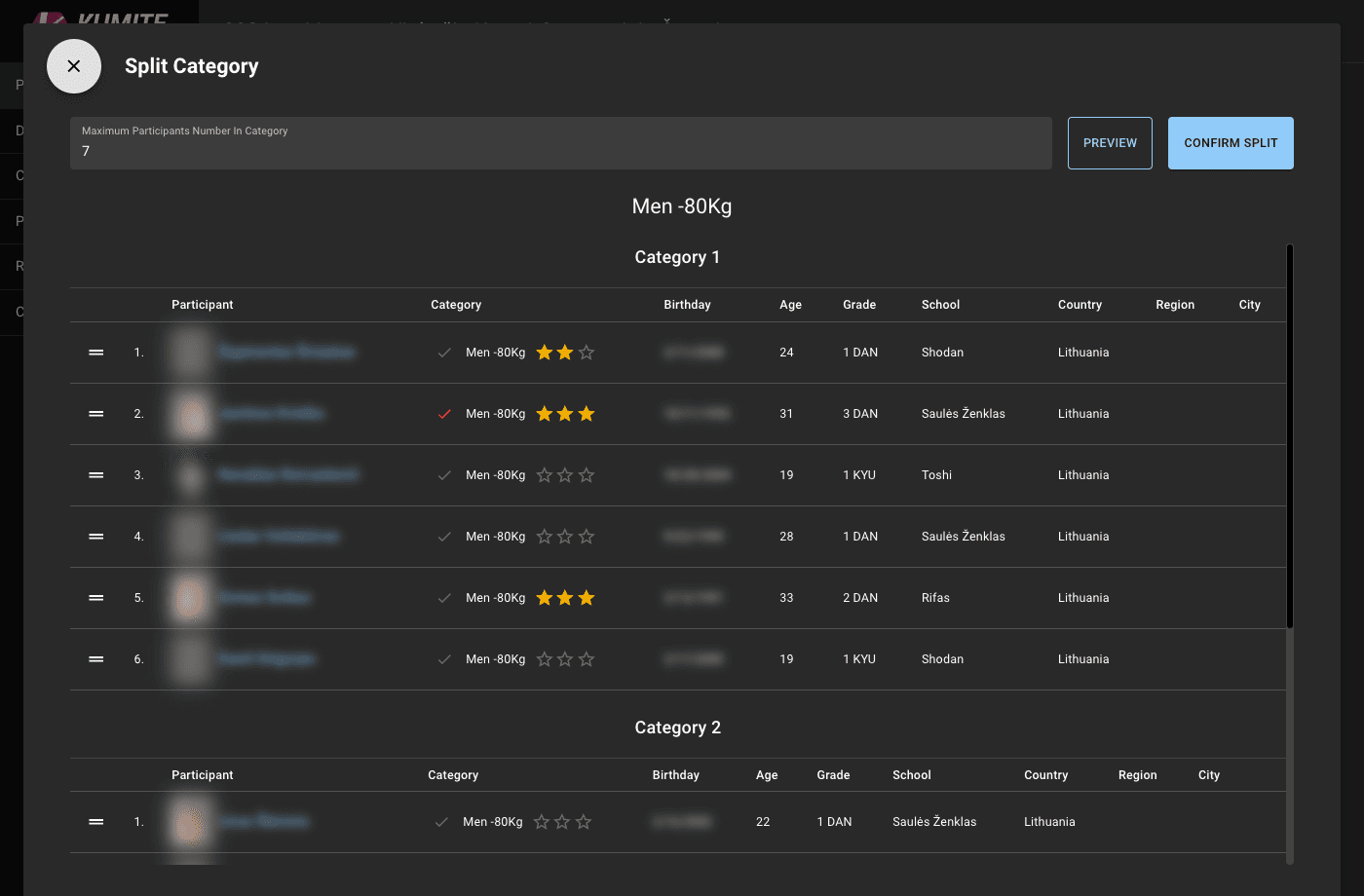
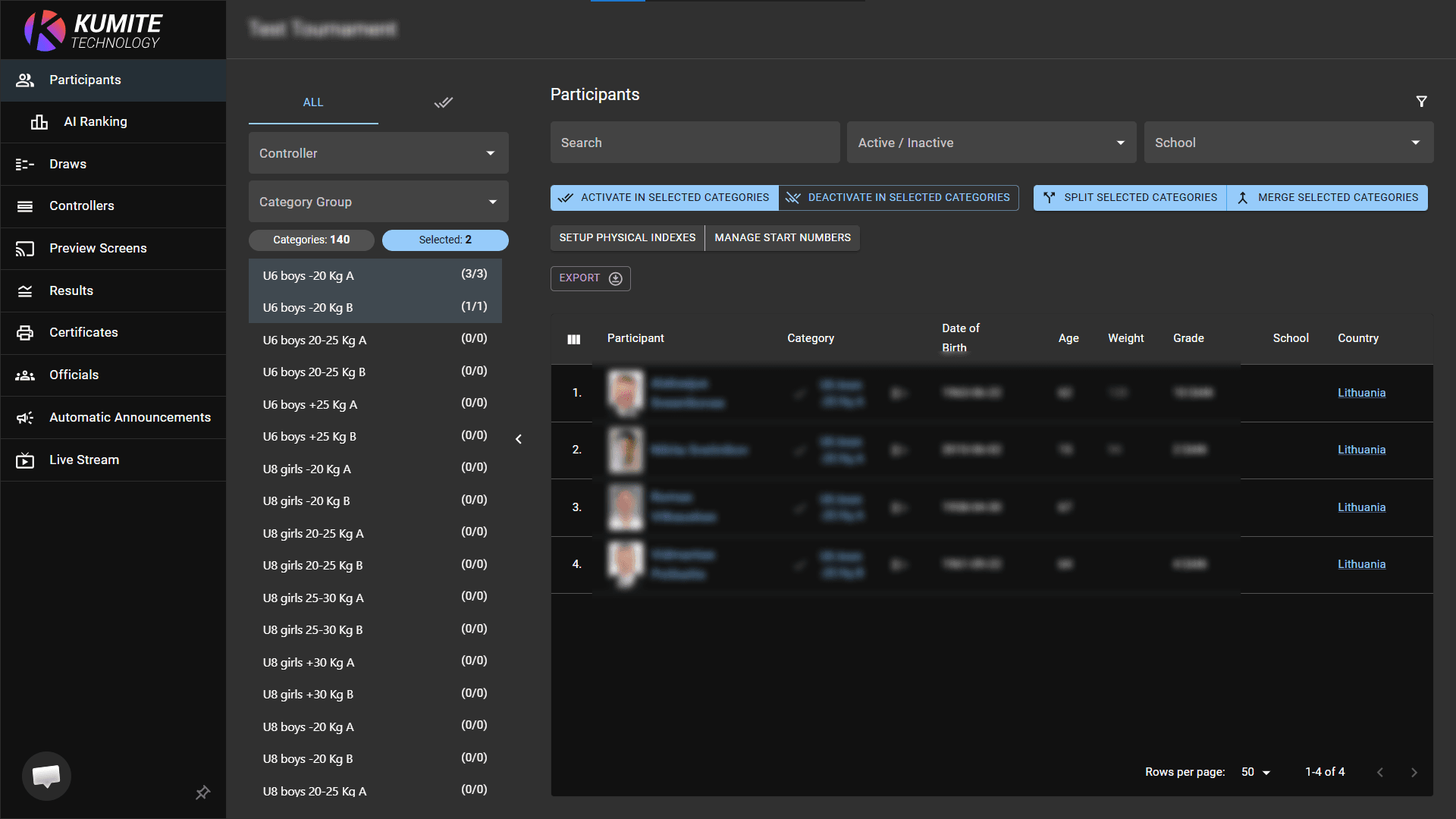
Select the category you want to divide. Click Split selected category and enter the maximum number of participants per new category. Click Preview to see the result. You can drag and drop athletes between the new groups. Click Confirm Split.
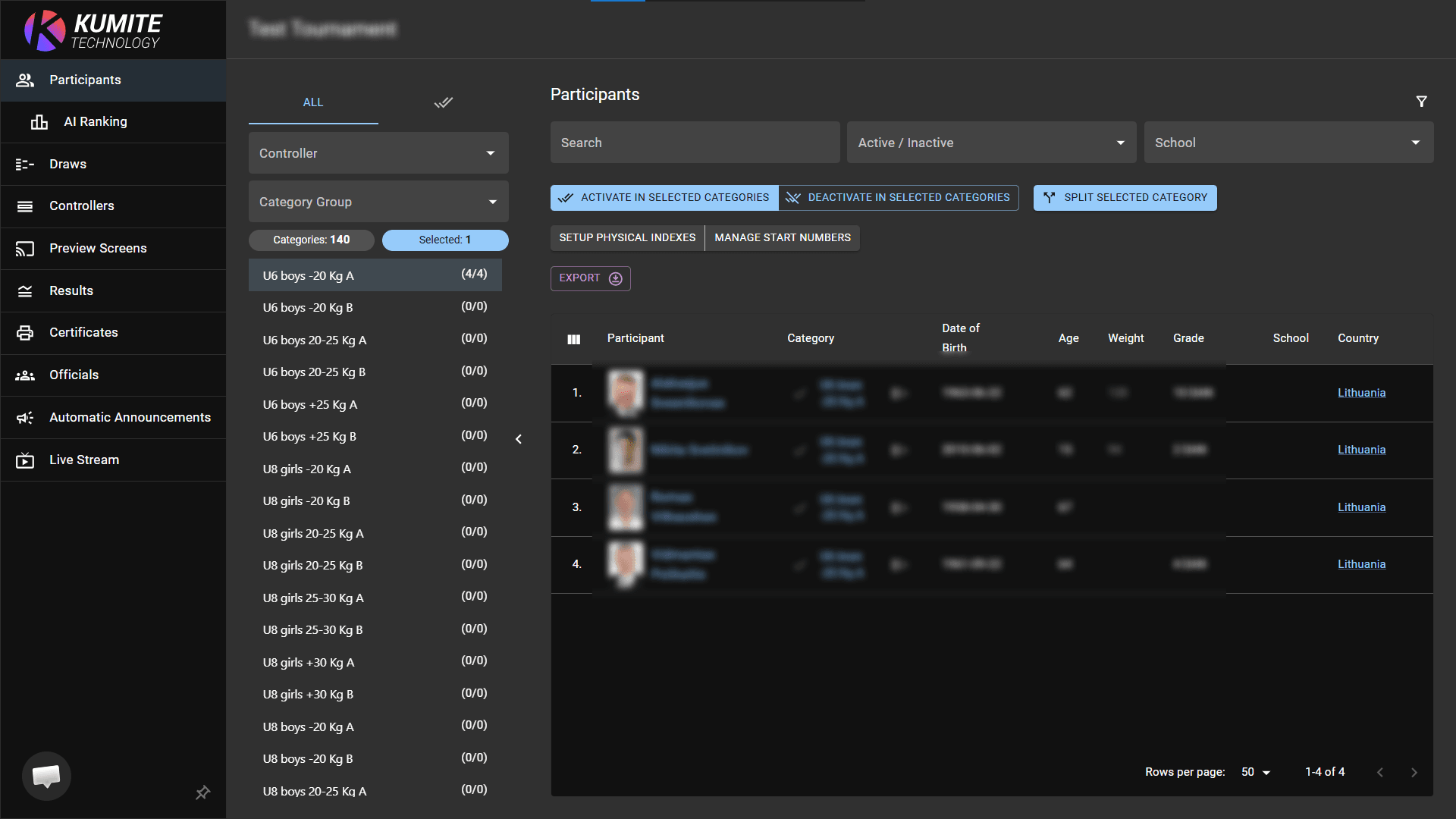
2. Merge Categories
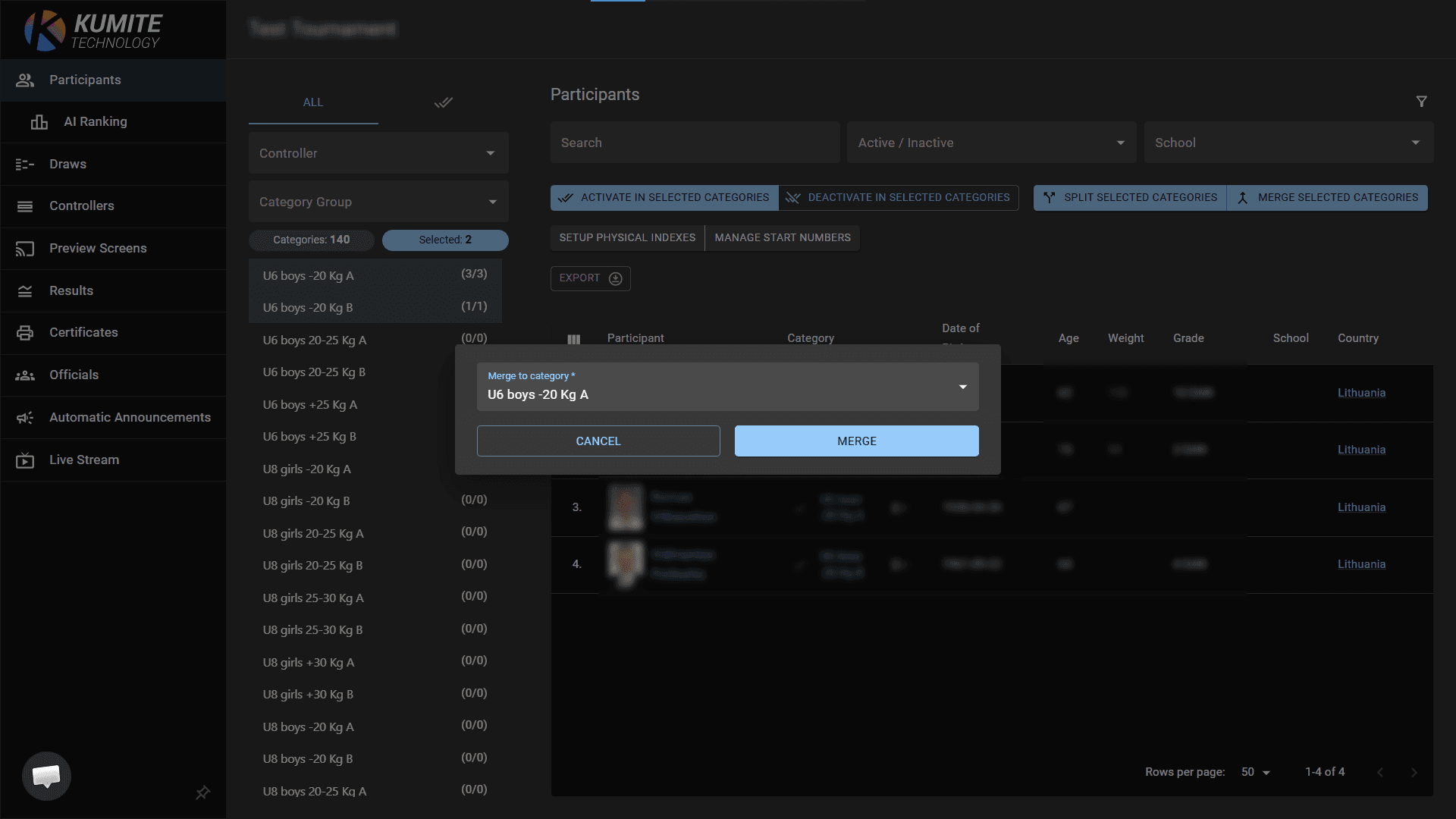
Hold CTRL and select the categories you want to combine. Click Merge selected categories. Select Merge to category (that one that will remain). Click Merge.
AI ranking
1. Access AI Ranking
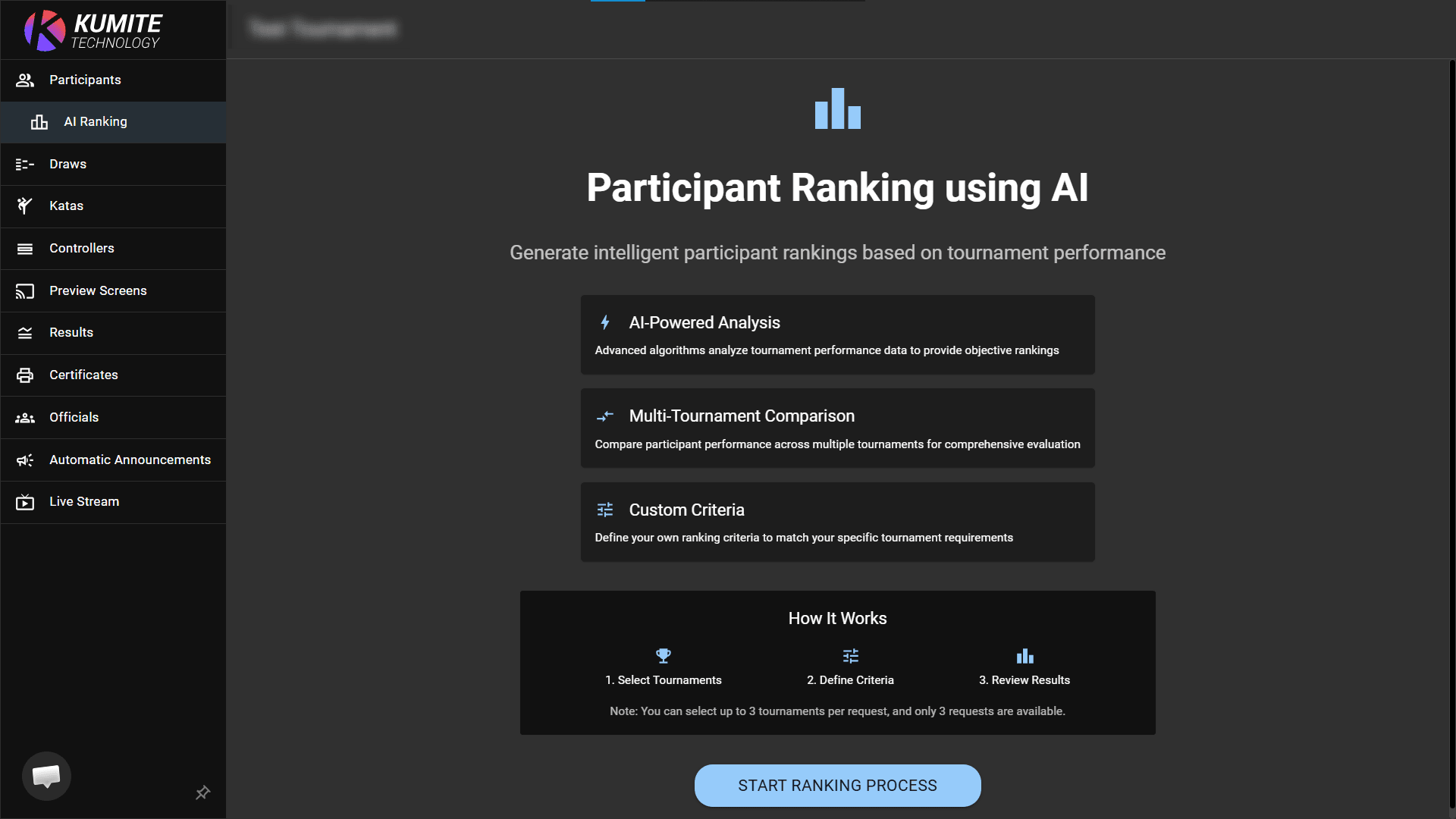
Select AI Ranking from the navigation menu and click Start Ranking Process.
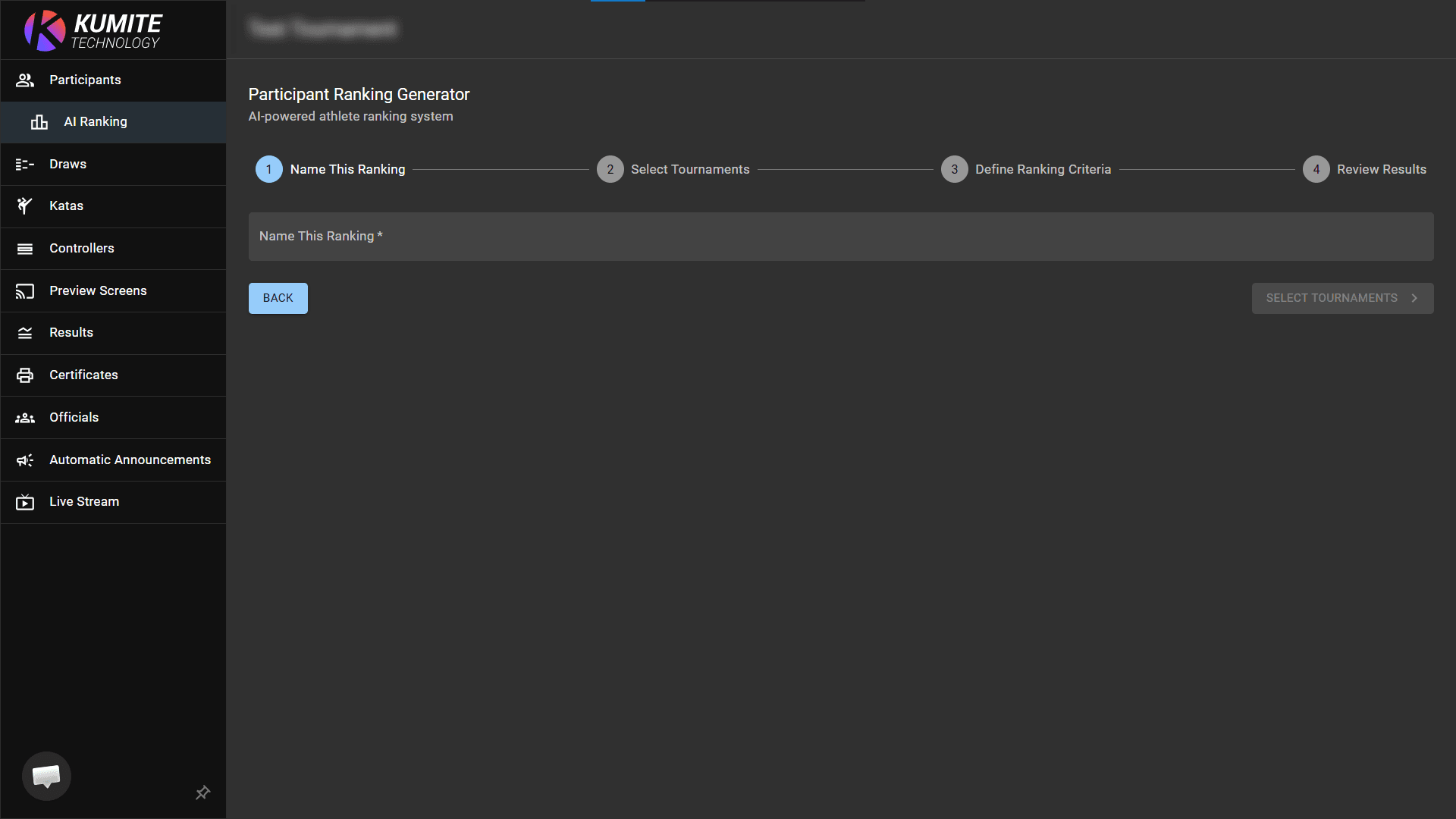
2. Name and Select Tournaments
Enter a name for your ranking report. Click Select Tournaments to choose up to 3 previous tournaments for data analysis.
3. Define Criteria
Set your custom ranking criteria (e.g., win ratio, total points, or placement weights) to match your tournament requirements.
4. Review Results
Analyze the generated list to view objective rankings before finalizing your tournament seeds or participant brackets.
Note: You can select up to 3 tournaments per request, and only 3 requests are available per account.