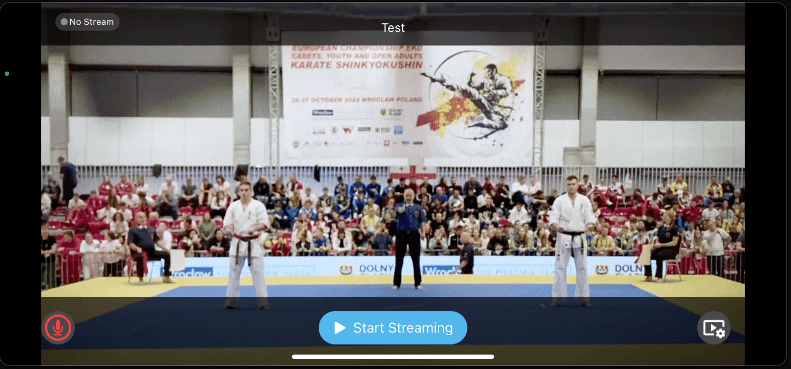

Live Stream
Follow these steps to broadcast your tournament live with real-time score overlays using KumiteTechnology.
Requirements:
- Device: iPhone (iOS 16+) and a stable tripod.
- Connection: Good internet and power suppply.
- App: KumiteTechnology Live app (from App Store).
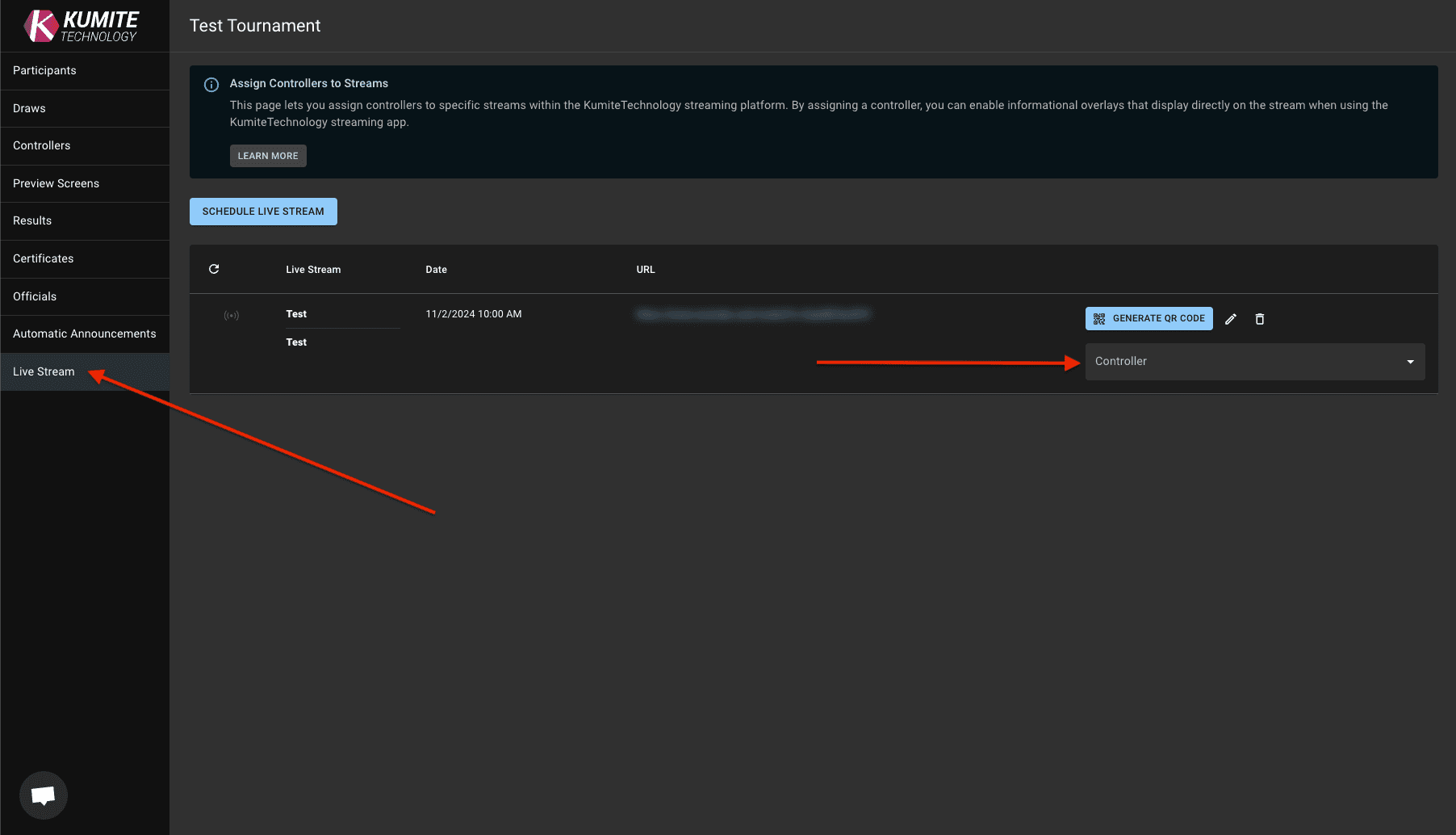
1. Go to Live Stream
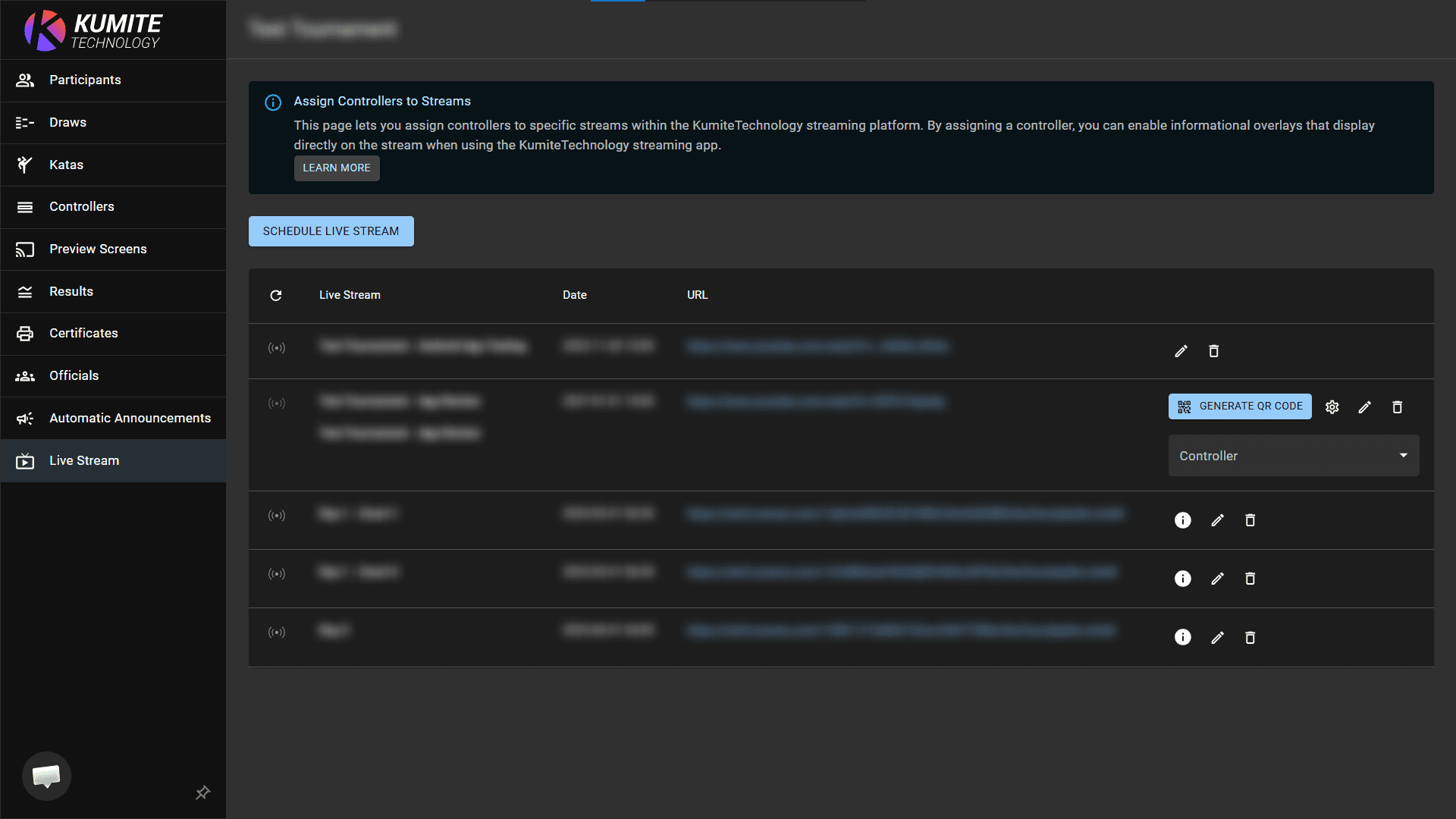
Open your tournament admin page and select Live Stream from the navigation menu.
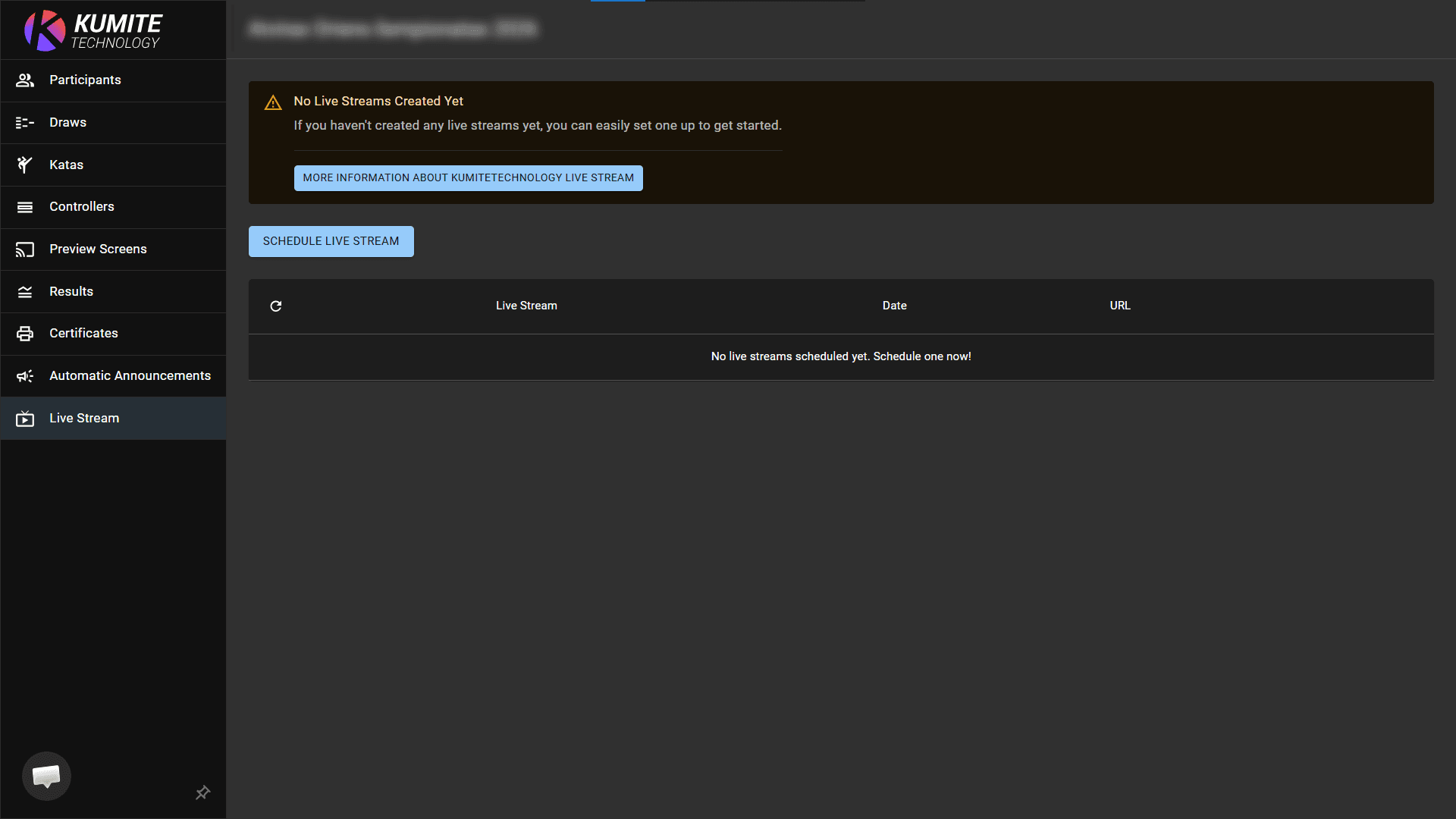
2. Schedule Live Stream
Click Schedule Live Stream, enter the stream name, date and description. Click Save.
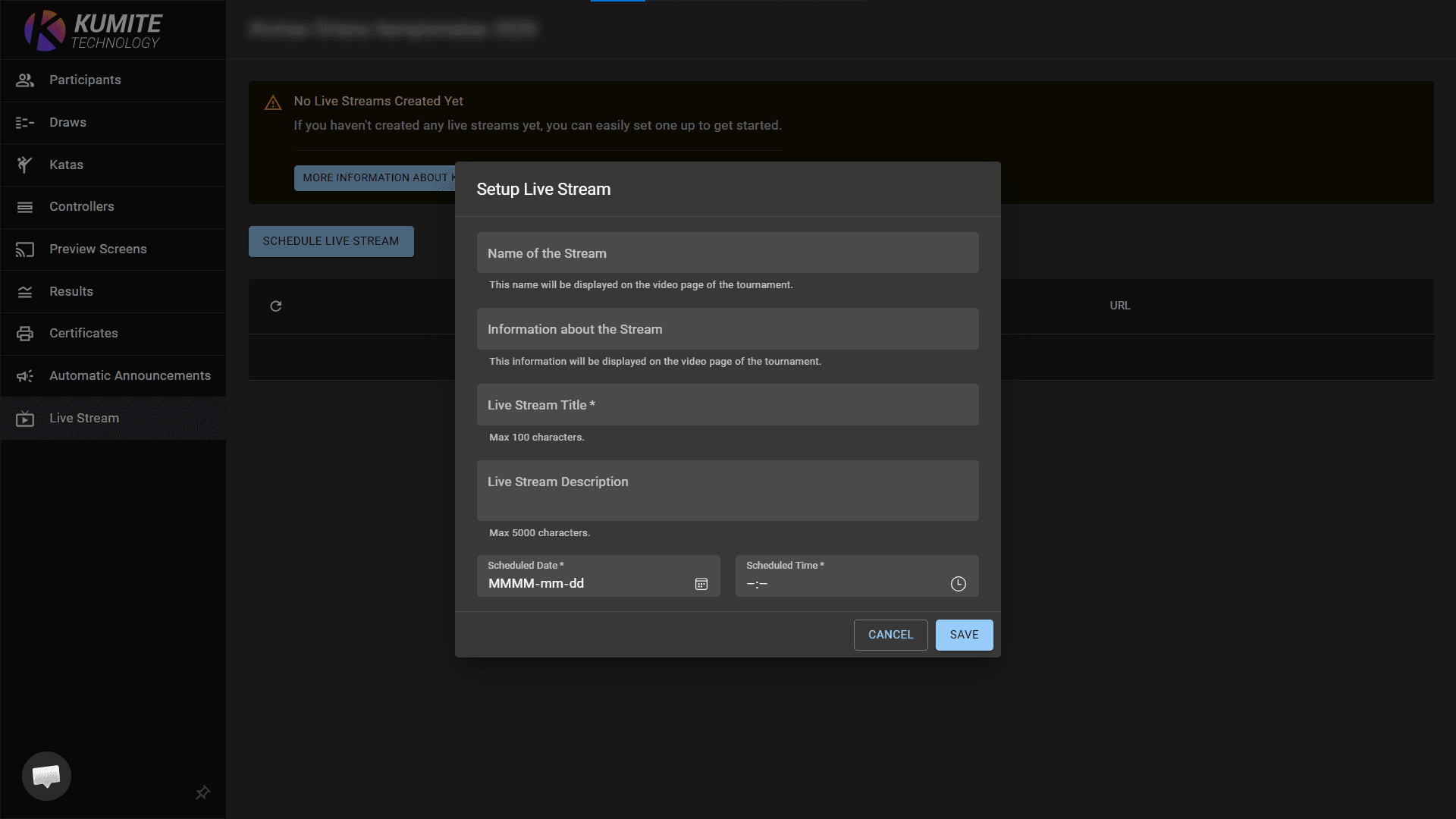
3. Assign Overlays
In the right side of Scheduled Live Streams list click Controller and select the controller you want to broadcast. The app will now automatically sync the live data from that mat wth the video feed.
4. Connect and Go Live
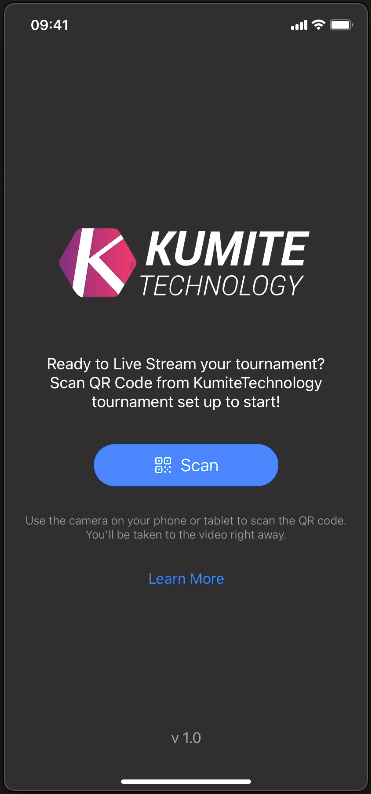
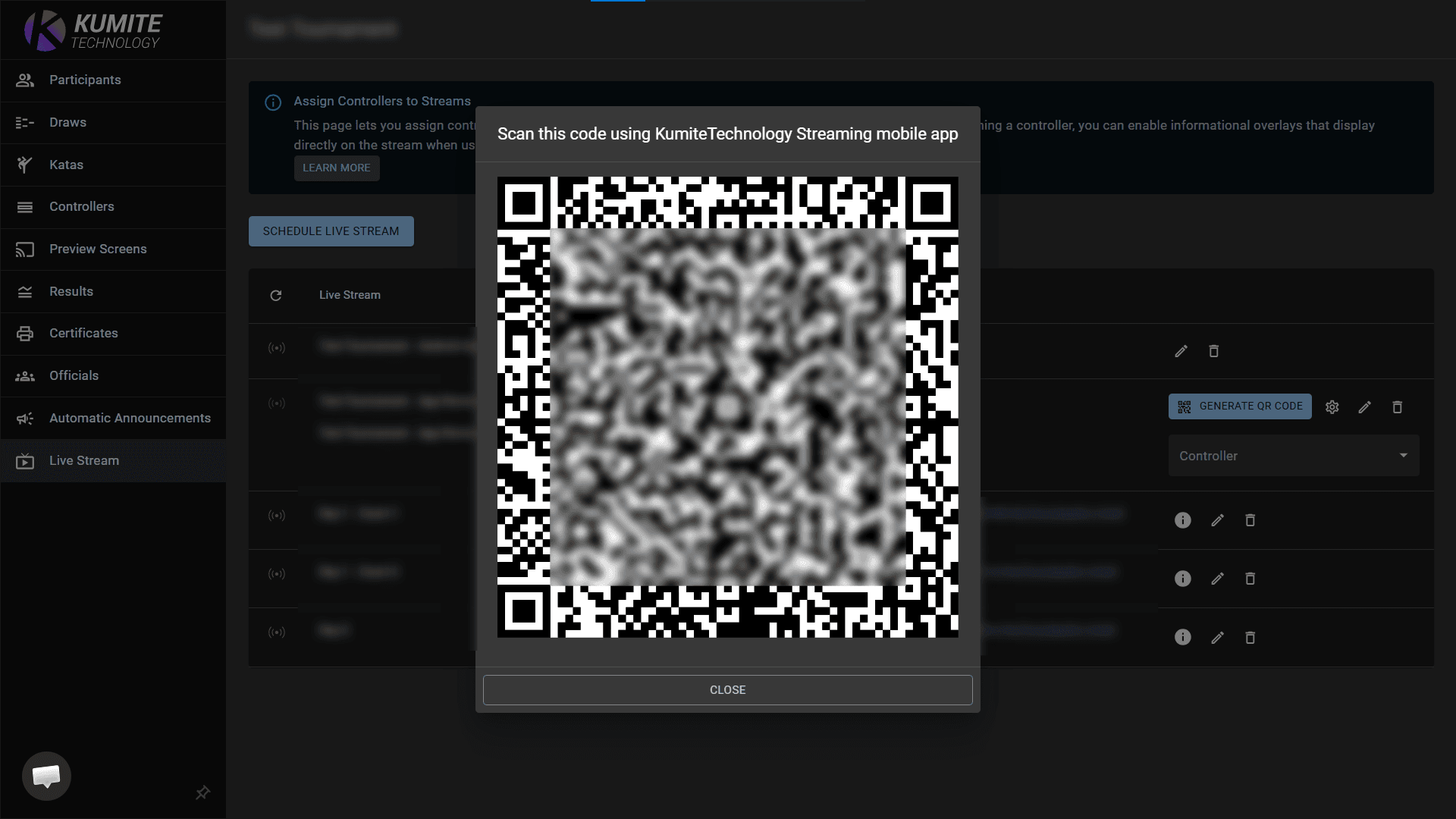
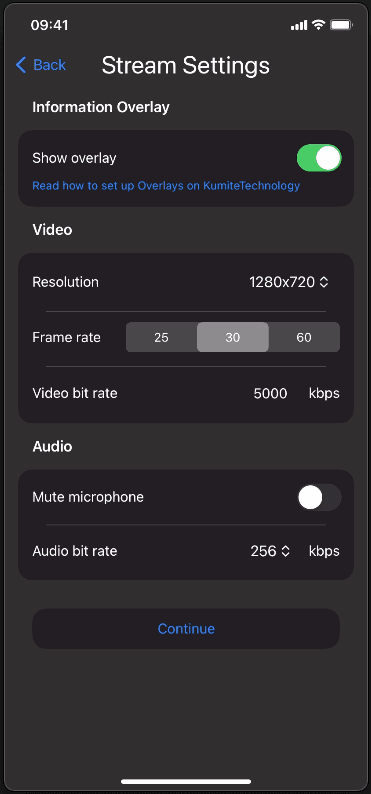
Launch the KumiteTechnology app on your iPhone. Tap Scan and point your camera at the generated QR Code on your screen. Adjust resolution and frame rate, then click Continue. Position your phone on the tripod and tap Start Streaming.