
Draws
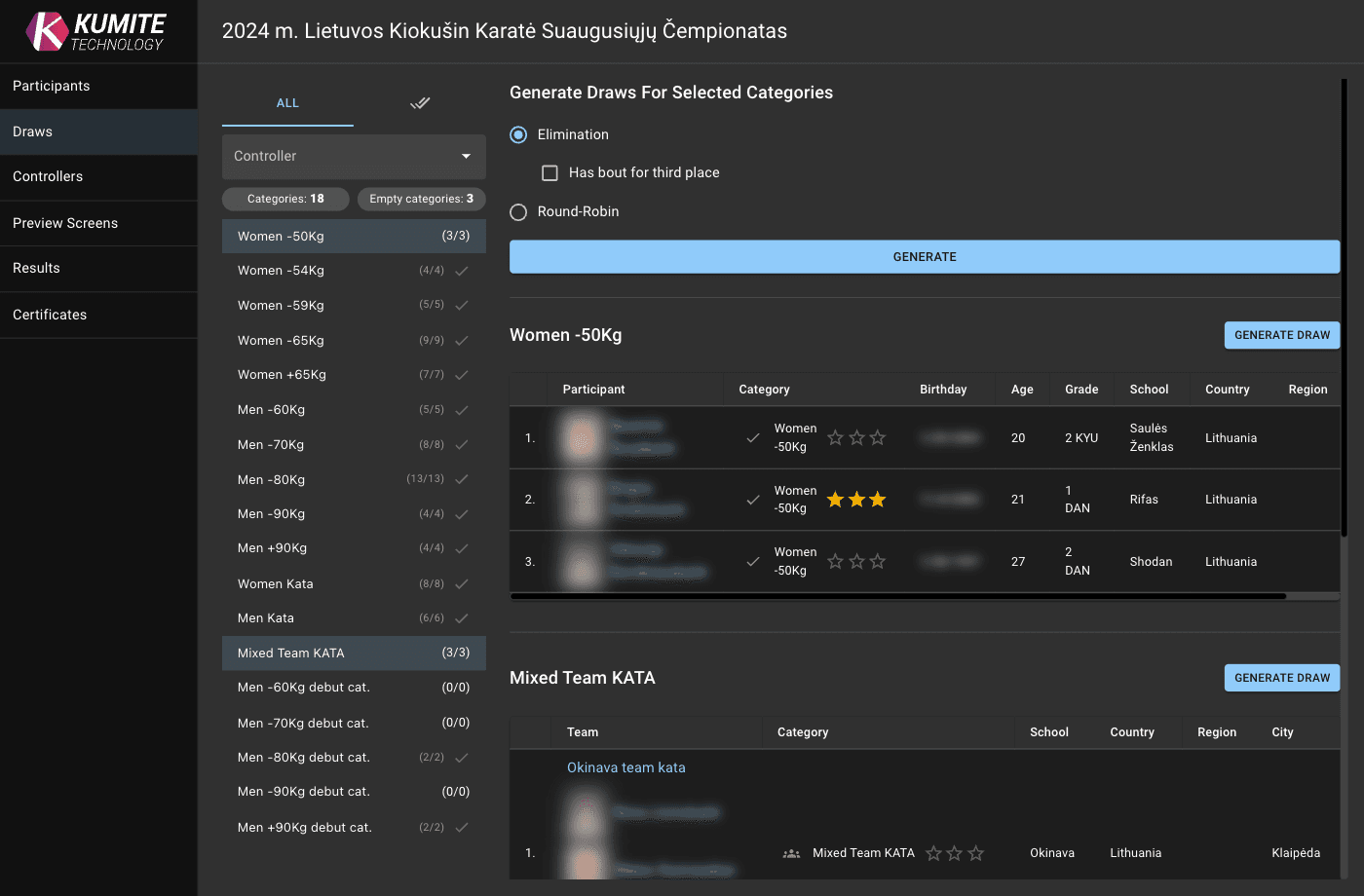
Follow these steps to generate and manage draws in KumiteTechnology.
1. Go to Draws
Open your tournament admin page and select Draws from the navigation menu.
2. Generate Draws
-
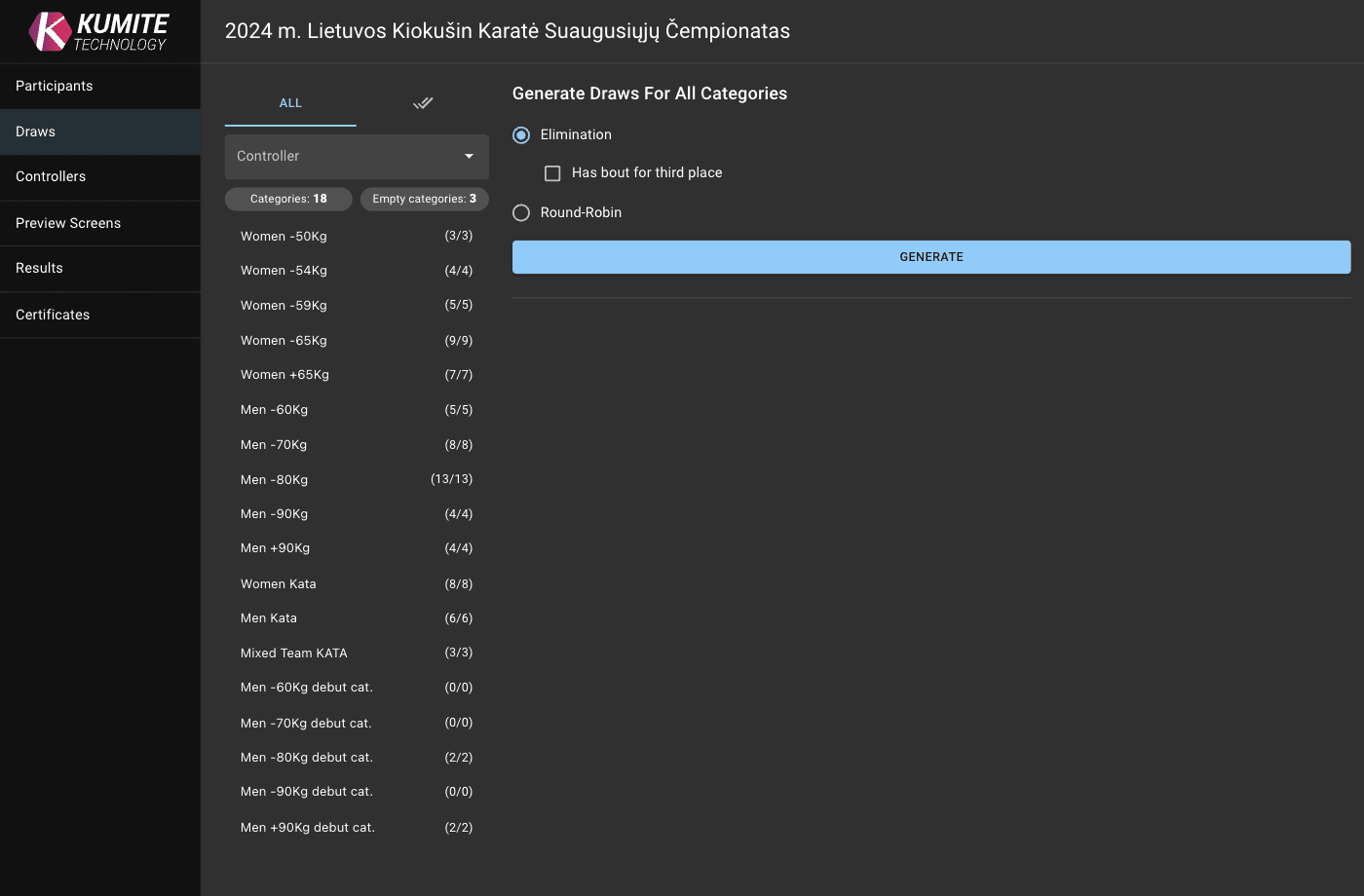
Bulk Generation: Configure your preferred draw settings and click
Generateto create brackets for multiple categories at once. -
Single Category: Select a specific category and click
Generate Draws.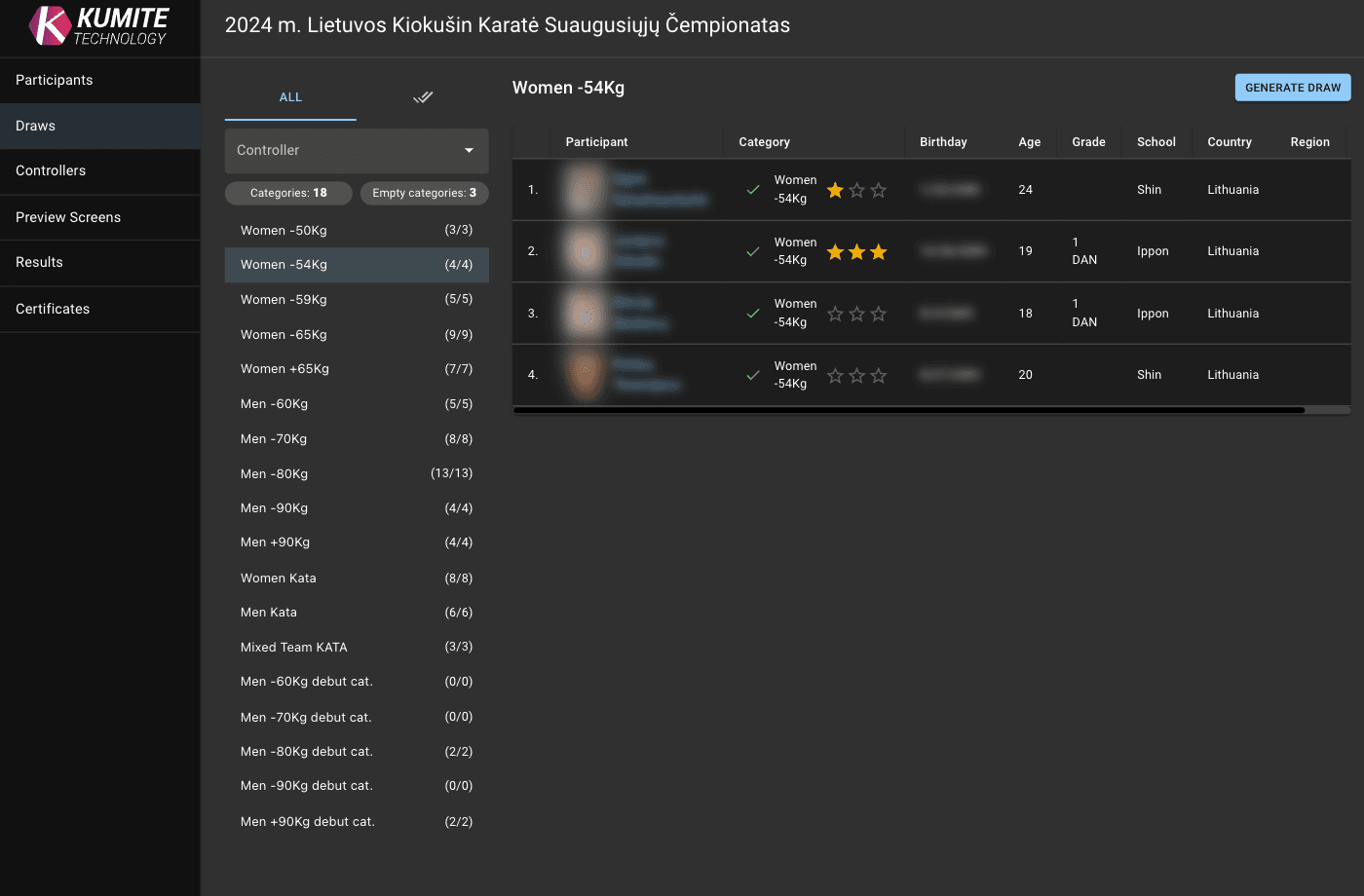
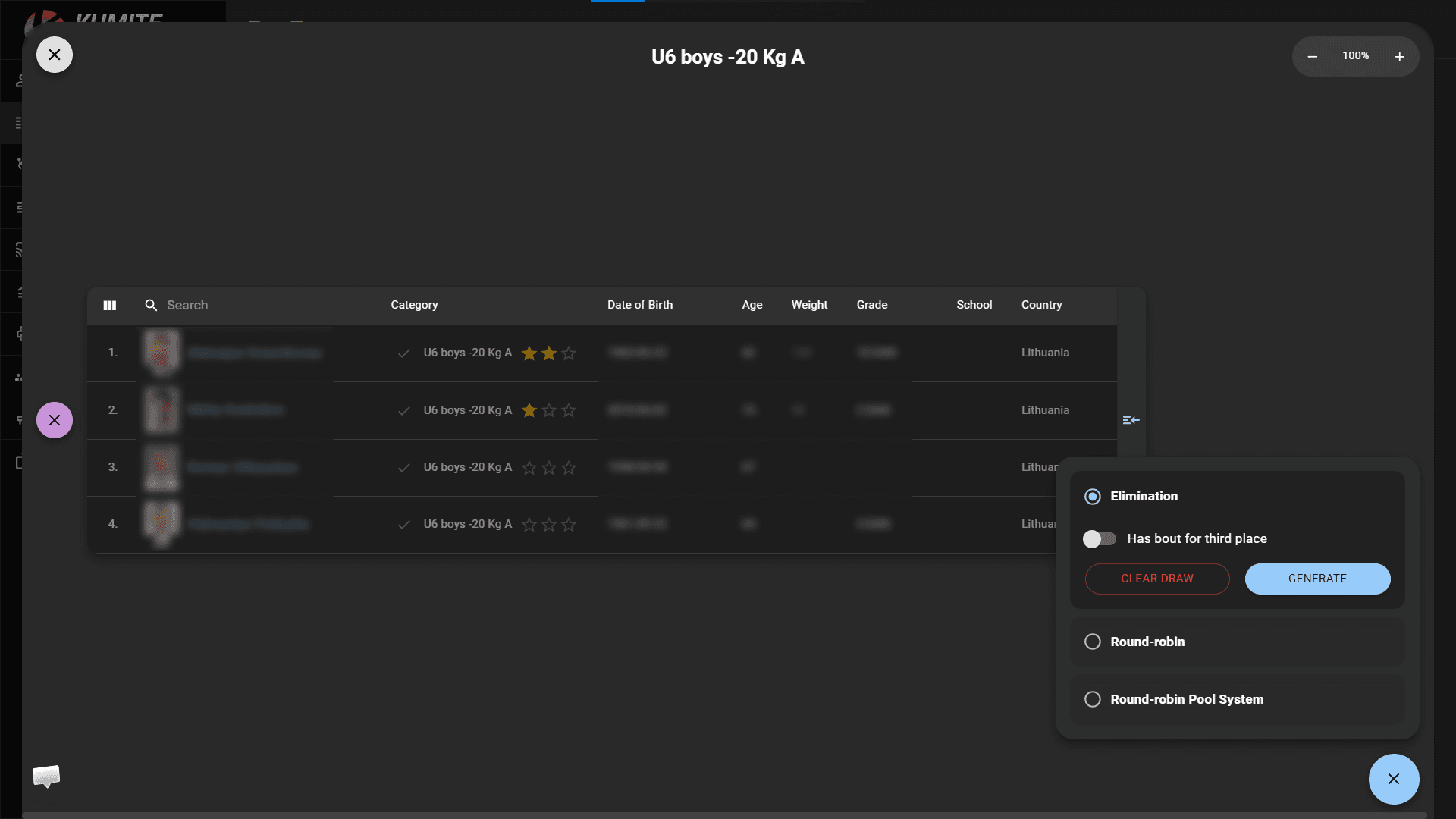
When generating a draw, select the draw type according to the competition format. Available options depend on the category type.
For Kumite, you can generate Elimination, Round-robin or Round-robin Pool System draws.
For Kata, you can generate Elimination, Round-robin, Round-robin Pool System or Kata Points draws with first or last elimination round.
3. Configure Draw Settings
-
Seeding: Adjust participant ranks by clicking the stars to ensure top athletes do not meet in the first rounds.
-
Edit: Click a participant's name to modify their details directly.
-
Finalize: Click the pencil icon, configure the draw settings, and click
Generate.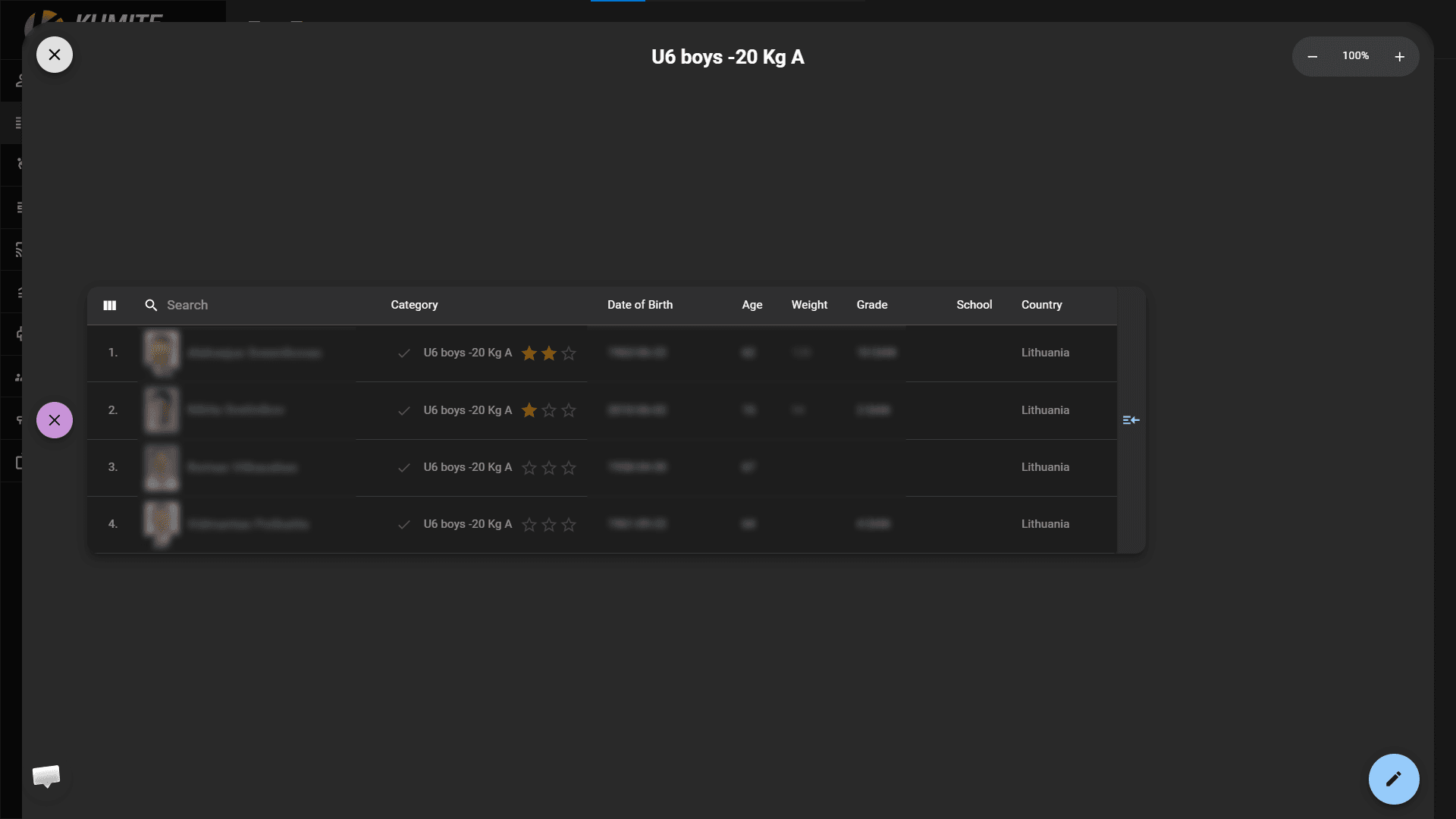
4. Manage Generated Draws
-
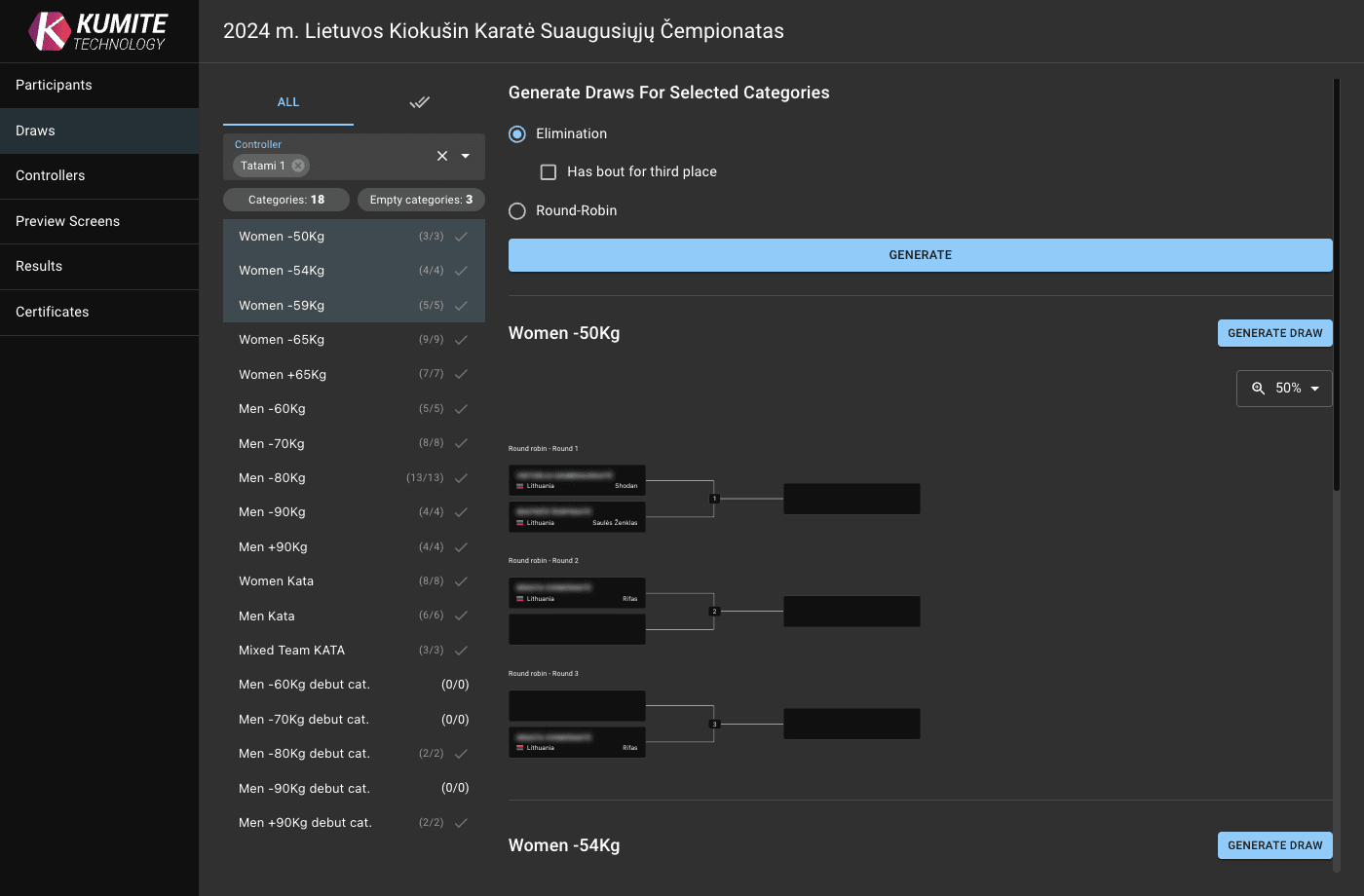
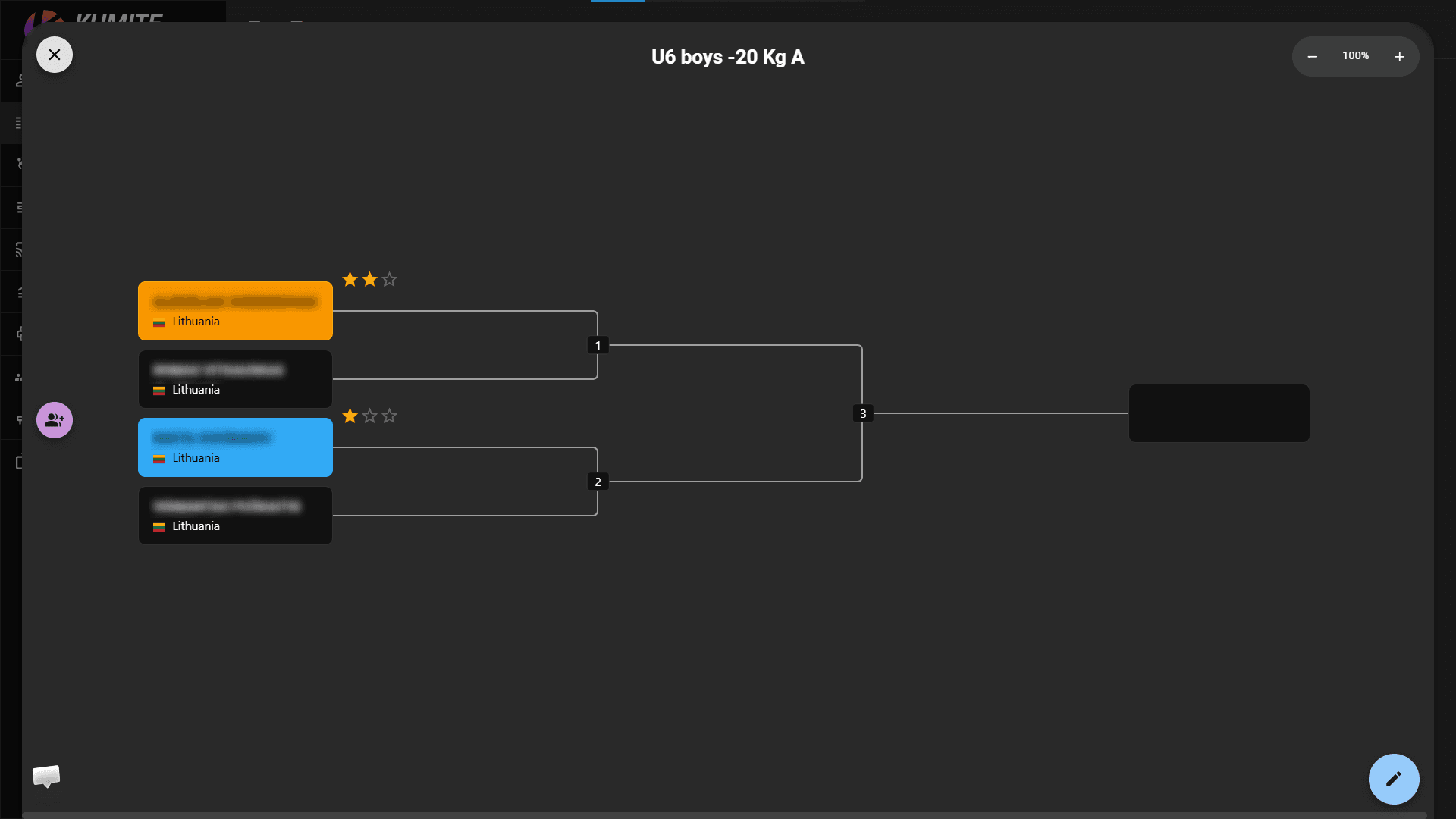
Manual Adjustments: Once generated, you can drag and drop participants to swap their positions in the draw.
-
Multiple Selection: Hold
CTRLwhile selecting categories to select and generate multiple brackets. -
Filtering: Use the
Controllerdropdown to show only categories assigned to a specific controller.