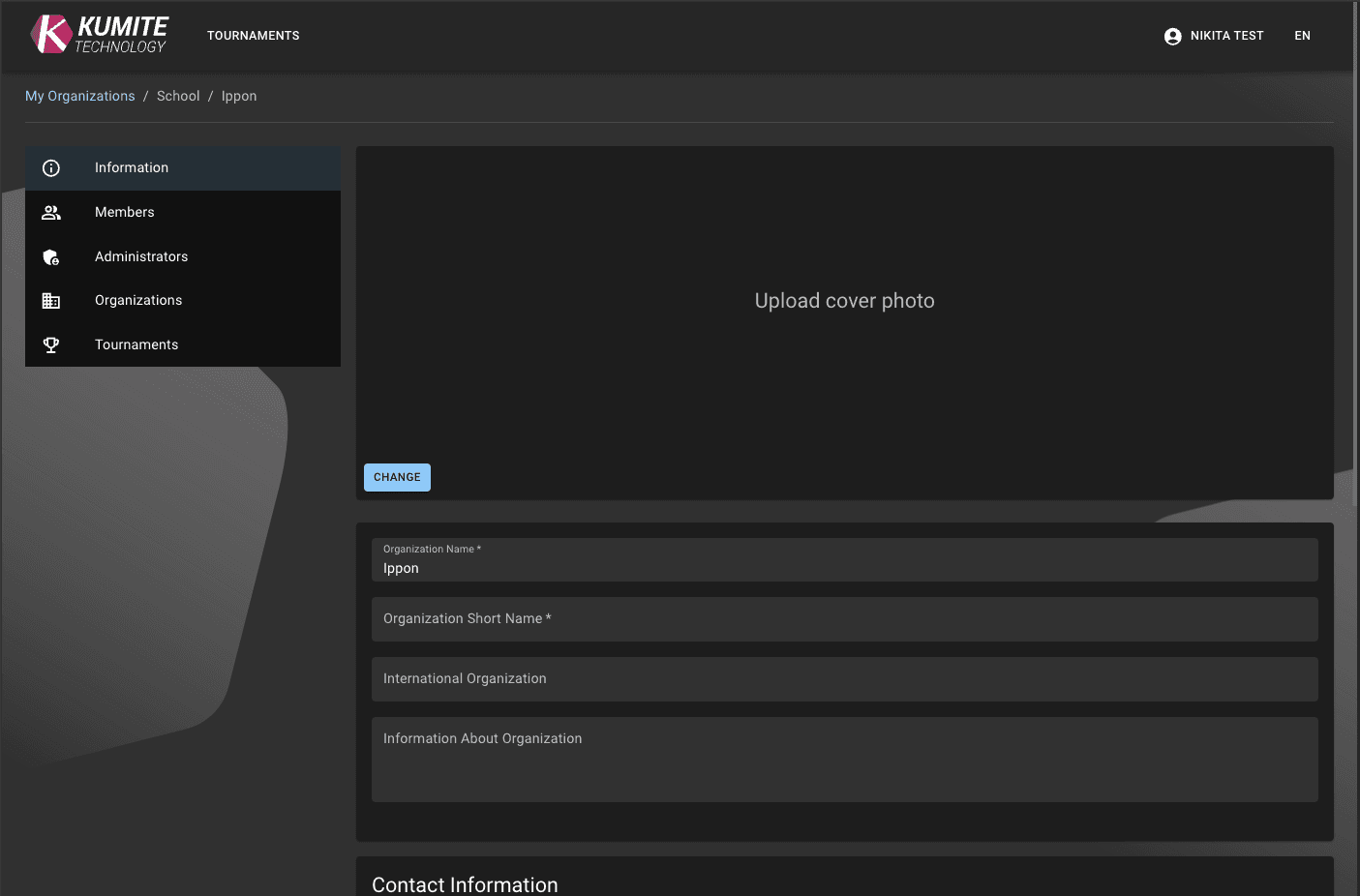

Create
Follow these steps to set up your school in KumiteTechnology.
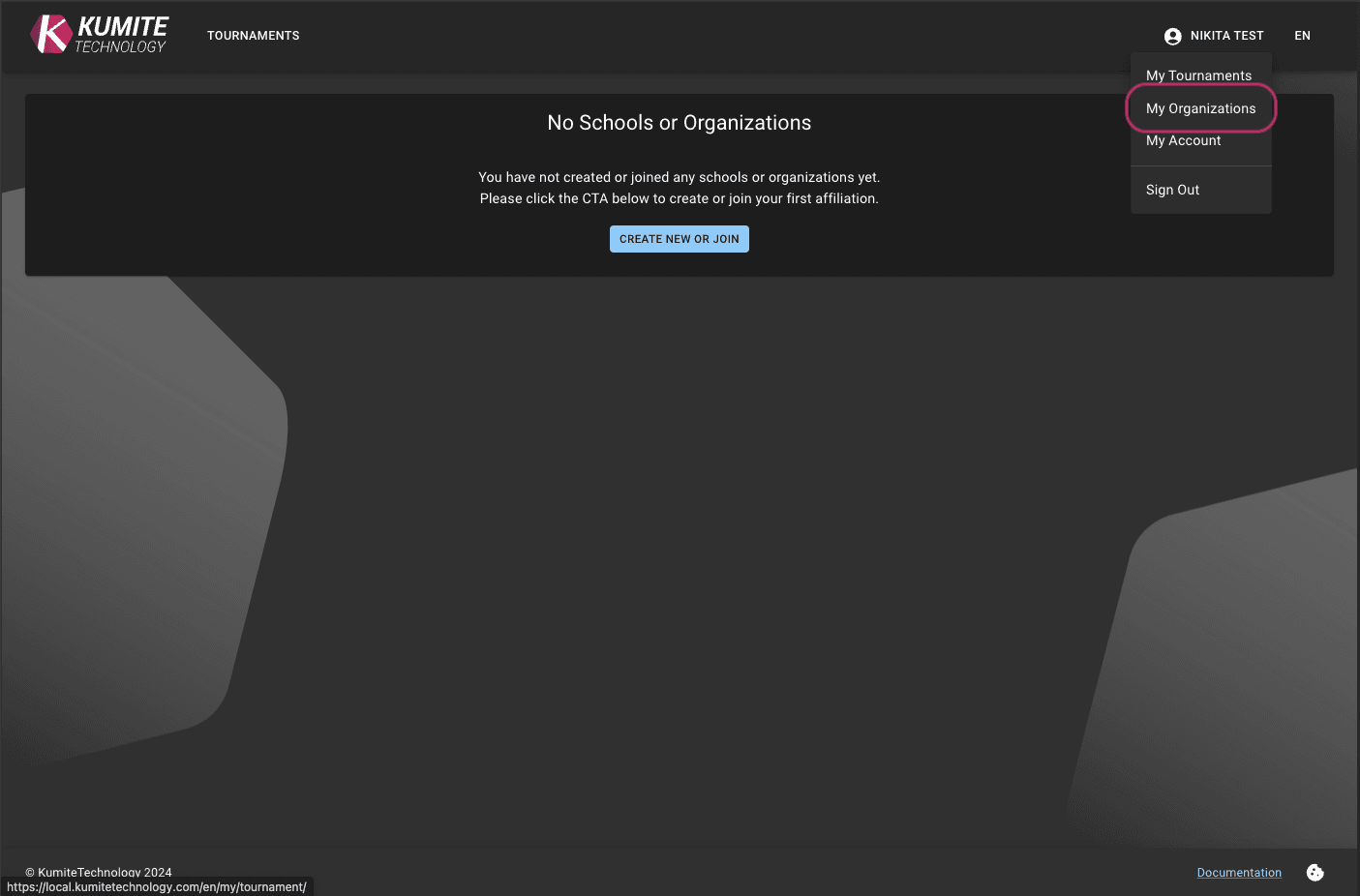
1. Open "My Organizations"
Click on your username in the top menu and select My Organizations.
2. Start School Creation
If you don't have a school yet, click the Create New or Join button.
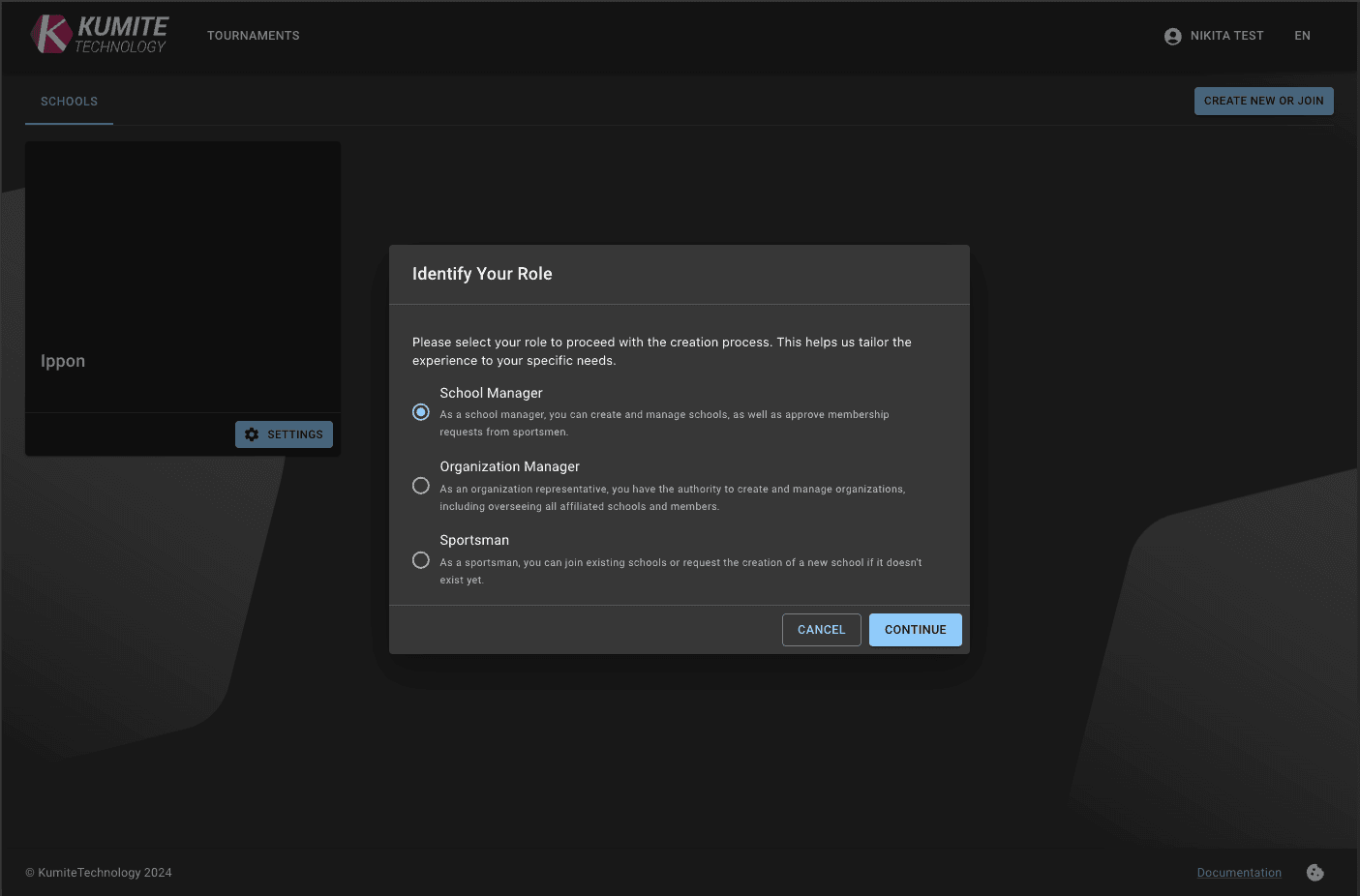
3. Select Your Role
Choose School Manager.
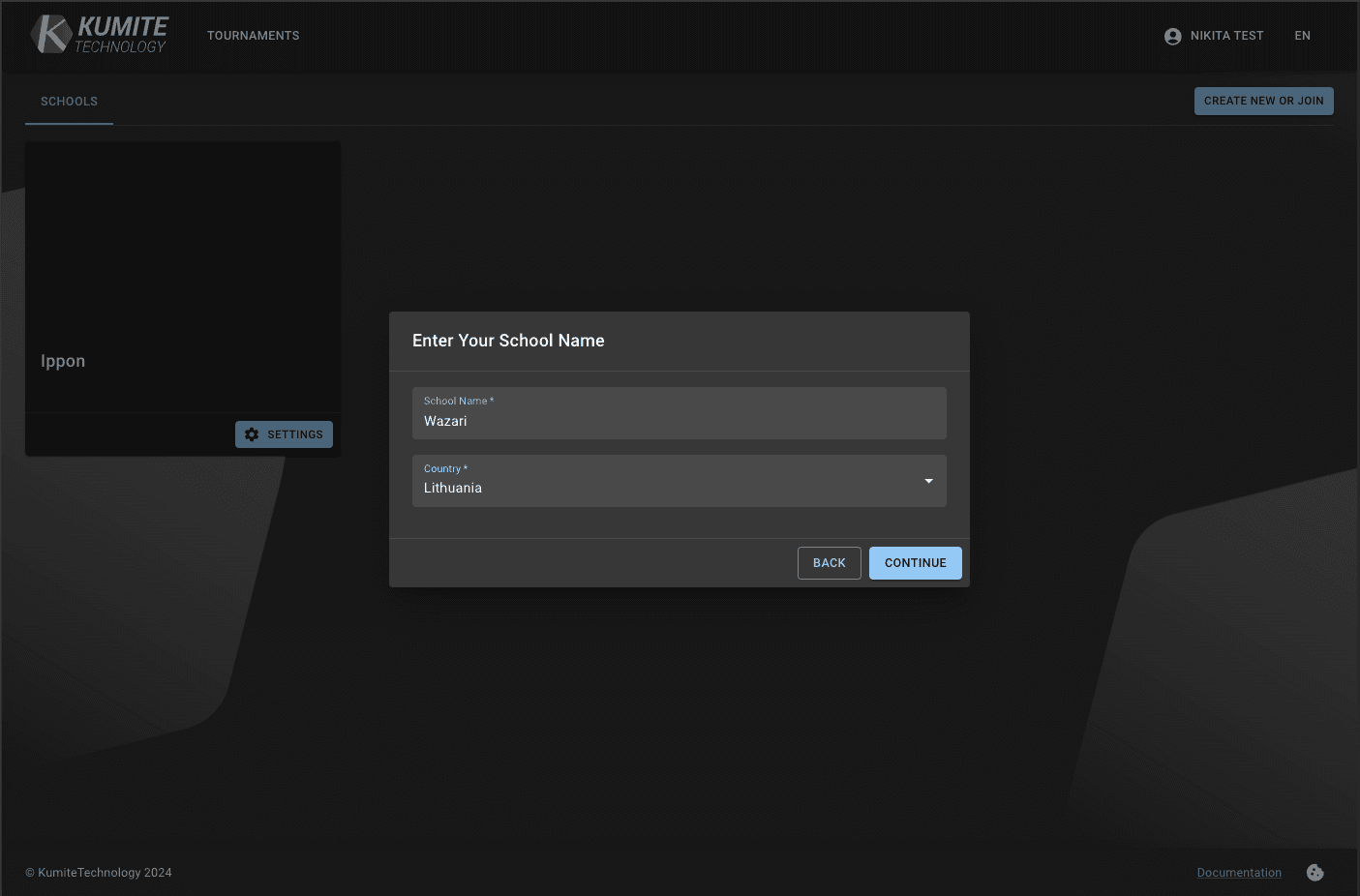
4. Enter School Name and Country
Type in your school's name and select the country.
5. Check for Existing Schools
If the system finds a school with the same name, it will show you a list.
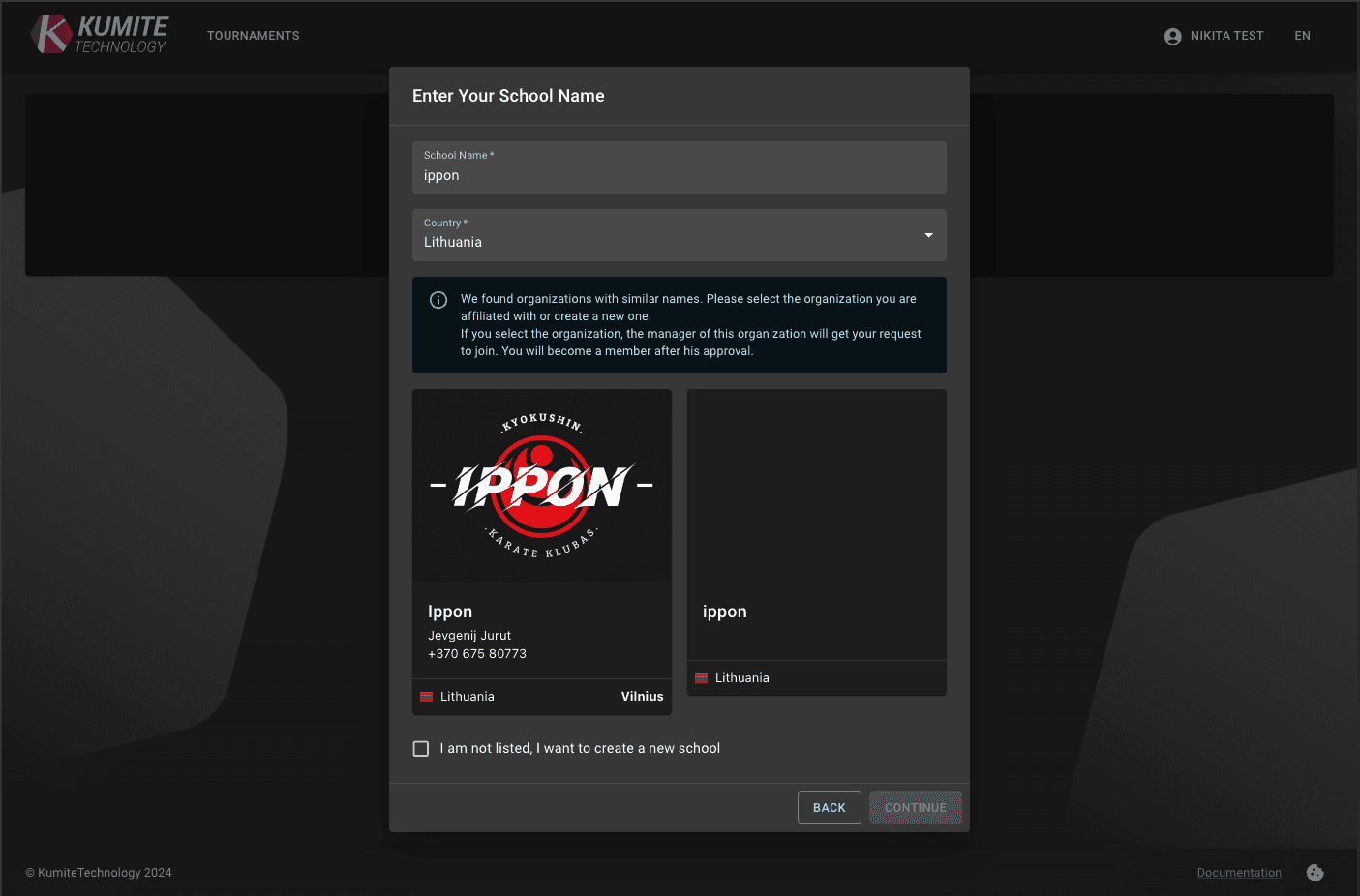
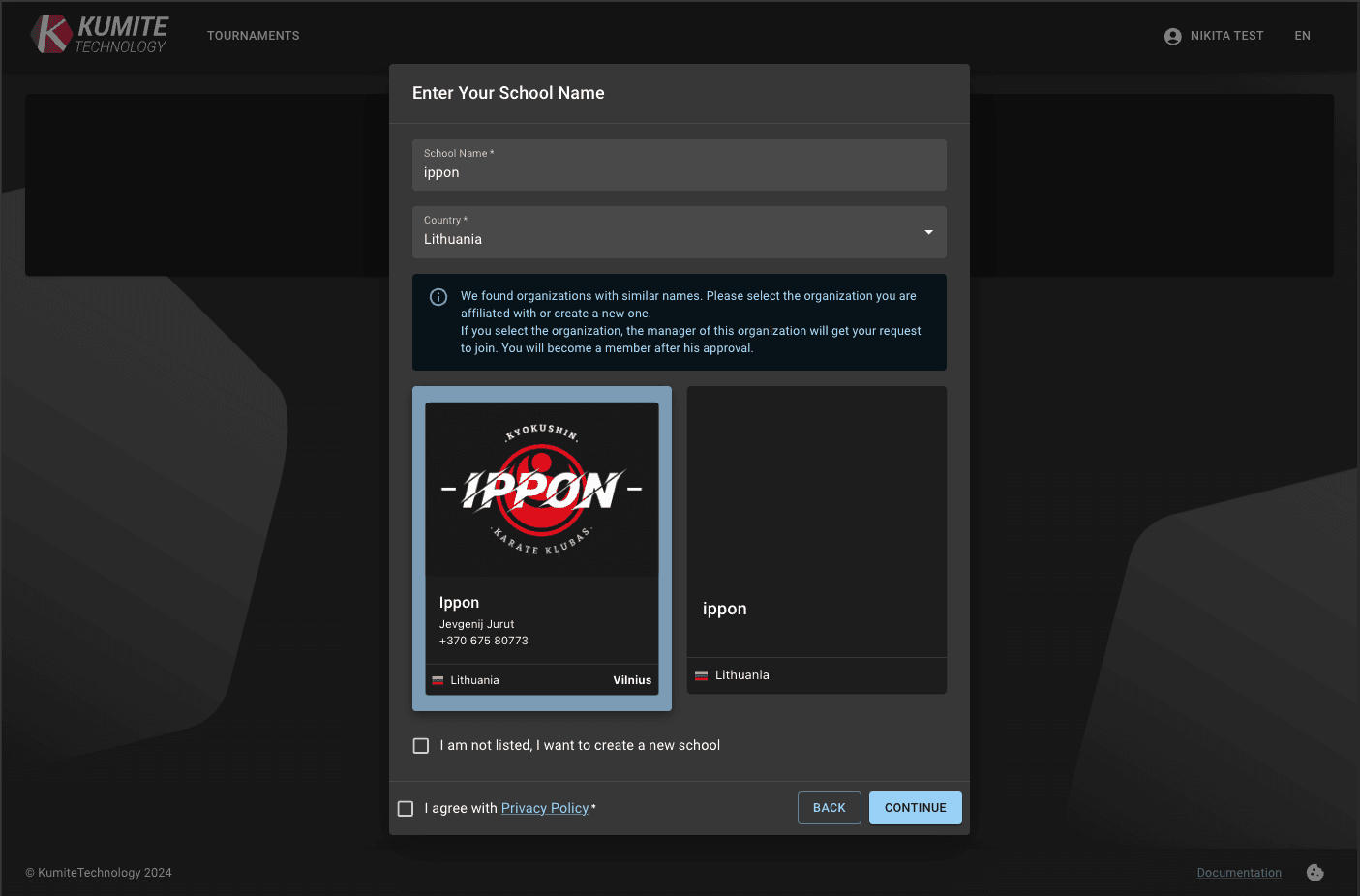
- If your school is listed
Click on the school and press Continue to request to join. The owner will be notified.
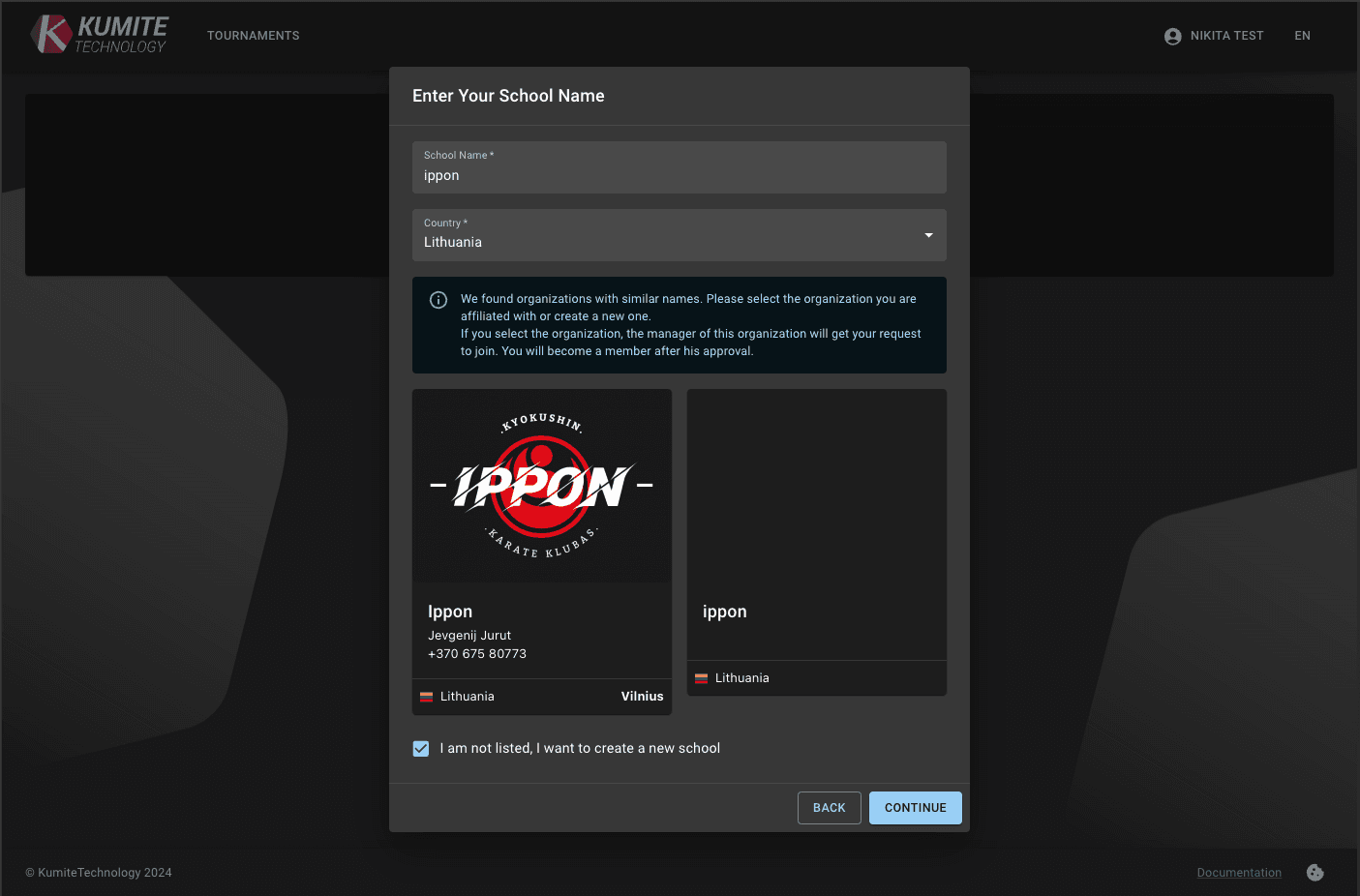
- If your school is NOT listed
Click I am not listed, I want to create a new school and press Continue.
Fill in Details:
Fill in the remaining fields in the form and click Create.
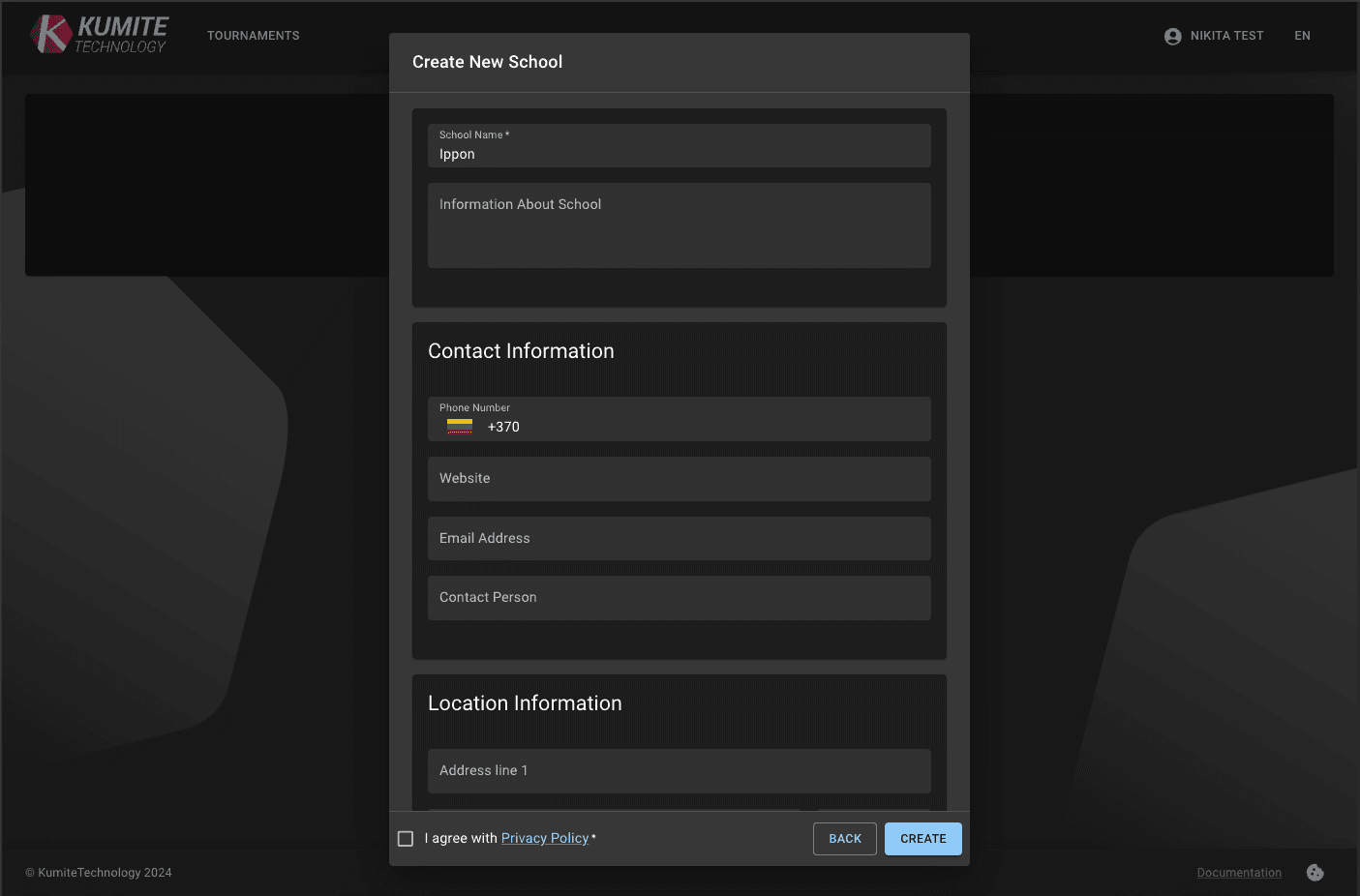
Finish: Submit the form. You will see a confirmation once your school is created.