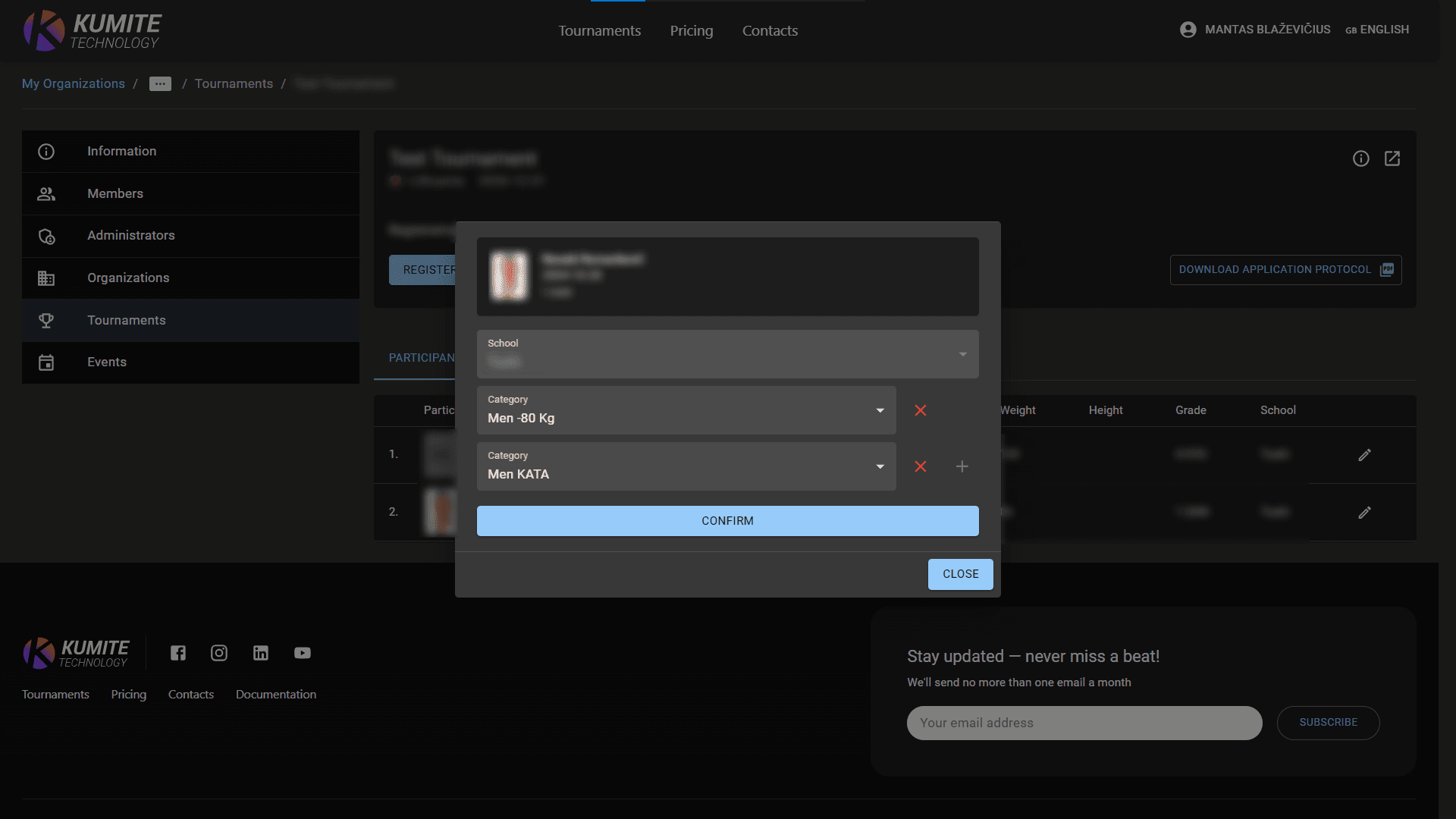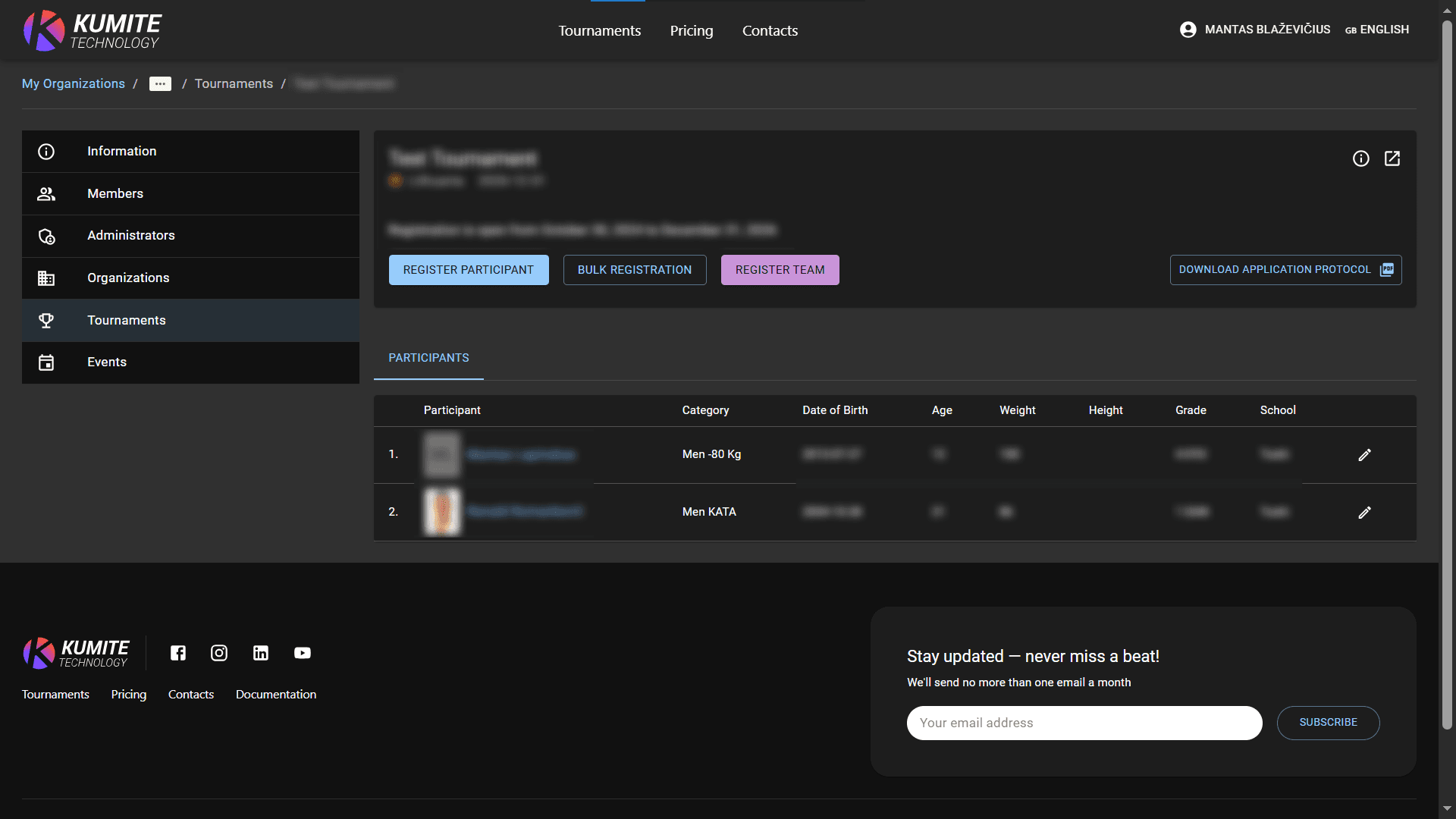

Register to Tournament
You can register participants for a tournament in two ways: through the Member List or directly from the Tournament page.
Follow these steps to register participants to tournament in KumiteTechnology.
Option 1: Register from Member List
Use this if you want to find specific members first.
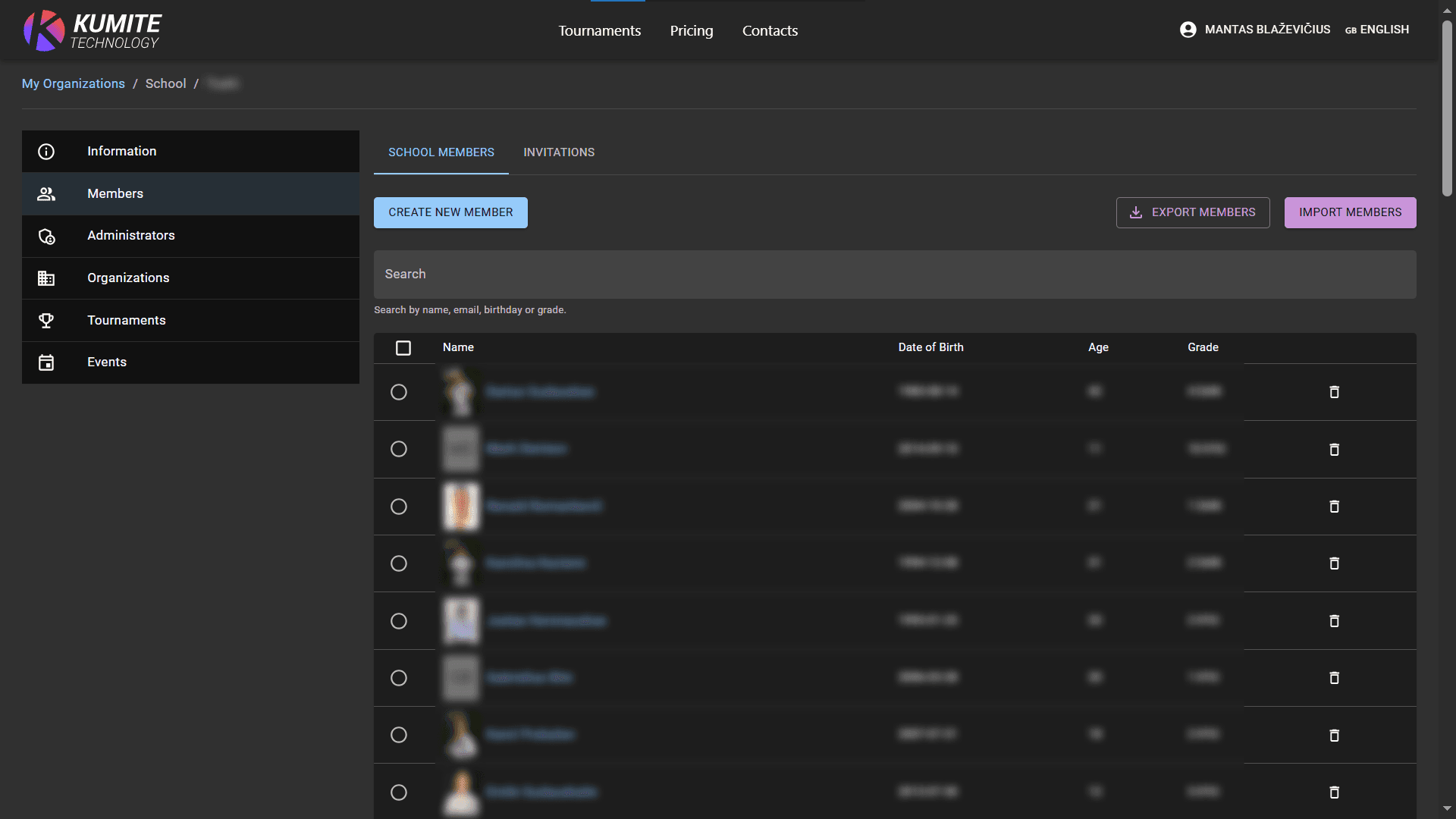
1. Find Member
Go to Members in your dashboard. Use filters (name, birth date, grade) to find the right person.
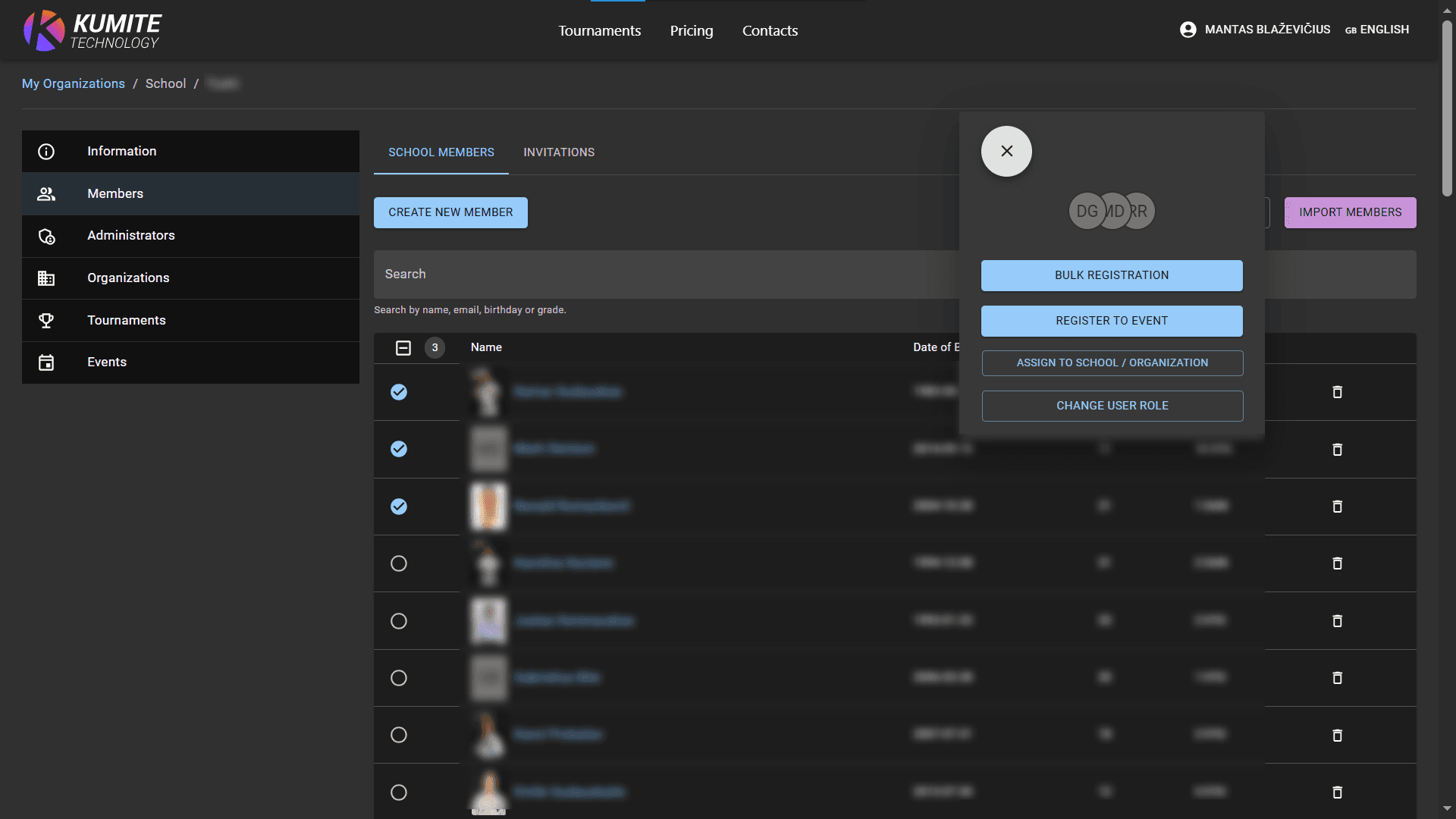
2. Start Registration
Select one or more members and click Register to event.
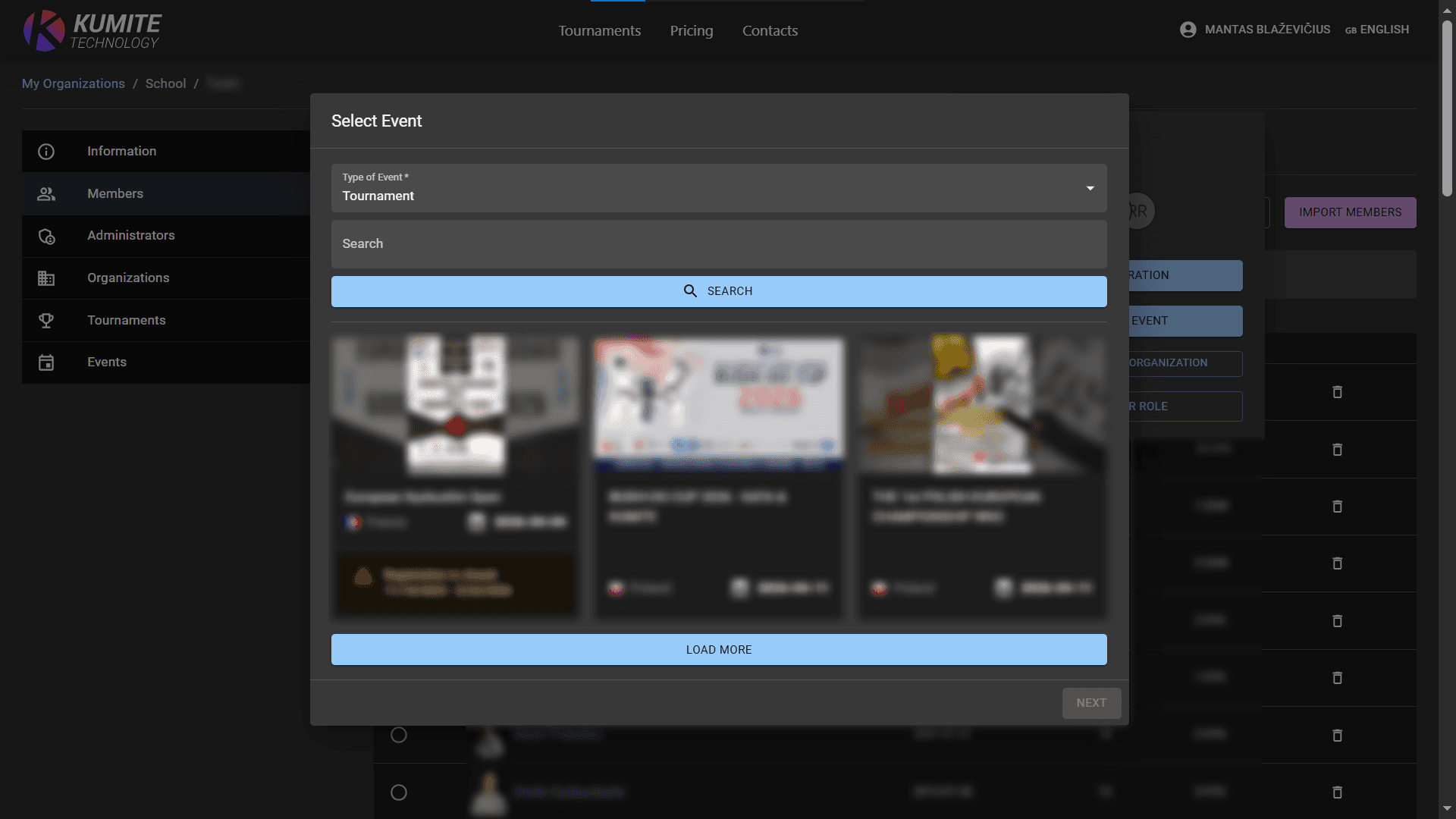
3. Select Tournament & Categories
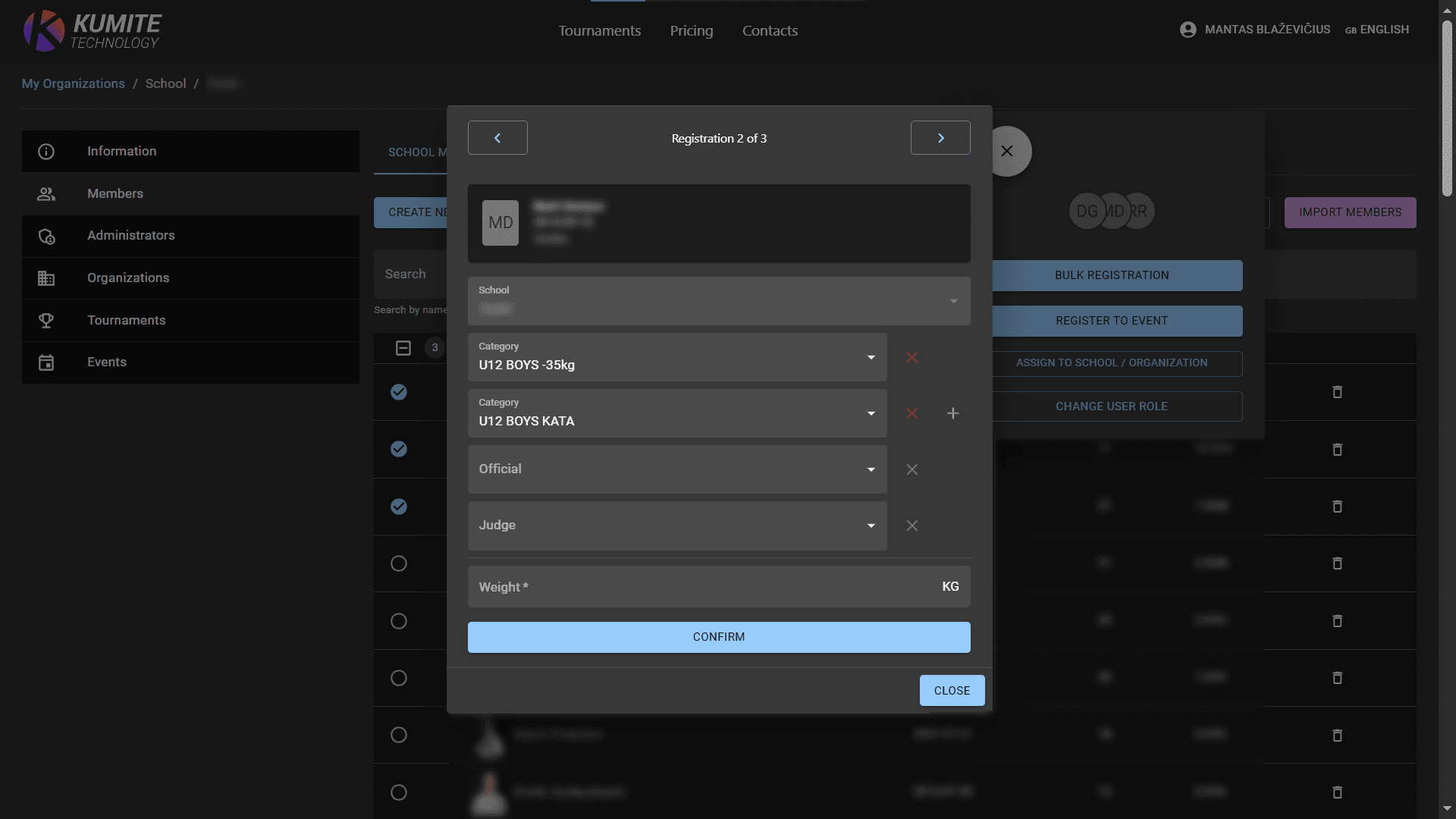
Pick the tournament, then add categories, official titles, or judge roles.
4. Confirm
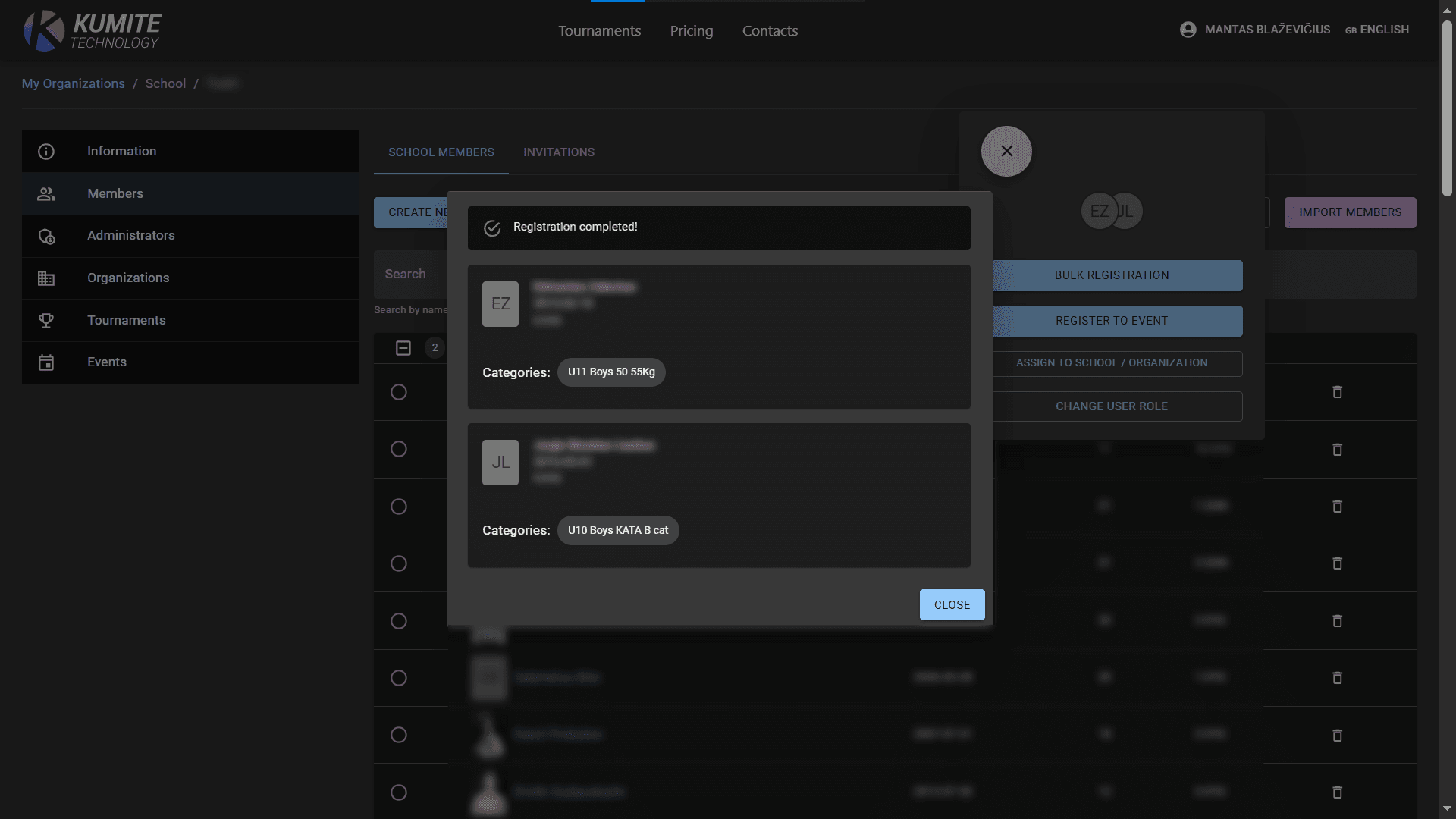
Click Confirm to finish.
Option 2: Register from Tournament Page
Use this if you are already looking at a specific tournament.
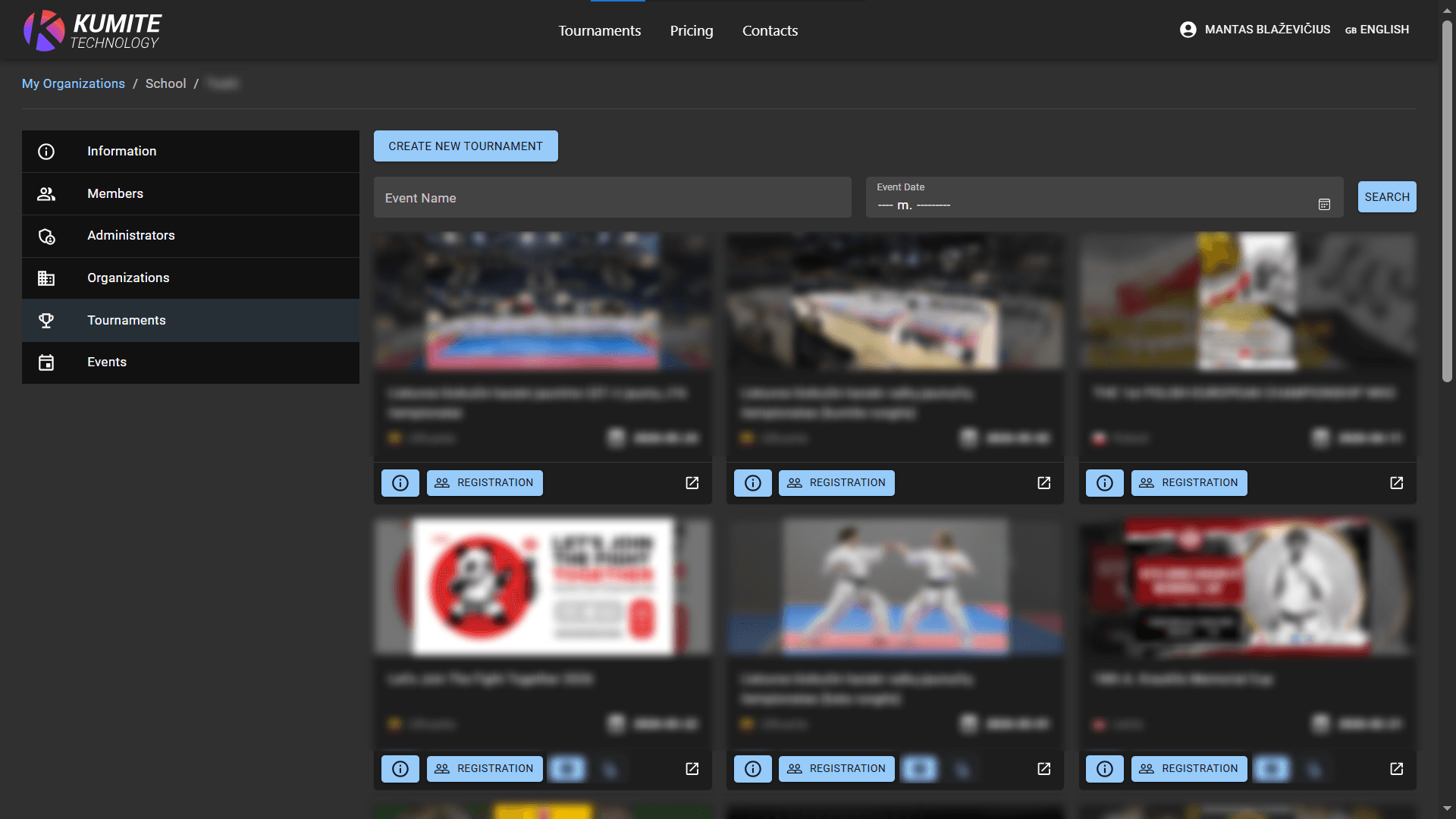
1. Select Tournament
Go to Tournaments and click on the tournament you want.
2. Start Registration
Click Registration, then Register Participant.
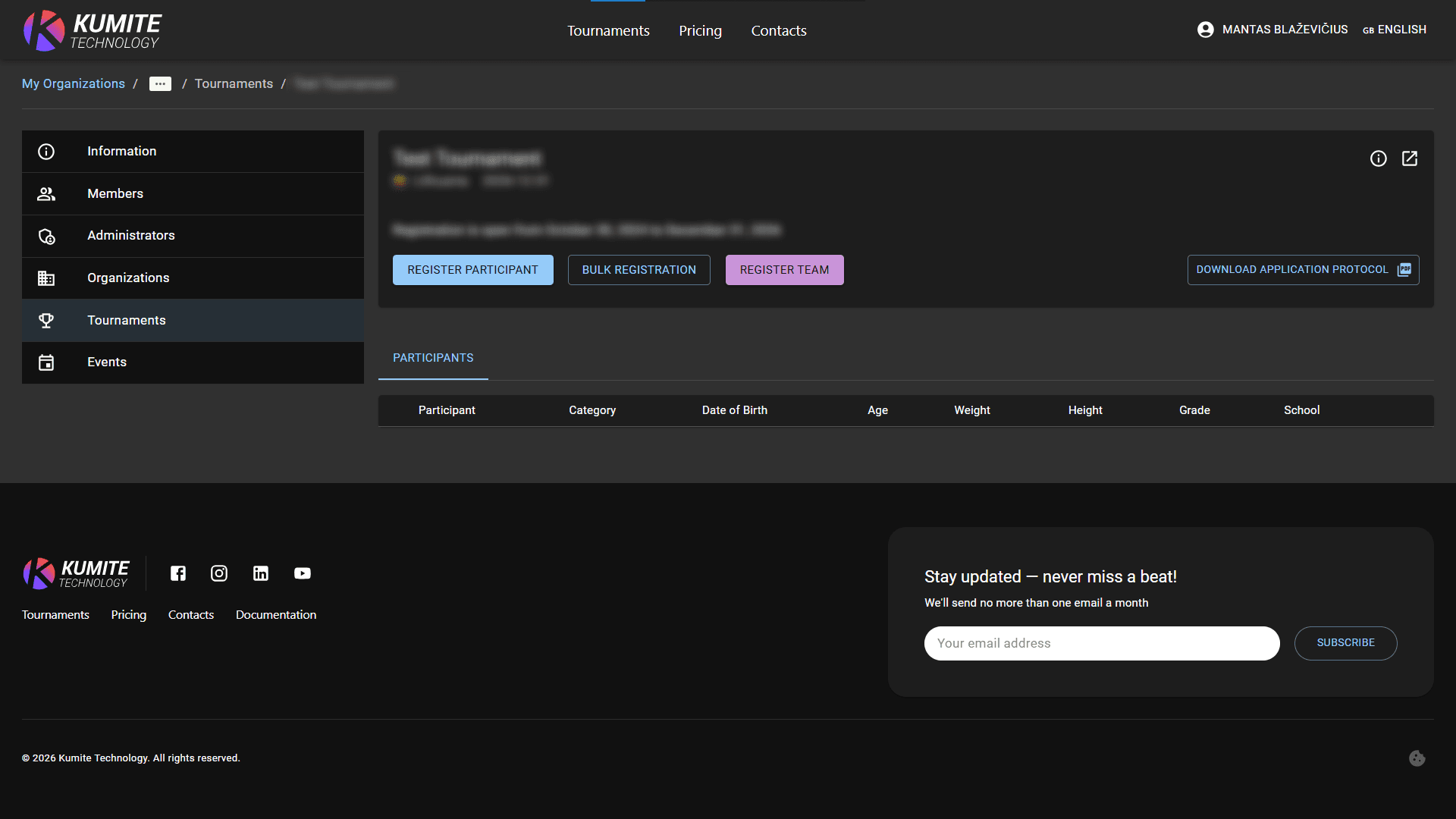
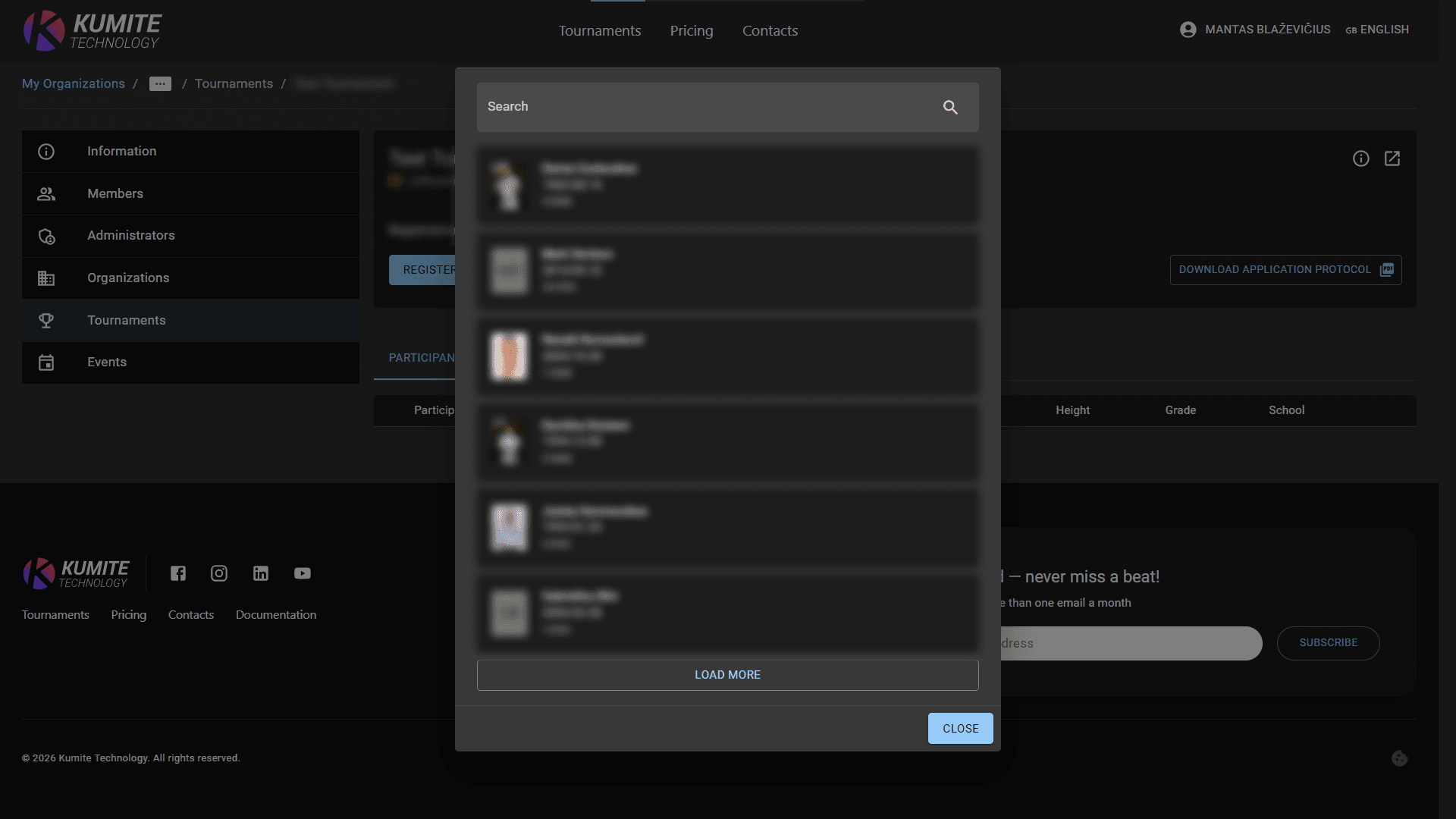
3. Select member
Search for the member and select categories, official or judge titles.
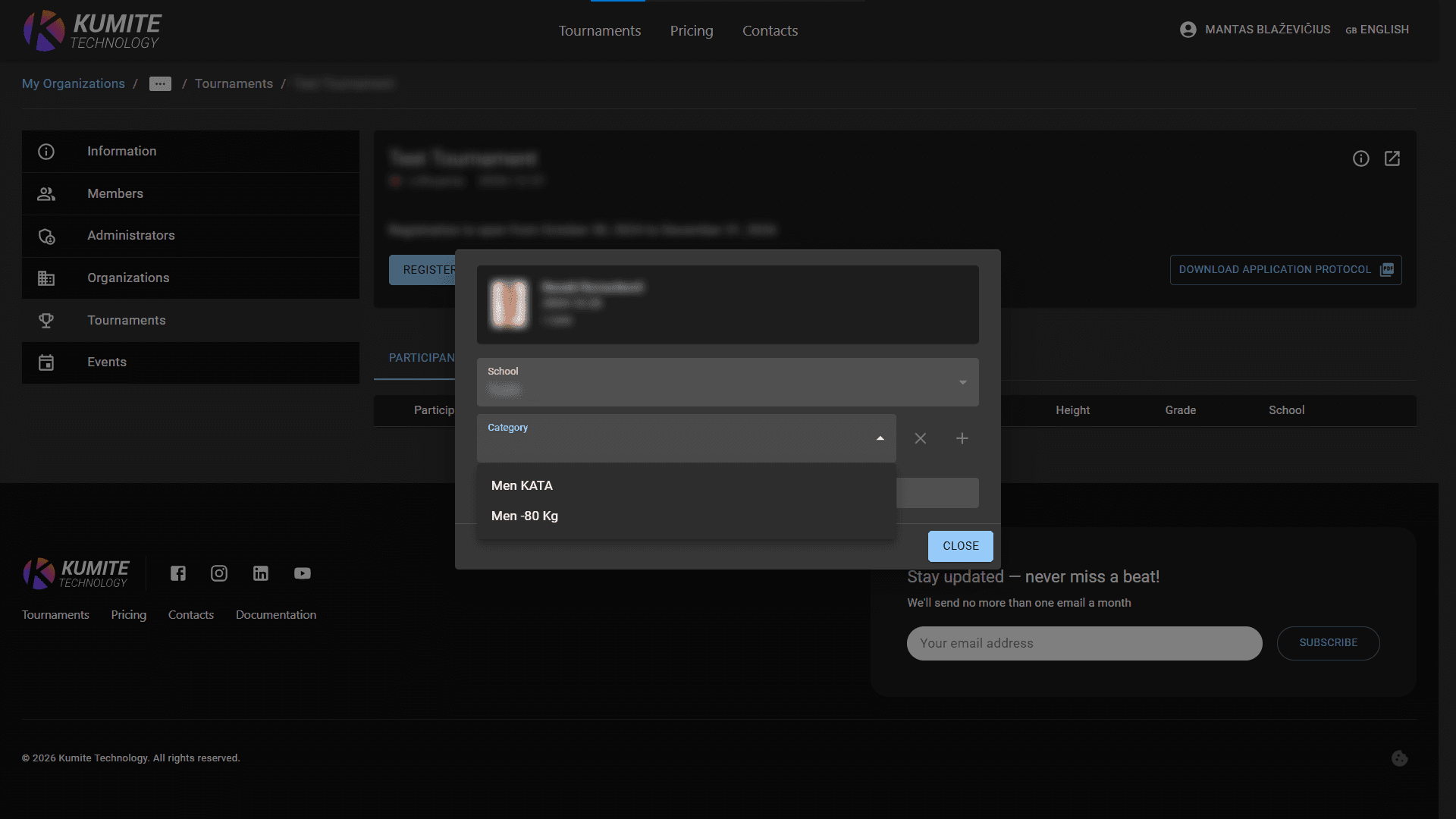
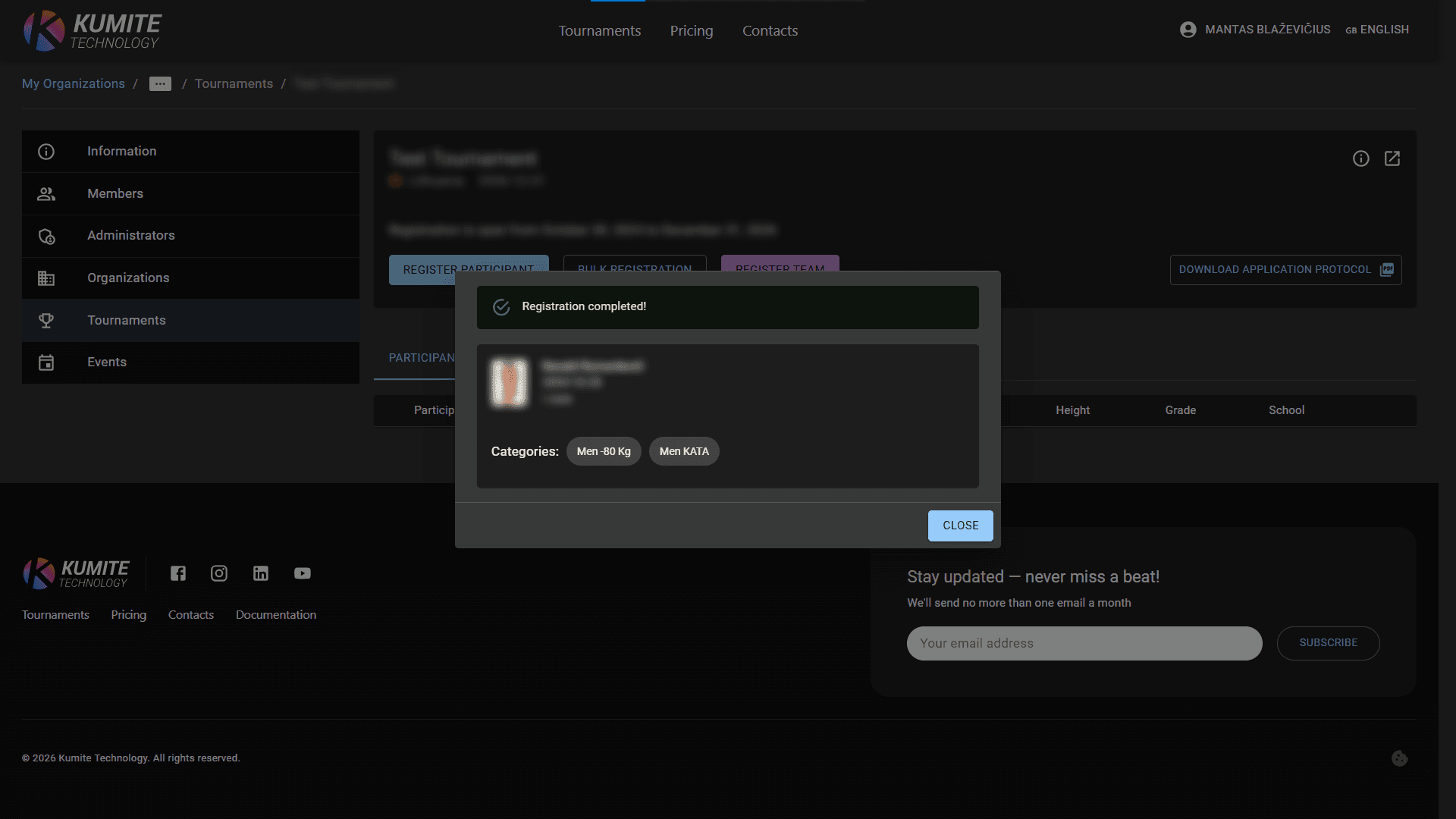
4. Confirm
Click Confirm to finish.
Bulk Registration
To register many people at once, use the bulk tools.
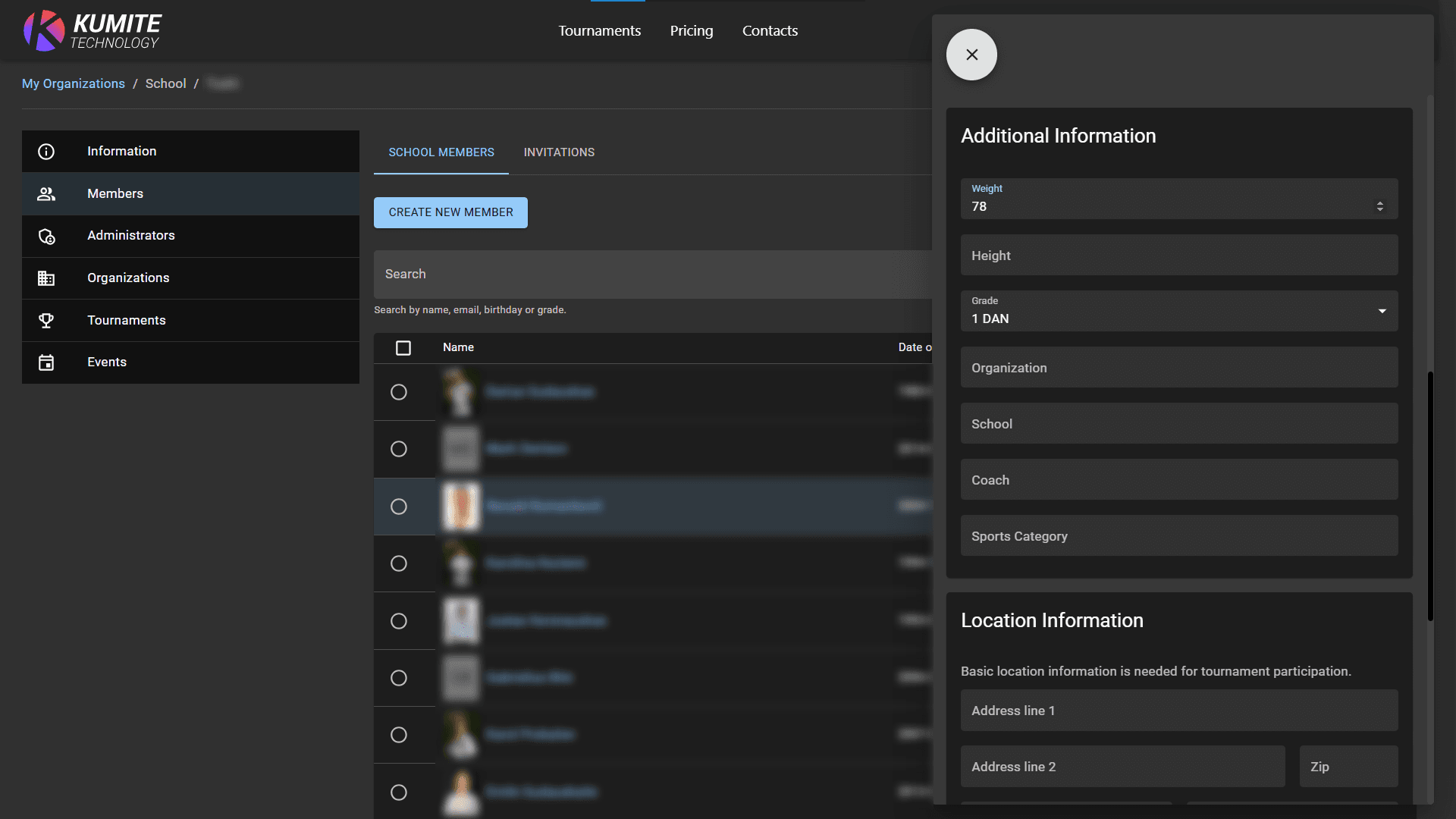
1. Update Weights
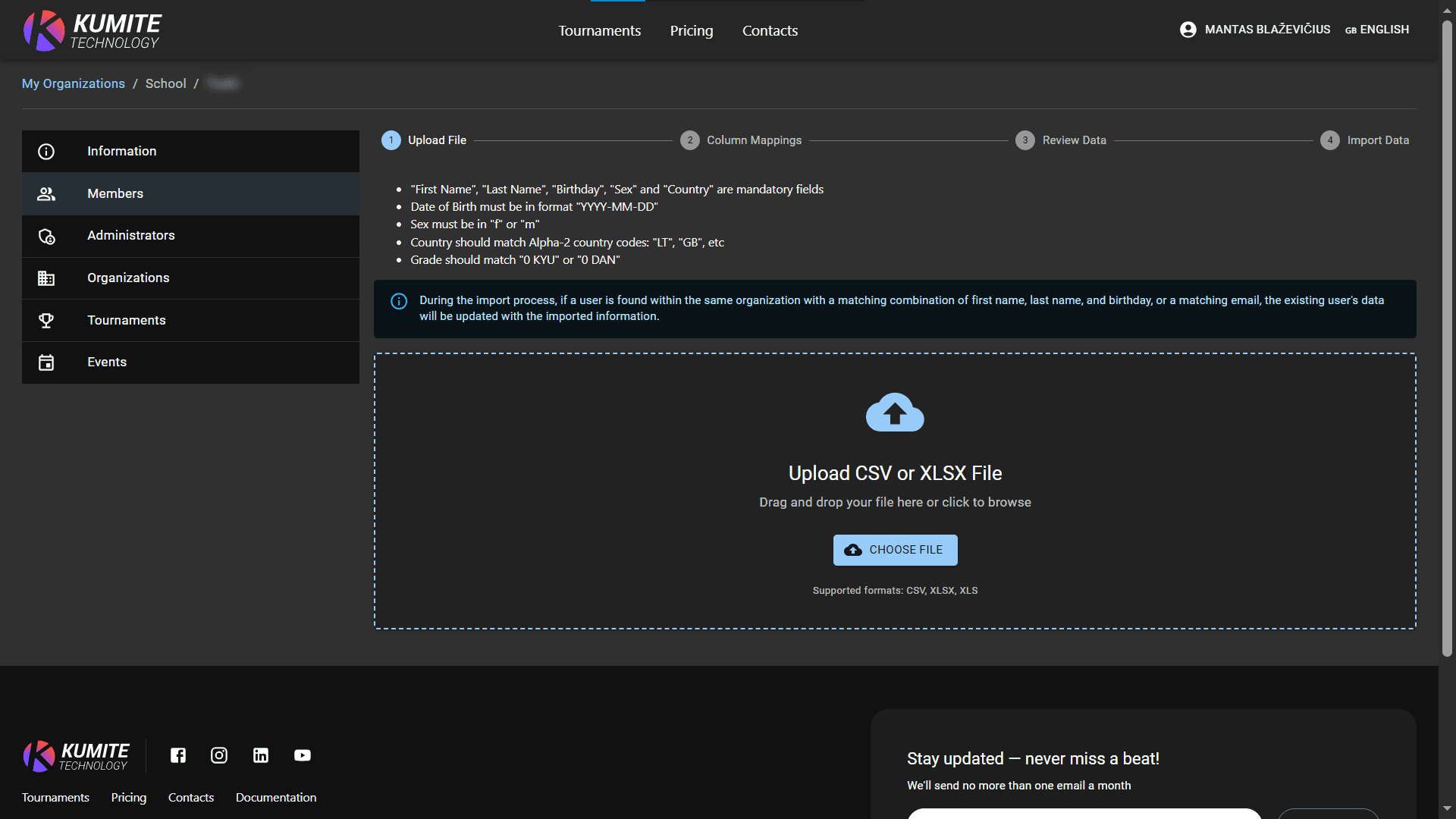
Before registering, ensure all members have their current weight. You can update this manually in the member's profile or via CSV Import (importing will update existing members).
2. Bulk Action
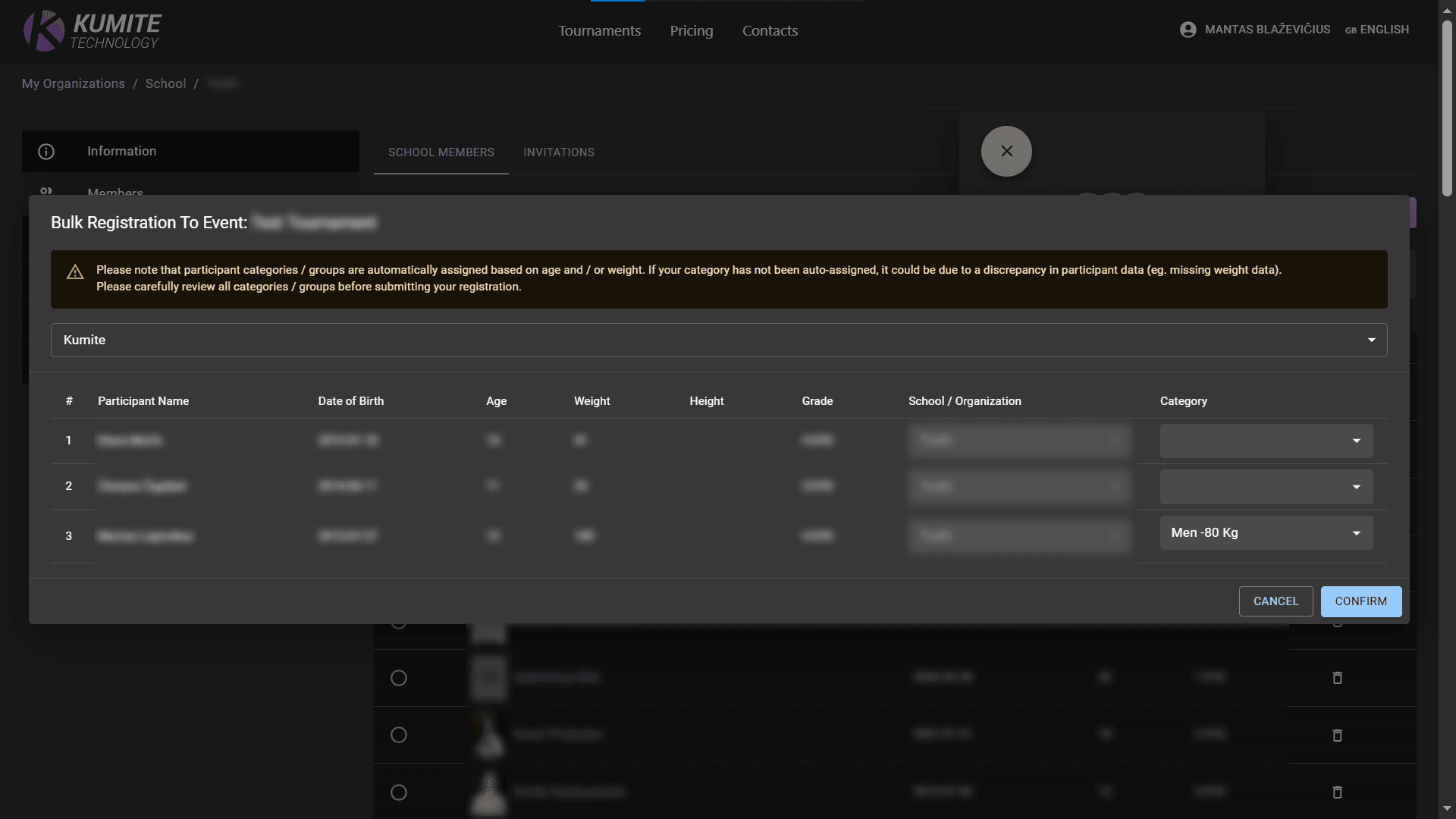
Select members in Members list and click Register to event. The system will automatically assign categories based on age and weight. Carefully check the assigned categories in the table before clicking submit.
Edit Registration
1. Preview
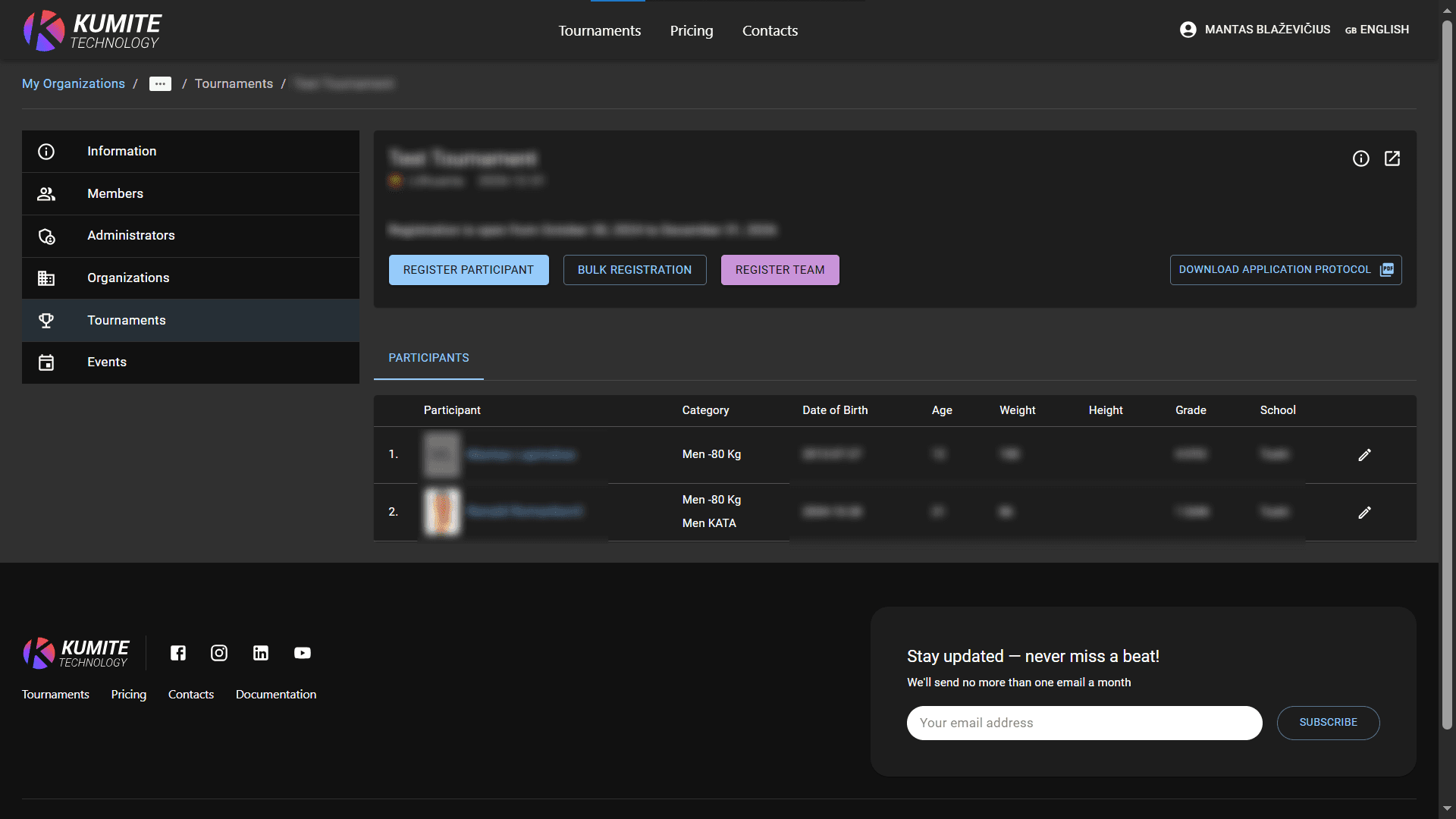
Go to the Tournaments, search for tournament and click Registration to see all your registered members.
2. Edit
Click the Edit icon next to a name to change categories, titles, or roles.