
Schools
Organizations can invite schools to join them. This allows Organization admins to manage members from all affiliated schools and register them for major events like European or World Championships.
Follow these steps to invite Schools in KumiteTechnology.
Invite a School:
1. Go to Schools
Select Schools from the navigation menu.

2. Send Invitation
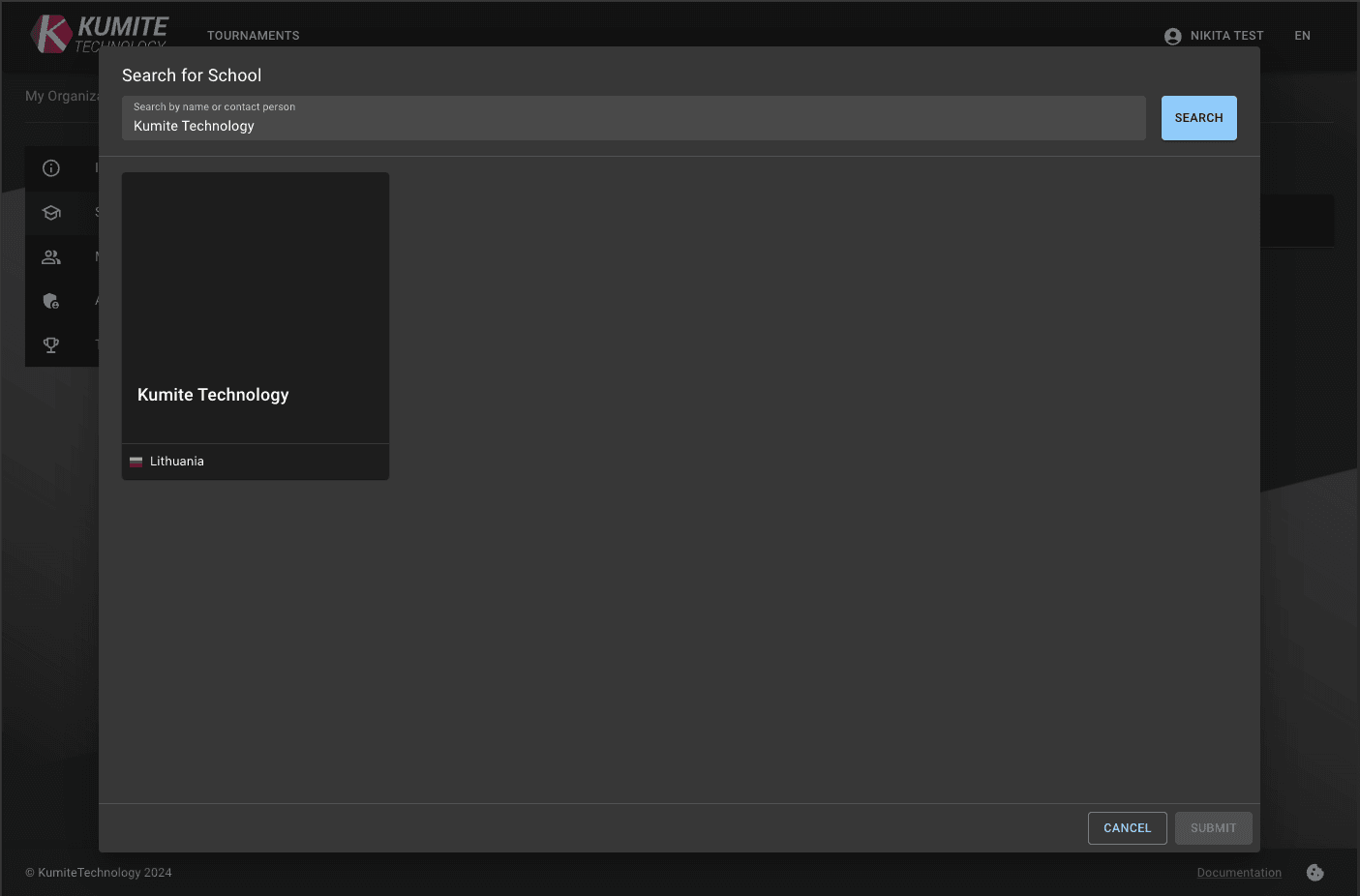
Click the Invite School button. Search for the school by name, short name, or contact person, select and click Submit.
3. Wait for Approval
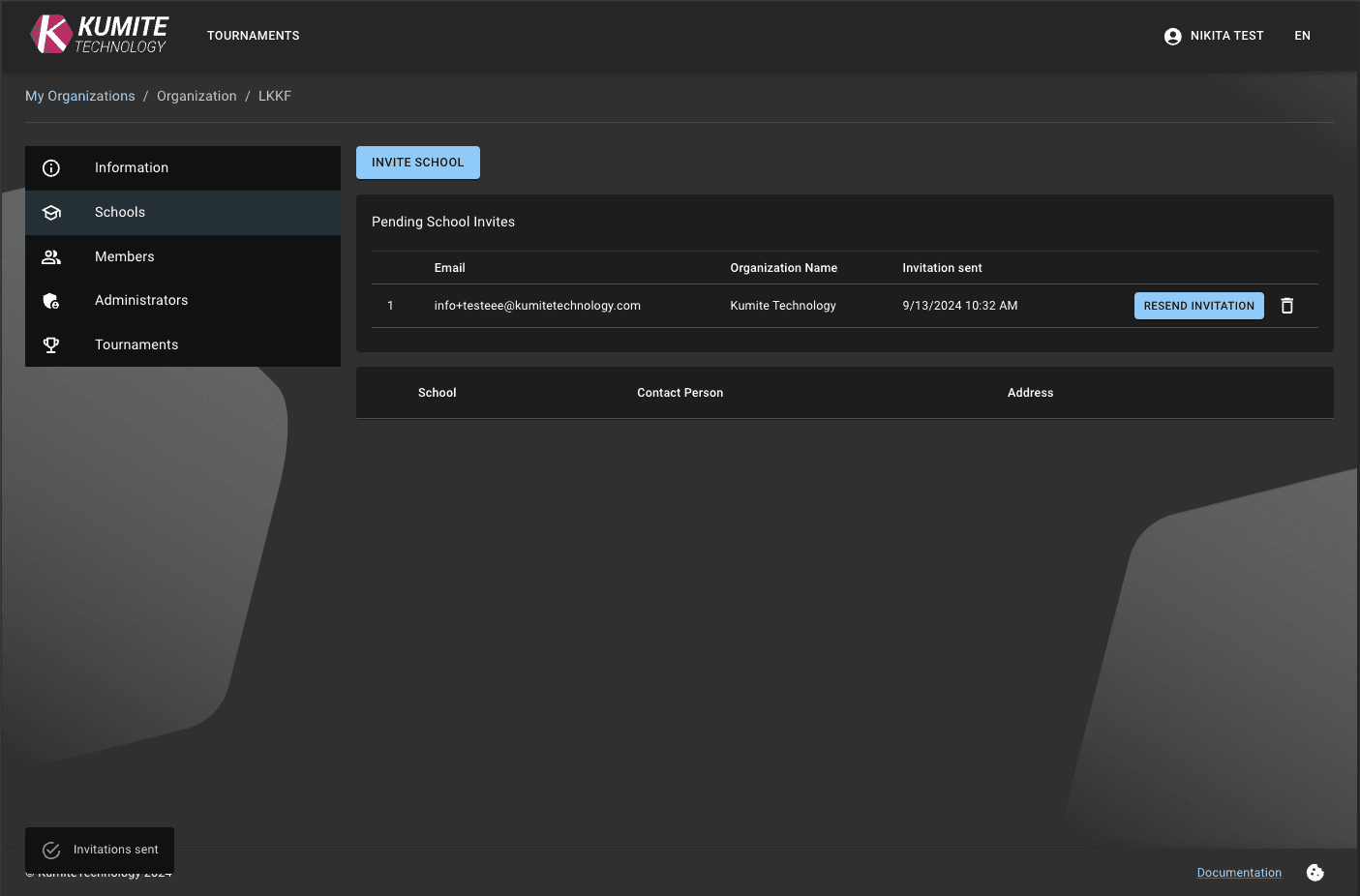
The request will appear as Pending until the school admin accepts it.

Manage Affiliated Schools
Once a school accepts the invitation, you gain access to their data for tournament registrations.
1. School List
Select Schools from the navigation menu to see all connected schools.
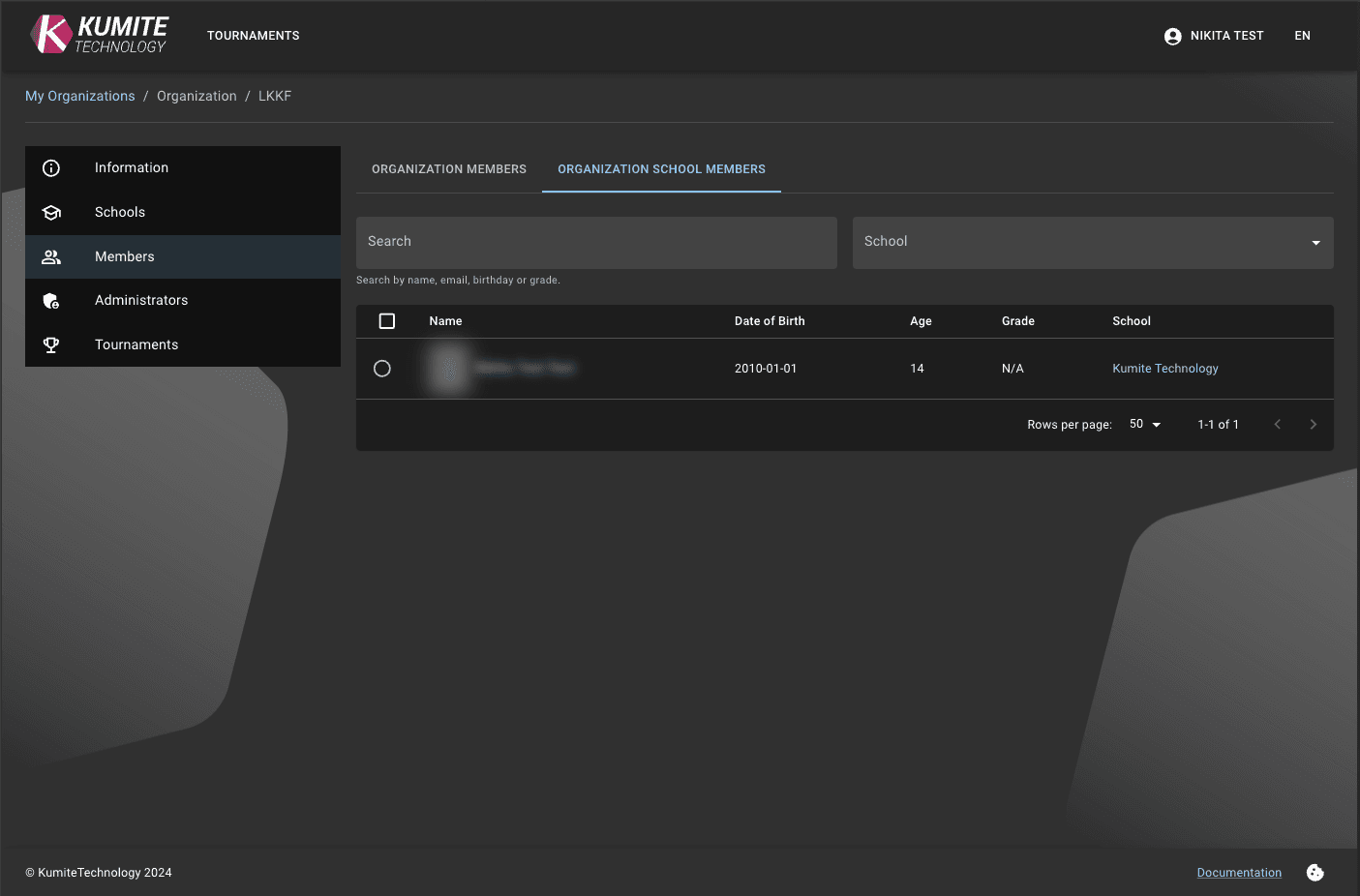
2. View All Members
Go to the Members, then Organization School Members tab to see and manage all members from every school in your organization.