

Tournament Live Stream
Live streaming with Kumite Technology is simple, efficient, and integrates seamlessly with platforms like YouTube. With just a few steps, you can set up a live stream, add overlays, and engage your audience in real time.
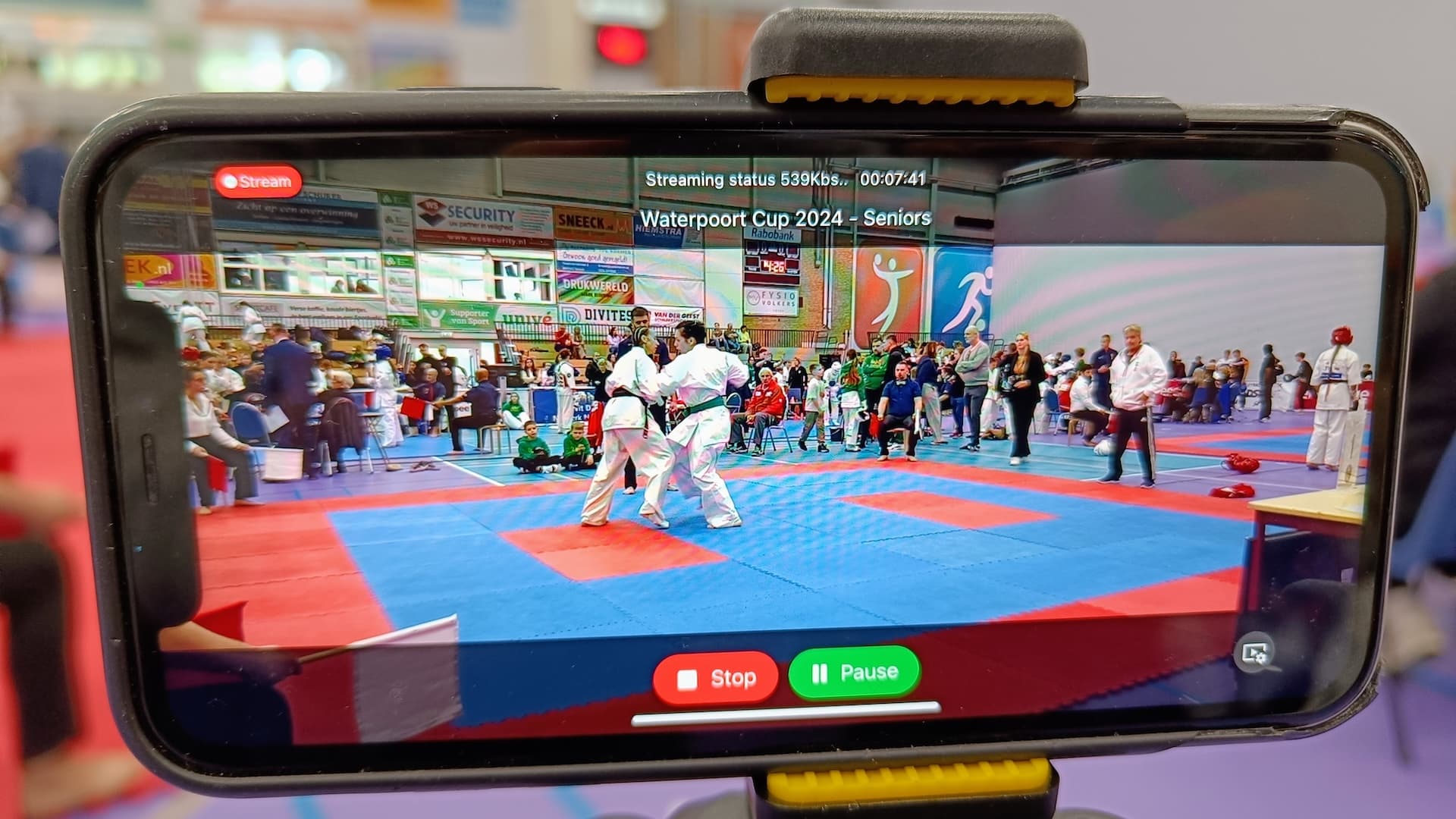
Key Features
- Easy to Set Up: Start streaming in seconds with minimal setup.
- No Special Technical Knowledge Needed: You don’t need any special skills or hardware to get started.
- YouTube Integration: Directly integrate with YouTube for seamless streaming.
- Quick Stream Creation: Generate a stream quickly using our platform.
- QR Code Setup: Simply scan the QR code generated on our platform with your iOS device to configure the stream automatically.
- Informational Overlays: Add value to your stream with real-time information overlays by assigning controllers to manage the feed.
Requirements
To start live streaming, you’ll only need the following:
- iPhone with iOS 16 or later
- Tripod for stable video capture
- Power supply for continuous streaming
That's it—no special technical knowledge or additional equipment needed!
Get Started
Step 1: Set Up Live Stream
Navigate to the Set Up Live Stream page for a detailed guide on configuring your stream, including integrating with YouTube and generating the QR code.
Step 2: Assign Controllers
Go to the Assign Controllers page to learn how to add information overlays by assigning controllers, ensuring your audience stays informed and engaged throughout the live stream.